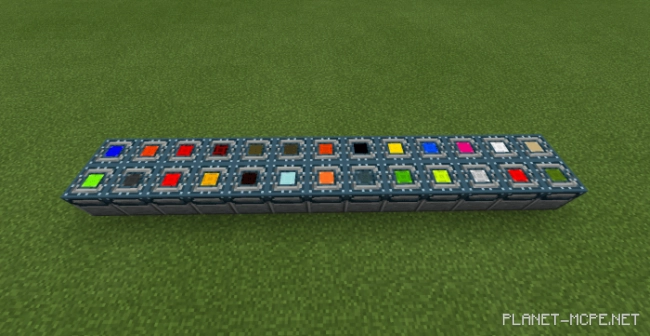
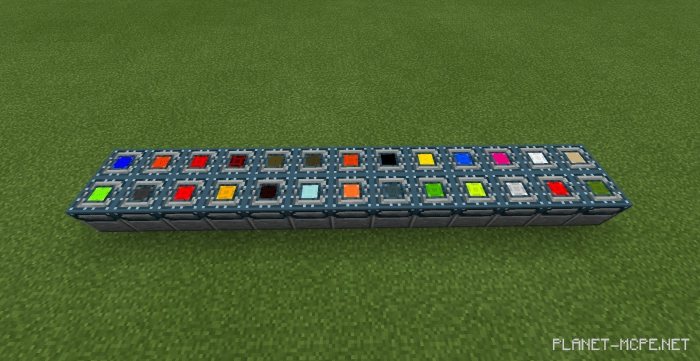
Have you ever encountered enchanted blocks that grant you a specific effect when stepped on? If not, now is the perfect time to download the mod “Potion Blocks” and introduce these unique blocks into your Minecraft experience. The concept is straightforward; they are placed just like regular blocks, but they provide an effect upon contact with the player.
Block Features:
They feature animations.
They cannot be processed, as their structure is among the most complex in Minecraft.
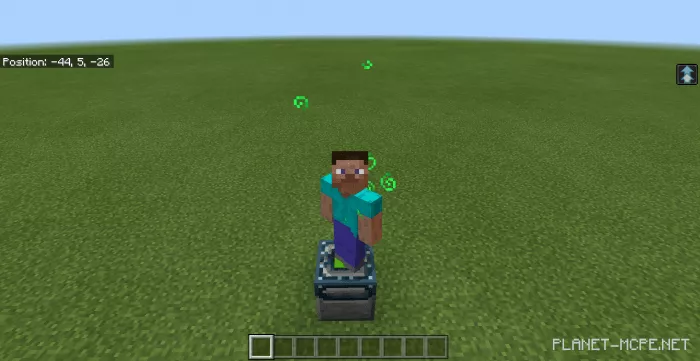
When a player steps on a block, they receive a corresponding effect that lasts for 10 seconds.
When you stop at a block, you will experience an endless effect action.
Each block has a specific effect.
Effects:
Absorption
Blindness
Fire Resistance
Haste
Health Boost
Hunger
Instant Damage
Instant Health
Invisibility
Jump Boost
Levitation
Mining Fatigue
Nausea
Night Vision
Poison
Regeneration
Resistance
Saturation
Slow Falling
Sluggishness
Velocity
Power
Underwater Breathing
Fragility
Desiccator Effect
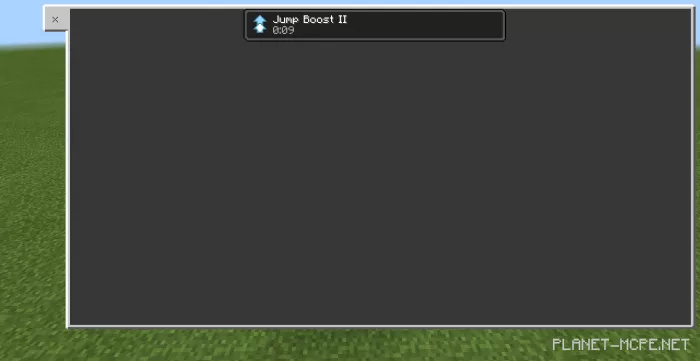
How does it function?
Once you descend from the block, a countdown will commence. The effect lasts for a duration of 10 seconds.