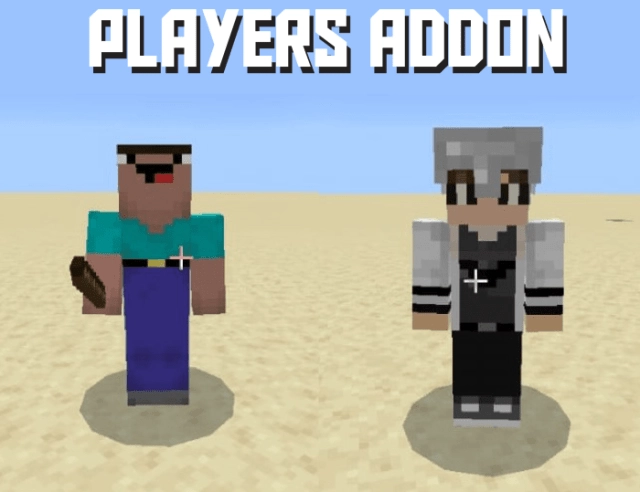
Feeling bored playing Minecraft solo? The mod “Players” introduces two new non-playable characters that will enhance your gaming experience and add some fun! The two new mobs are named Crazy and Random Players.
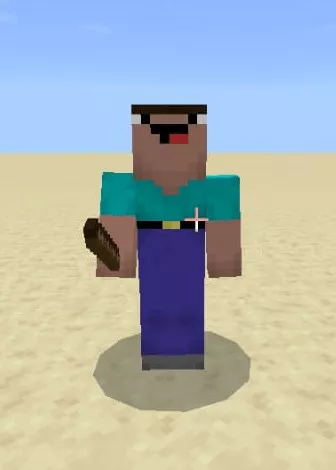
Crazy
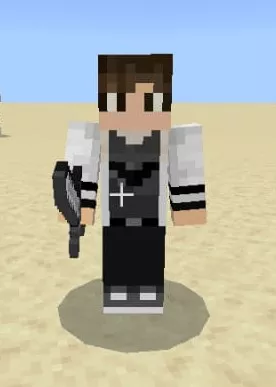
A crazy non-playable character appears throughout the Minecraft world. He always carries a stick with him, just in case something happens.
Attributes:
Health: 20 HP, similar to a regular player.
Attack damage: 1 HP, which includes the damage dealt by the stick.
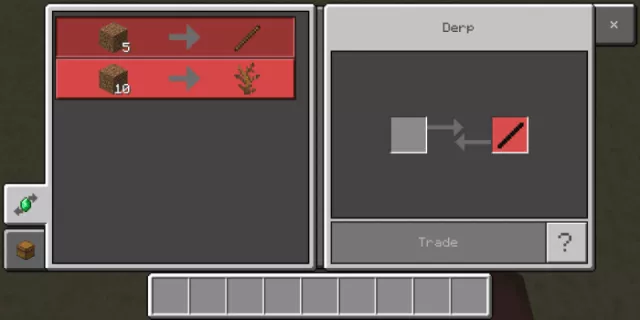
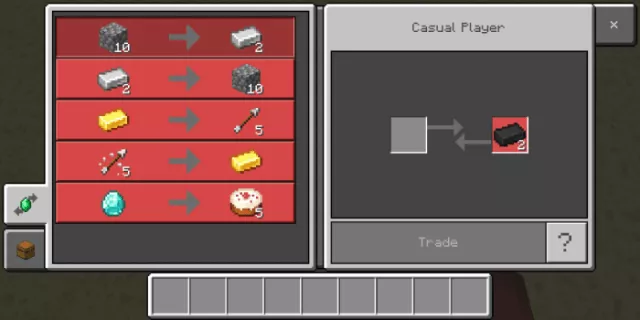
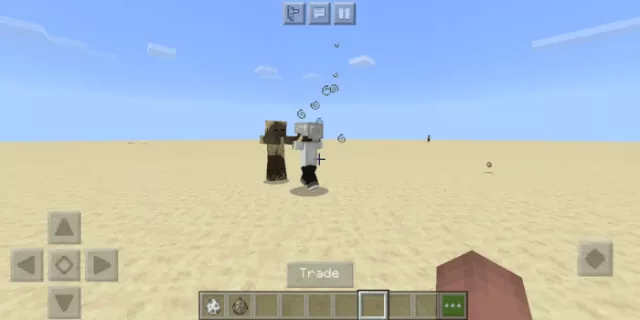
The crazy character can trade with you. His trading list is shown in the image below.
To tame a Madman, use a potato. Once tamed, this mob will always follow you, allowing you to acquire a stick from it under any circumstances. Who knows, it might come in handy someday.
The Madman steers clear of any undead creatures, as he prefers to avoid unnecessary complications.
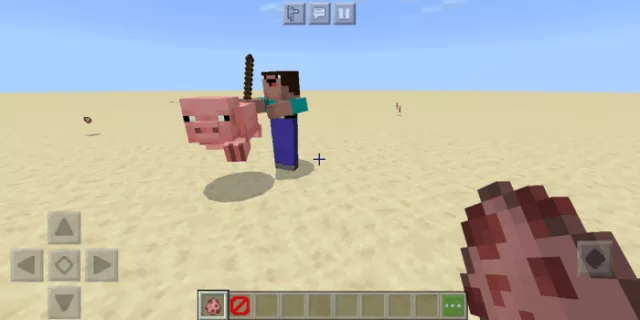
However, he does attack all farm animals: chickens, pigs, cows, and sheep. So, keep a close eye to ensure that no Madman sneaks into your village and wreaks havoc on your livestock.
Upon death, it drops dry bushes and sticks.
It is a passive mob, meaning that if you attack it, it will not fight back.
Random Player
Appears in all biomes of the Overworld. Functions as a fighter.
Attributes:
Health: 40 hp. Defeating him won’t be easy, as his health is twice that of yours, and he is powered by artificial intelligence technology.
Attack damage: 3 hp, excluding sword damage.
He is capable of trading with you. Here is his trade list.
A random player cannot be tamed.
They also attack farm animals.
Additionally, they even assault the undead: zombies, corpses, and others.
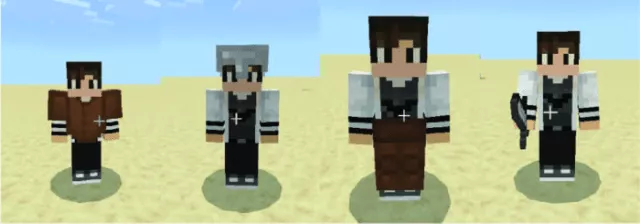
A random player spawns already equipped with armor and tools. The gear set can vary, ranging from leather armor to an iron sword.
Acts as a passive mob in relation to players.
Upon death, drops various items: dirt, armor, weapons, corrupted stone, and more.