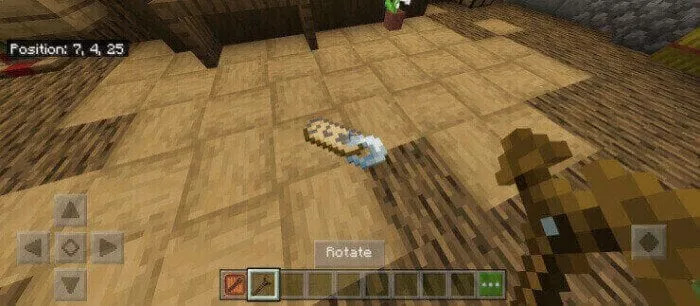
Placecraft
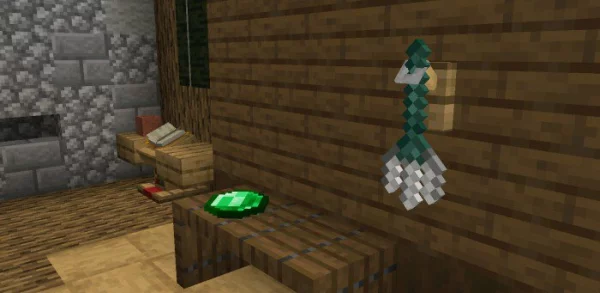
If you want to use any items from Minecraft as decorations, the “Placecraft” mod adds a feature to place all items on walls, tables, blocks, and even on water!
The item board helps you place items by simply holding them. 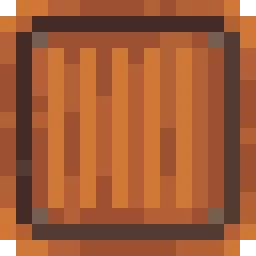
The magic wand allows you to change the direction of the placed item or make it float.
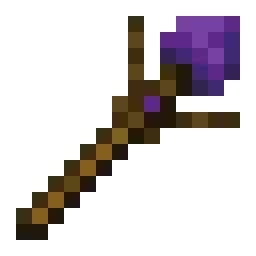
The rotation stick allows you to rotate the element around its axis.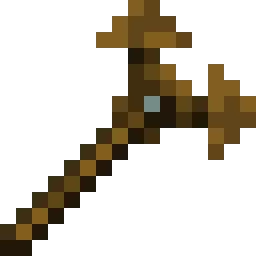
To create a board of elements in Minecraft, take the necessary item in your hand, and then hit it in the air or against something.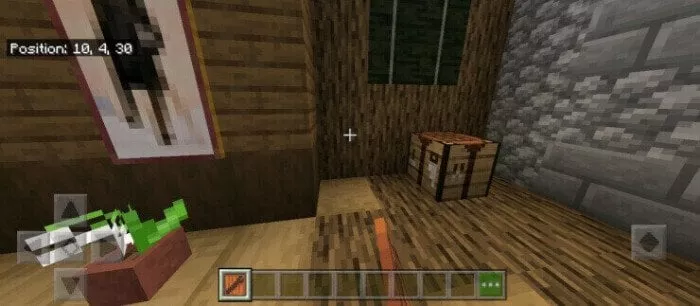 To remove the board of elements, press the crouch button and hit it.
To place an item, pick it up in your hands and then long press to place it on the board.
To use the board of elements, hold down the interaction button.