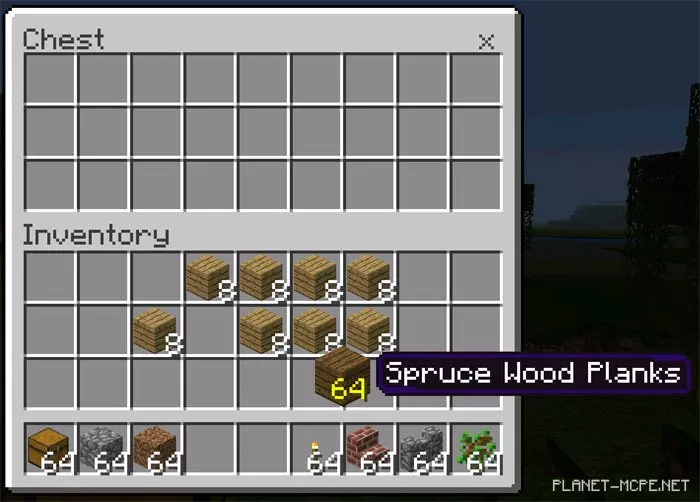
PC GUI
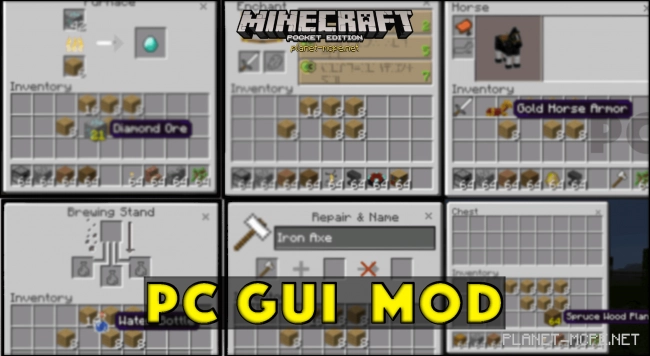
PC GUI is an impressive mod for Minecraft Pocket Edition 0.16.0+ that transforms the game’s interfaces. Once you install this mod/addon, certain interfaces in Minecraft PE will be revamped to resemble those of the PC version of Minecraft. The interfaces closely mimic those found in the Windows 10 Edition addon. This mod is compatible with: IOS, Android, and Windows 10 editions.
Below, you can see the interfaces that have been altered to now resemble those in the PC version of Minecraft. In addition to the overall redesign, the method of dragging, dropping, and interacting with items has also been updated.
1. Hunger and health bar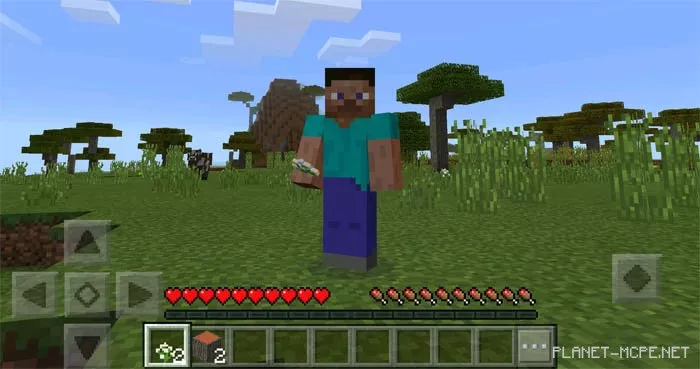
2. Horse inventory.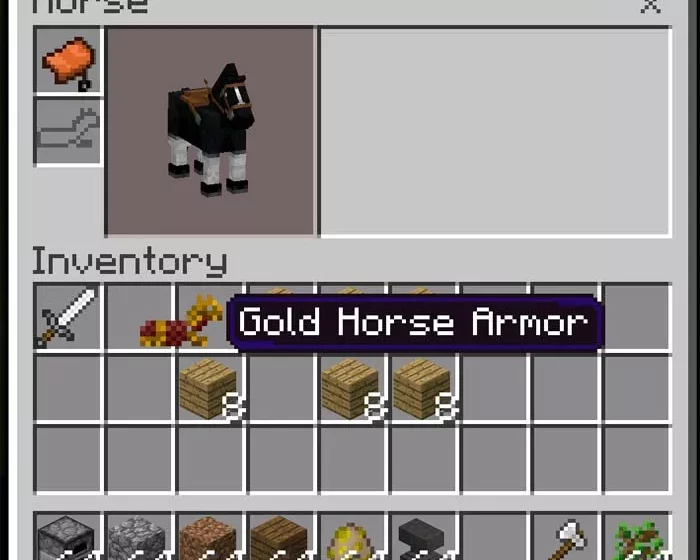
3. Brewing stand.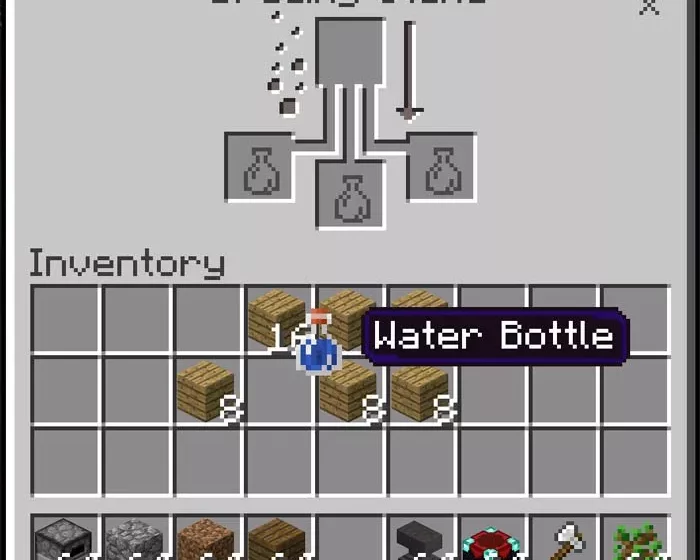
4. Anvil interface.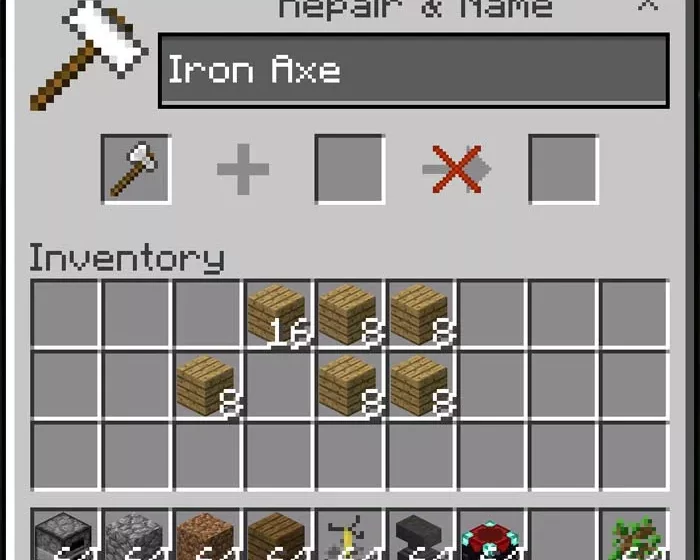
5. Enchanting table.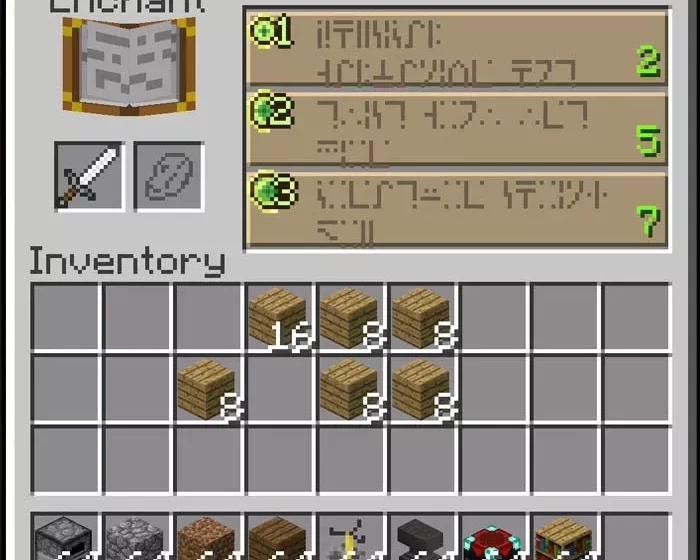
6. Furnace interface.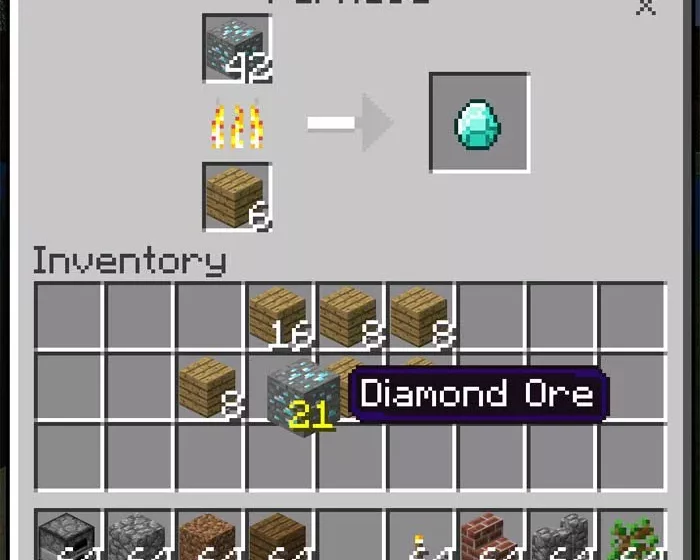
7. Dispenser and dropper.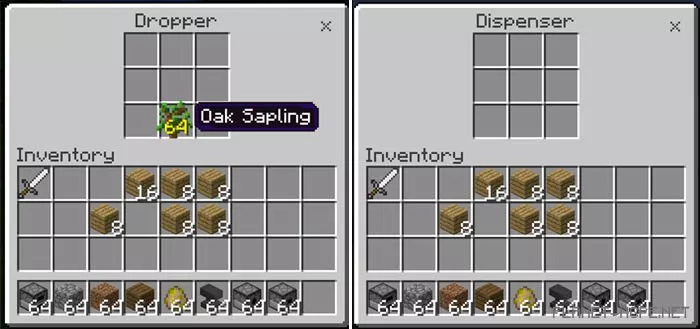
8. Chest interface.