Outdoor Escape
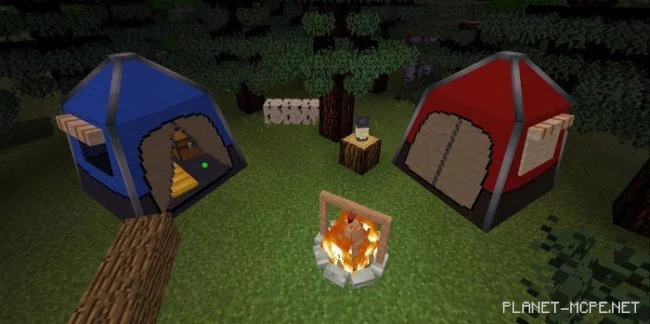
The mod “Outdoor Escape (Open Journey)” introduces tents, campfires, fireflies, and much more. It is directly inspired by the anime series Yuru Camp. A new cooking system will be available in Minecraft Bedrock thanks to the campfire.
There will be 6 different tent designs. Use a long press with the following wool colors to change their colors and utilize a triple hook for fastening and unfastening them.
This consists of horizontally placed boards that can be used for seating. Each player has 2 spots, and there are 6 types of boards available. You can also change their textures using the following materials:
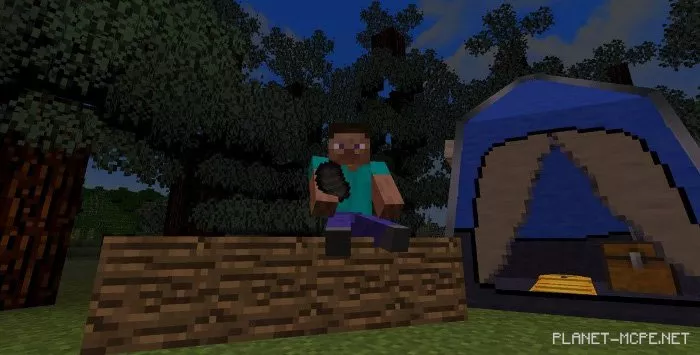
Although they are decorative, you can sit on them. They also come in 6 color options, similar to the tents. Dye them with the following wool:
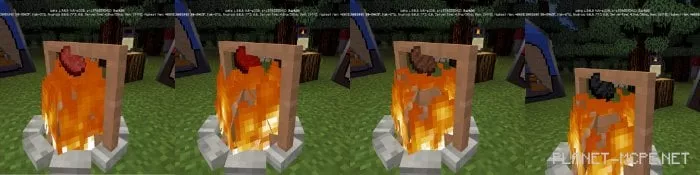
To create fire, cover the block with flames before it spreads upwards. Build the campfire using sticks; it has 8 levels. You can cook raw pork and beef after constructing the last 3 sticks or the final level.
Raw > Medium-Rare > Cooked > Burnt
You can use a stick to collect your items.
While the item itself is not decorative, it does come with a special skin. First, place a torch, then create a lantern in Minecraft. Note that it will only function on the ground and cannot operate like a torch.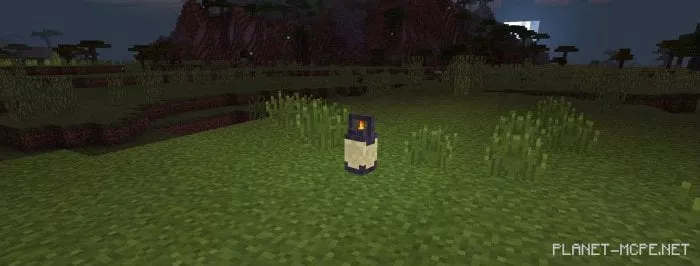
They do not spawn naturally, are peaceful, and are used solely for decorative purposes in Minecraft.