📢 Купить рекламу на сайте  — узнать цены и условия размещения!
📢
Купить рекламу на сайте — узнать цены здесь →

Number Blocks

Number Blocks
11.04.2026 Mods admin 0 comments 1 min 191 views

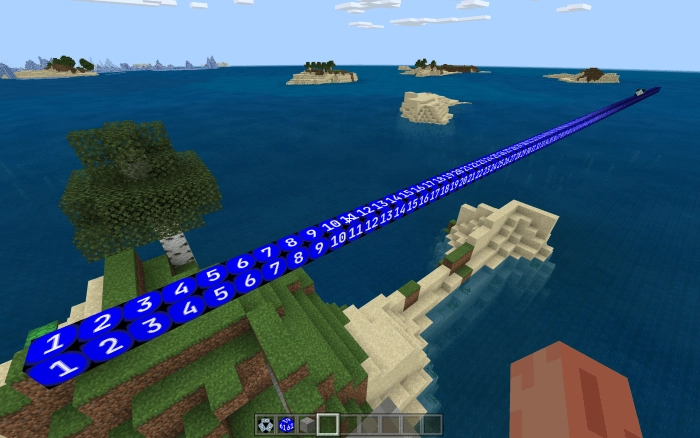
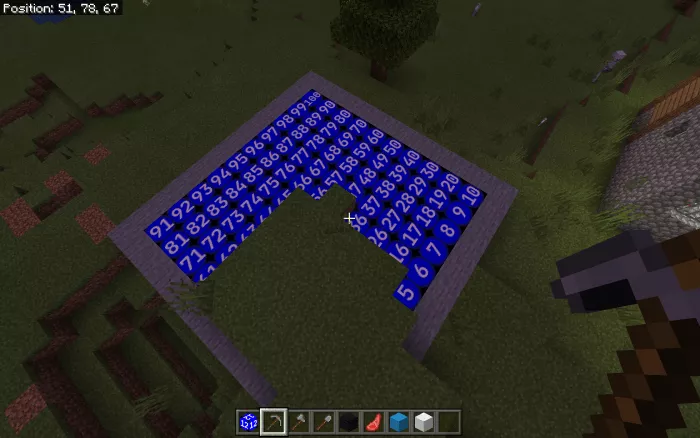
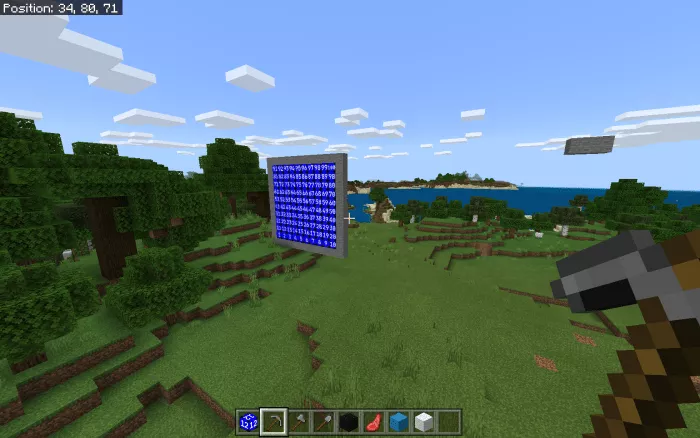
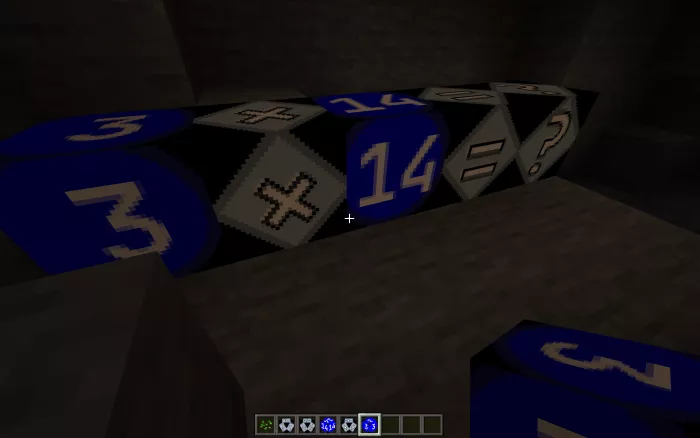
The modNumber Blocks” features a total of 100 numerical blocks, starting from 1 and going up to 100. These blocks can be utilized in guides, on Minecraft maps, and in various projects where a sequence is needed.

In Minecraft, the blocks can only be obtained through commands. For instance, by entering “/give @s numbers:number25 10“, you will receive ten blocks of value 25. If you wish to arrange all 100 blocks in order, use the command “/function grid100“. The blocks will be placed in a horizontal layout. To create a vertical arrangement, type “/function grid100vertical“.
Установка Number Blocks (.mcpack)

  • Download the mod labeled as “.mcpack” from the list below.
  • Open the downloaded file to import the add-on/texture into Minecraft.
  • Launch Minecraft Pocket Edition and navigate to the world settings.
  • For your world, apply the imported:
    Resource Packs.
    Add-on Packs.
  • Select the imported resource packs/add-ons in each section.
  • It is advisable to restart the Minecraft PE client afterward.
  • Open Minecraft Pocket Edition, enter the previously configured world Minecraft, and enjoy the add-on!

Leave a comment