New MissileCraft
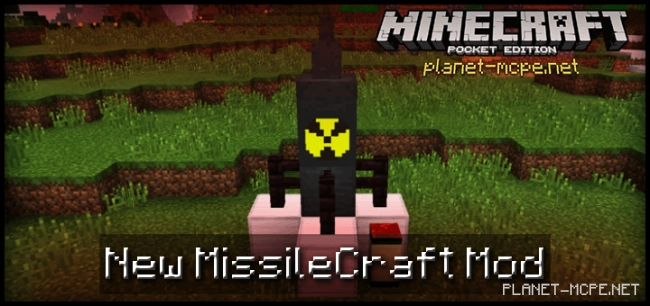
New MissileCraft Mod — this mod is based on the well-known MissileCraft mod created by Andr3w246. The mod continues to function with the latest game version, and we highly recommend using it due to its extensive selection of rockets.
If you are looking for enhanced graphical features, then the New MissileCraft mod is exactly what you need.
New MissileCraft Mod introduces advanced missile systems into the world of Minecraft Pocket Edition, featuring more modern and improved textures for various blocks, including the missiles themselves.
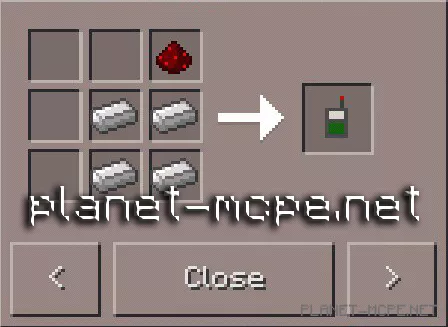
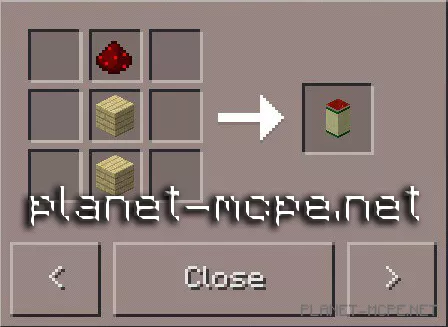
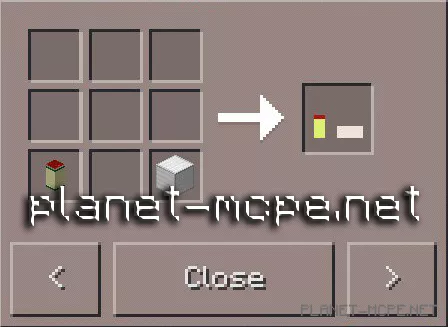
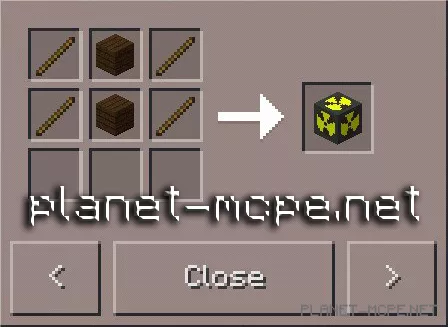
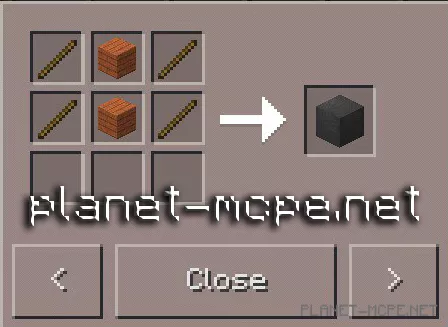
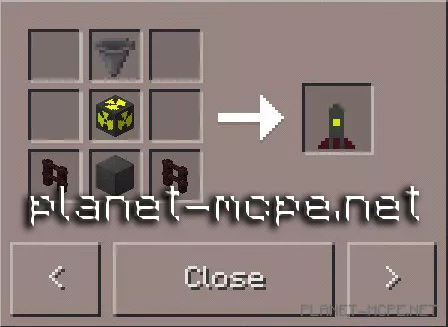
To utilize a rocket, you’ll need a Position Definer, a Missile Platform, and a Nuke.
Below are the IDs and crafting recipes for all necessary items.
First, you need to place the missile platform somewhere; use the Missile Platform. Click on the red square with the Position Define item to set the starting position for the nuke.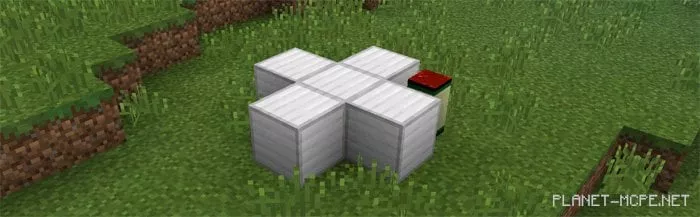
Next, create a rocket and place it in the center of the platform.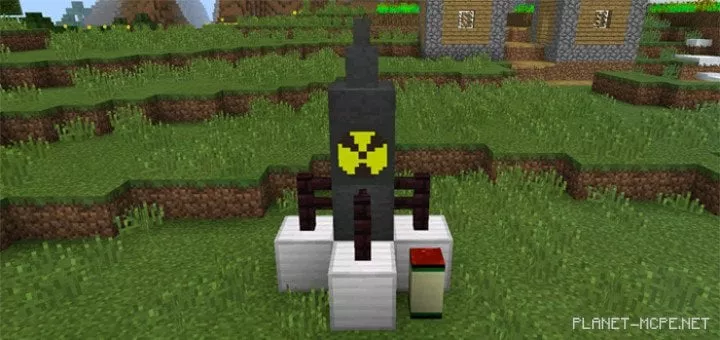
Use the Position Definer to specify where the nuke will be “dropped.” In our example, we decided to drop the nuke on a small village. Let’s imagine that it was a base of hostile mobs plotting against you.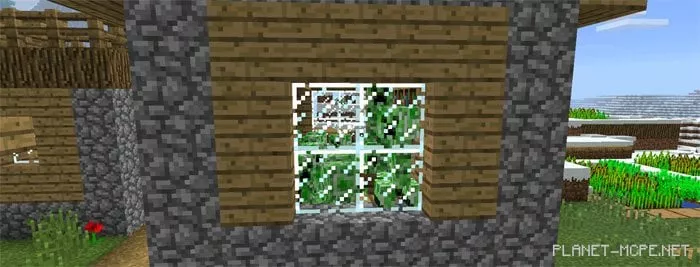
Then return to the rocket and click on the red area with an empty hand to launch the rocket.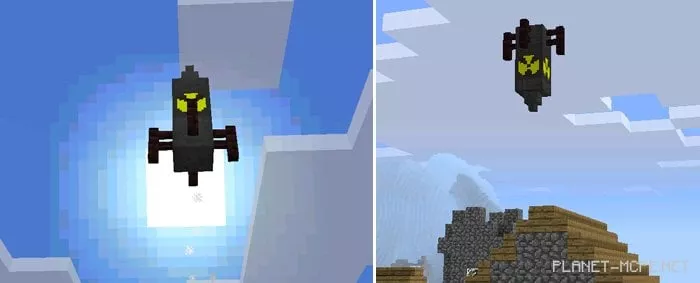
The village was completely destroyed, and we hope that the hostile mobs will no longer plot against you. At least those mobs definitely won’t…! =)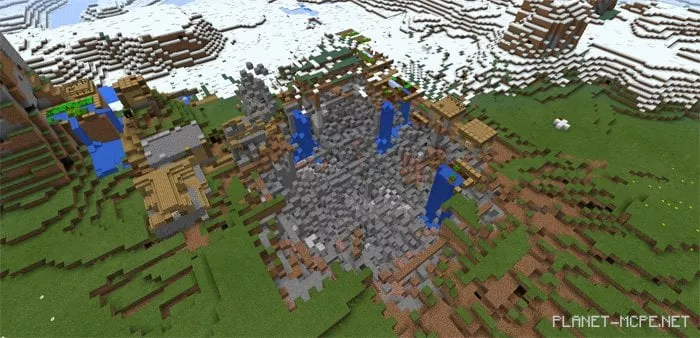
There are two versions of the mod available. Choose the one depending on how large of an explosion you want to create in the Minecraft Pocket Edition world.