Feeling bored with the weapons available in Minecraft? The mod titled More Weapon Evolve introduces a variety of new weapons to your world. There are 6 different types of weapons that you can utilize in survival mode. Each weapon varies in terms of damage dealt to opponents, durability (health), and special effects.
This mod does not add any blocks or additional items; it solely features 6 weapons. Before starting, ensure that you have version Minecraft 1.12 or higher installed. Additionally, make sure to enable experimental gameplay.
How to Craft Weapons
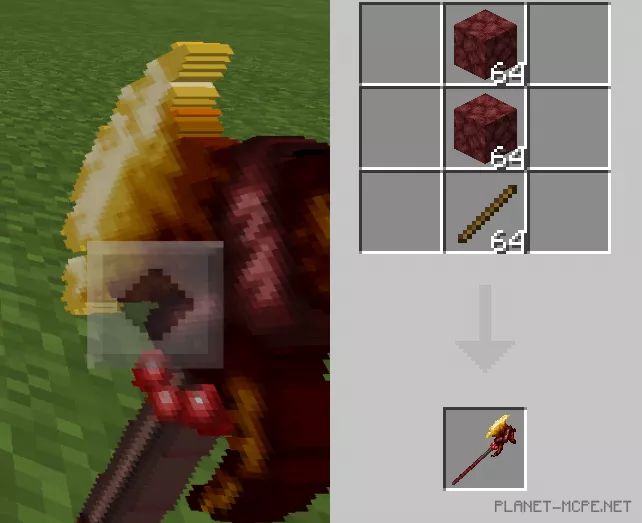
Cursed Axe
Damage dealt: 15 points
Durability: infinite
Crafting: Netherite (hellstone) and a stick
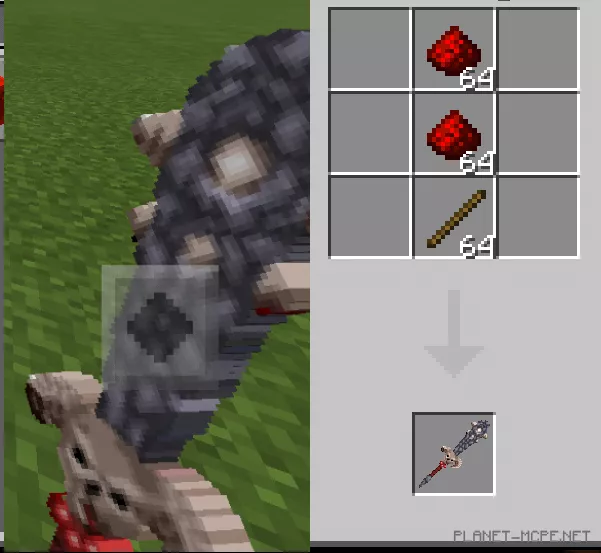
Hell Mace
Damage dealt: 14 points
Durability: infinite
Crafting: Redstone and a stick
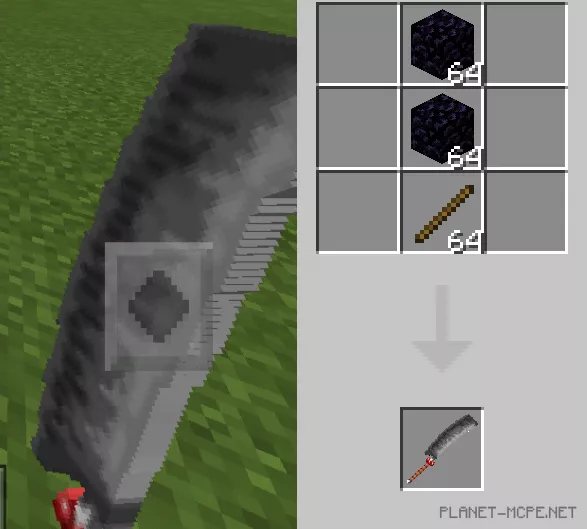
Monk’s Cleaver
Damage dealt: 11 points
Durability: infinite
Crafting: Obsidian and stick
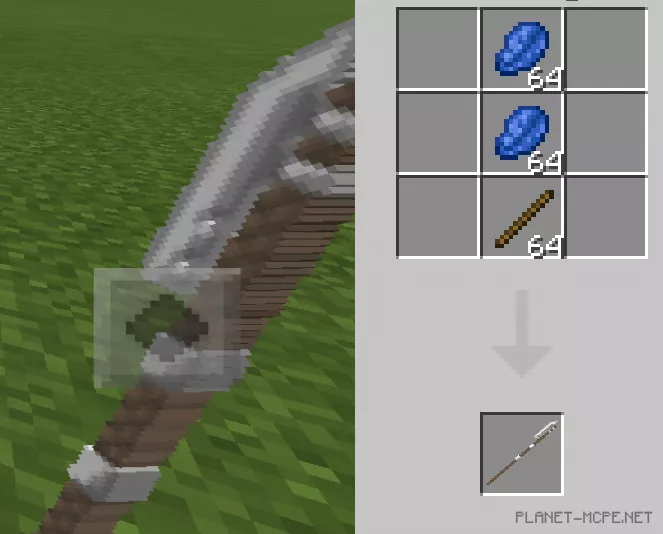
Poleaxe (axe on a long rope)
Damage dealt: 7 points
Durability: infinite
Crafting: Lapis Lazuli and stick
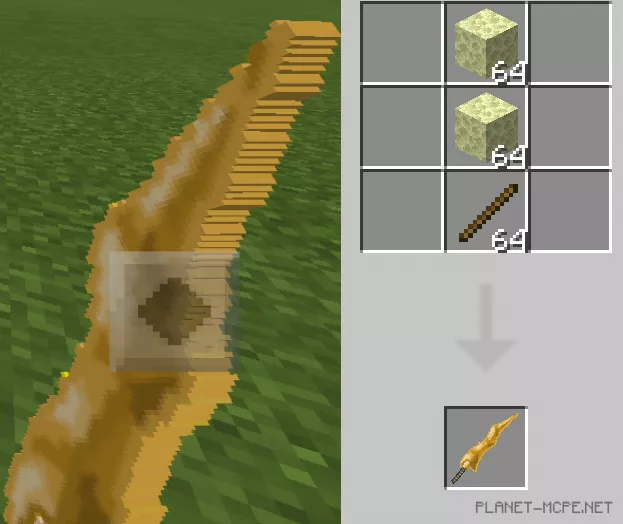
Sun Sword
Damage dealt: 14 points
Durability: infinite
Crafting: End Stone and stick
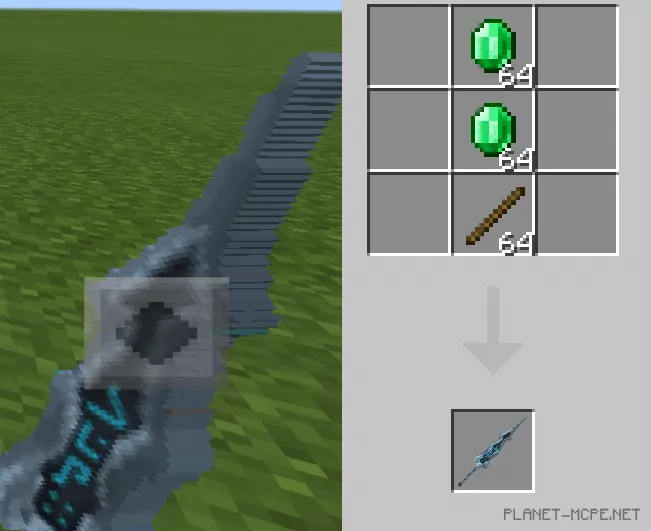
Rune Sword
Damage dealt: 15 points
Durability: infinite
Crafting: Emerald and stick
Some effects are not highly detailed. This allows players with weaker devices to download and enjoy the mod.
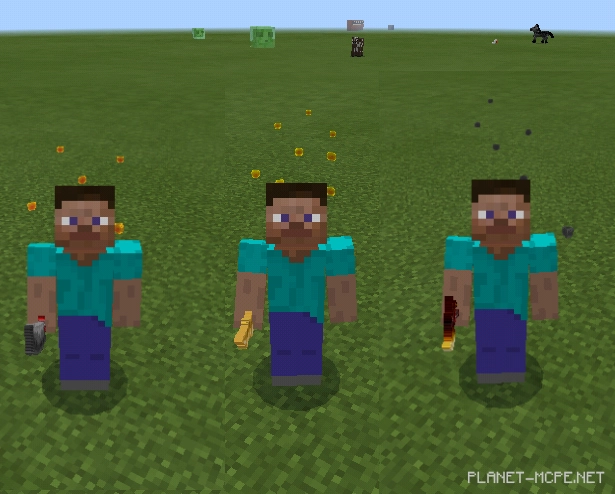
 Some effects are not highly detailed. This allows players with weaker devices to download and enjoy the mod.