📢 Купить рекламу на сайте  — узнать цены и условия размещения!
📢
Купить рекламу на сайте — узнать цены здесь →

More Polished Diorite Colors (+115 Colors)
More Polished Diorite Colors (+115 Colors)
11.04.2026 Mods admin 0 comments 1 min 245 views

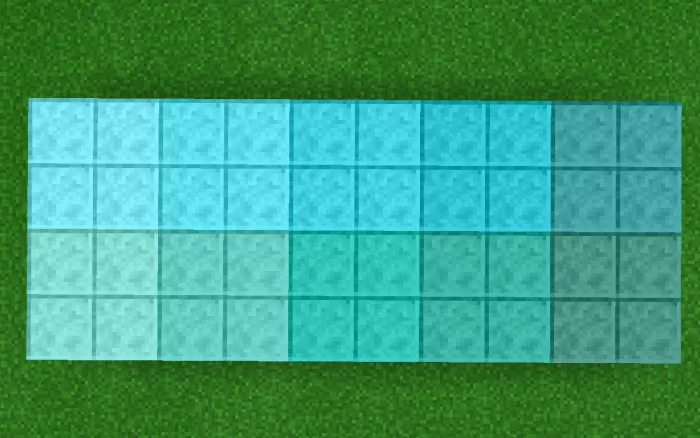
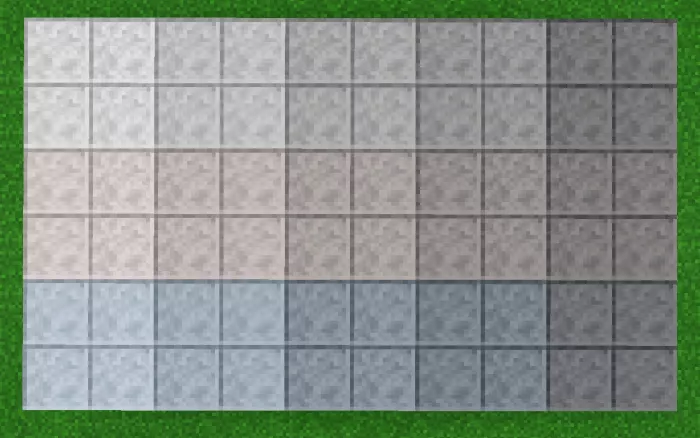
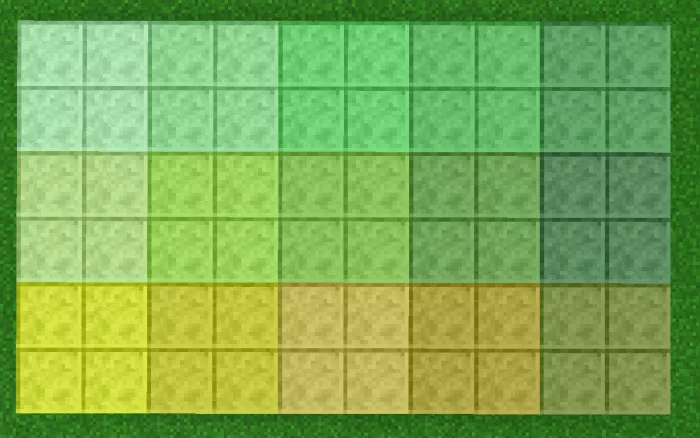
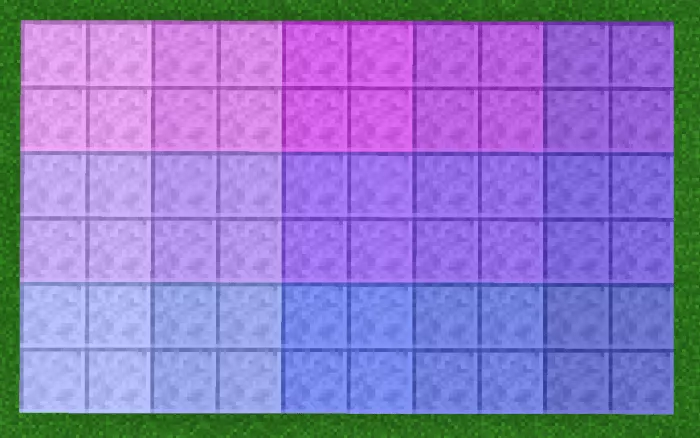
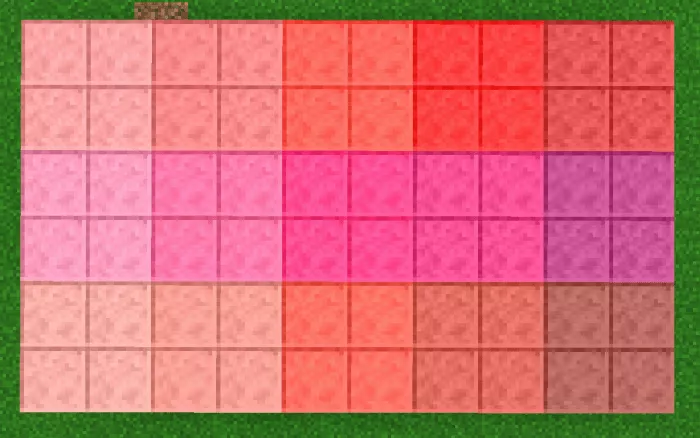
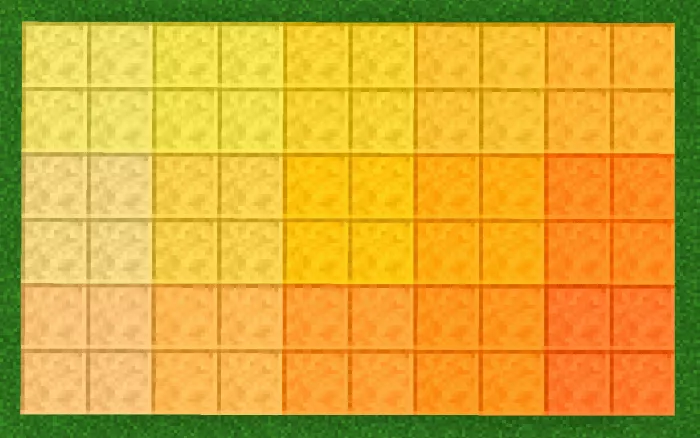
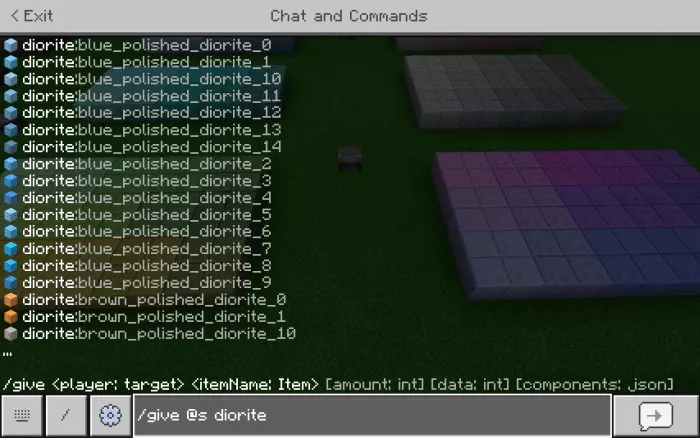
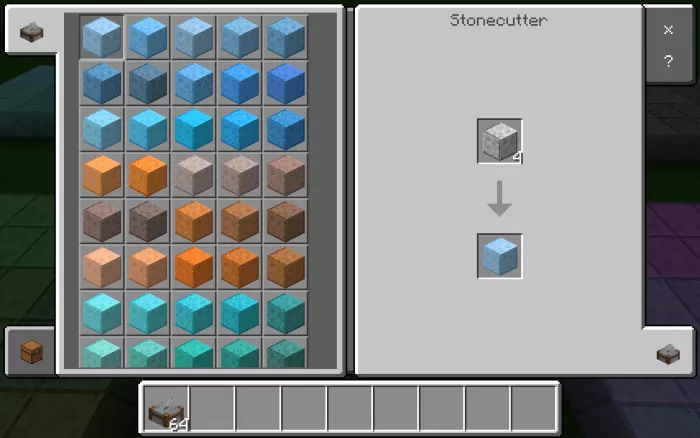
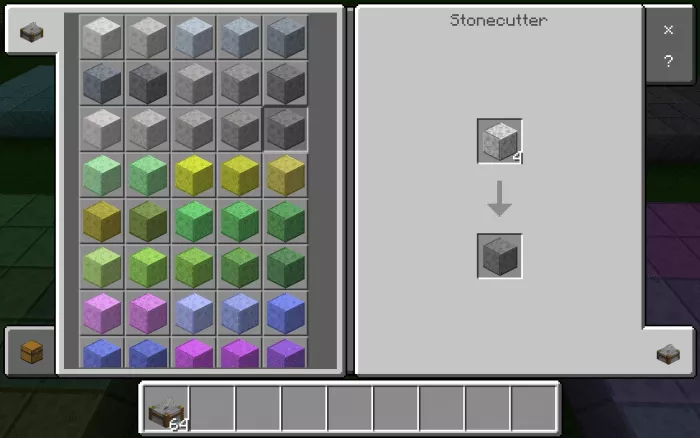
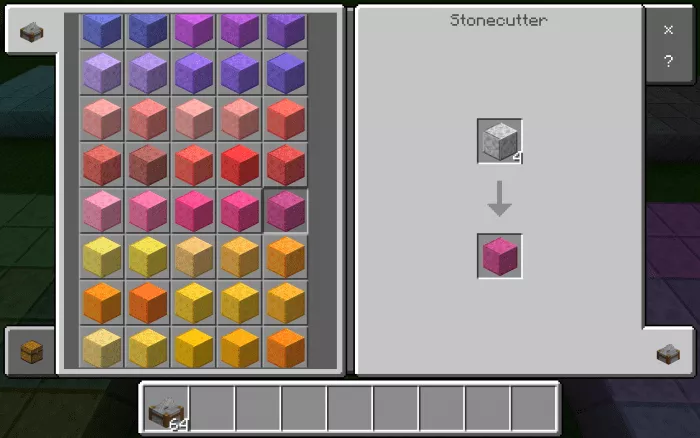
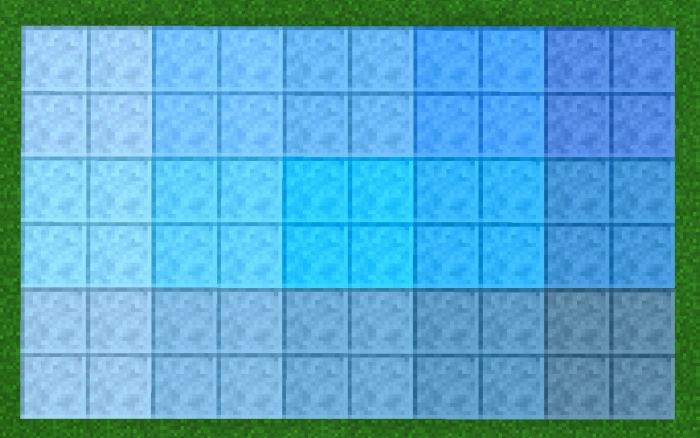
Enhance your constructions in Minecraft with the mod titled More Polished Diorite Colors (+115 Colors)! This mod introduces 115 new colorful polished diorite blocks. To acquire these blocks in Minecraft, utilize the command /give @(a, p, s) diorite: (identifier). You can also make use of the /fill command.
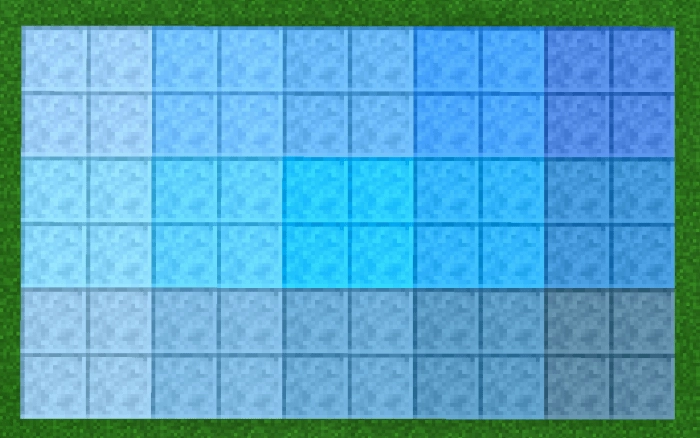
Block Identifiers:
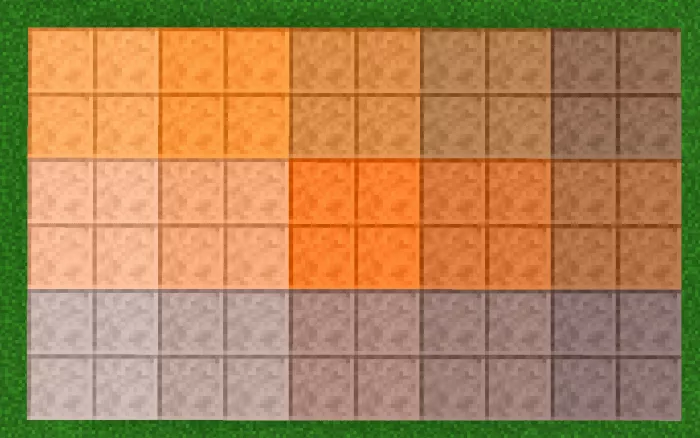
  • diorite:blue_polished_diorite_(0-14) (blue);
  • diorite:brown_polished_diorite_(0-14) (brown);
  • diorite:cyan_polished_diorite_(0-9) (cyan);
  • diorite:gray_polished_diorite_(0-14) (gray);
  • diorite:green_polished_diorite_(0-14) (green);
  • diorite:purple_polished_diorite_(0-14) (purple);
  • diorite:red_polished_diorite_(0-14) (red);
  • diorite:yellow_polished_diorite_(0-14) (yellow).

There is also another mod from the same series that introduces 115 blocks of colored stone.

Installation of More Polished Diorite Colors (.mcpack)

  • Download the mod labeled as “.mcpack” from below.
  • Open the downloaded file to import the add-on/texture into Minecraft.
  • Launch Minecraft Pocket Edition and navigate to the world settings.
  • For your world, enable the imported:
    — Resource Packs.
    — Add-ons.
  • Select the imported resource packs/add-ons in each section.
  • It is recommended to restart the Minecraft PE client afterward.
  • Start Minecraft Pocket Edition, enter the previously configured world Minecraft, and enjoy the add-on!

Leave a comment