More Particles
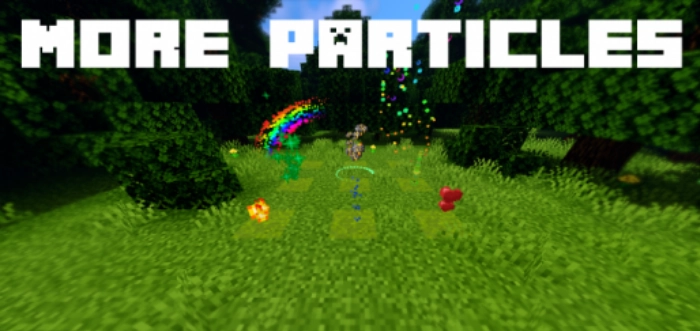
With the More Particles mod, the world of Minecraft Pocket Edition will undergo a slight transformation – while it won’t affect gameplay, the surroundings will become significantly more visually appealing.
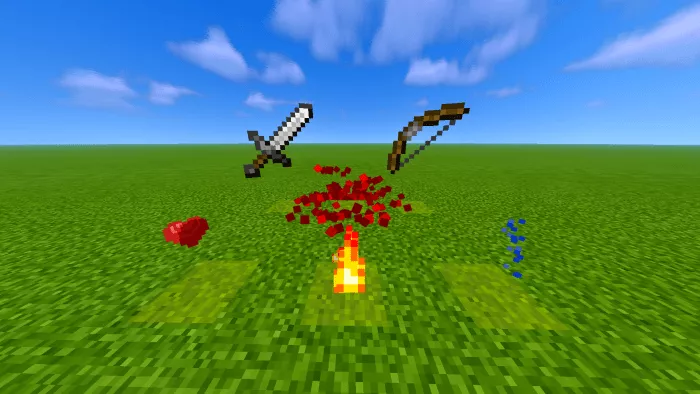
The More Particles modification enables Minecraft players to generate a greater number of particles on the map using the command “/particle“. This mod includes various commands to assist you; simply type “/particle help” to view all the features of this creation in Minecraft.
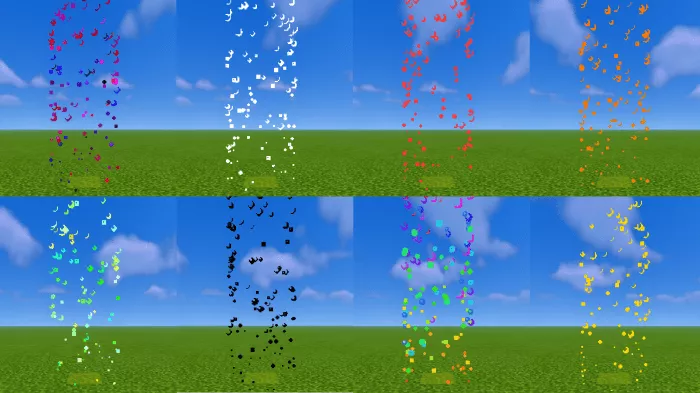
To obtain a list of available particles, type the command /particle help ~ ~1 ~.
The update introduces particles for ash. You should utilize a command block that activates when you enter the command /particle nether-ash-color ~ ~ ~ or alternatively – /execute @r ~ ~ ~ particle nether-ash-color. For a better visual experience with these particles, it is recommended to set the tick speed between 20 and 40.
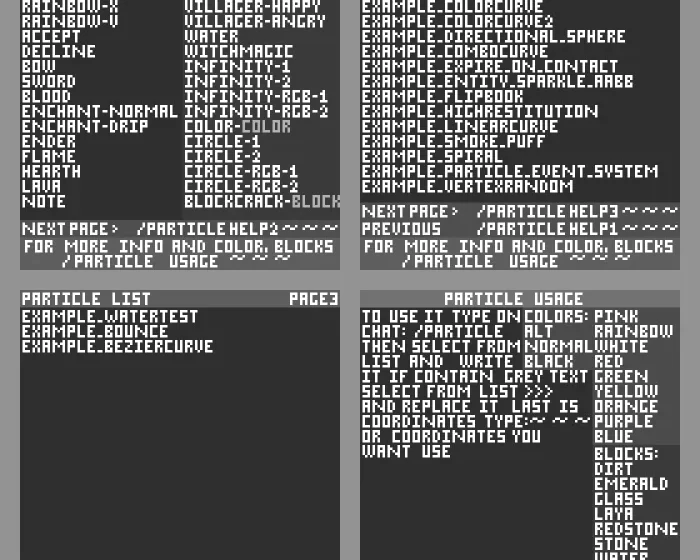
Here is the complete list of available particles.