Modpack Core Essentials

Change game window title and icon. Add a welcome message to the screen when you first start the game. Very light. Easy to customize. Zero bloat.
A lightweight, client-side utility mod built for modpack creators.
Modpack Core Essentials gives modpack authors a clean set of tools to customize modpack without any performance overhead.
🪟 Custom Game Window Title Set a custom title for the Minecraft window to match your modpack’s branding. Players will see your modpack’s name in their game window title.

🖼️ Custom Window Icon Replace the default Minecraft window icon with your own.

📋 Configurable Welcome Screen Display a welcome screen when players launch the game. You can configure it to appear only once (on first launch) or every time the game starts -> great for changelogs, server announcements, or greetings.
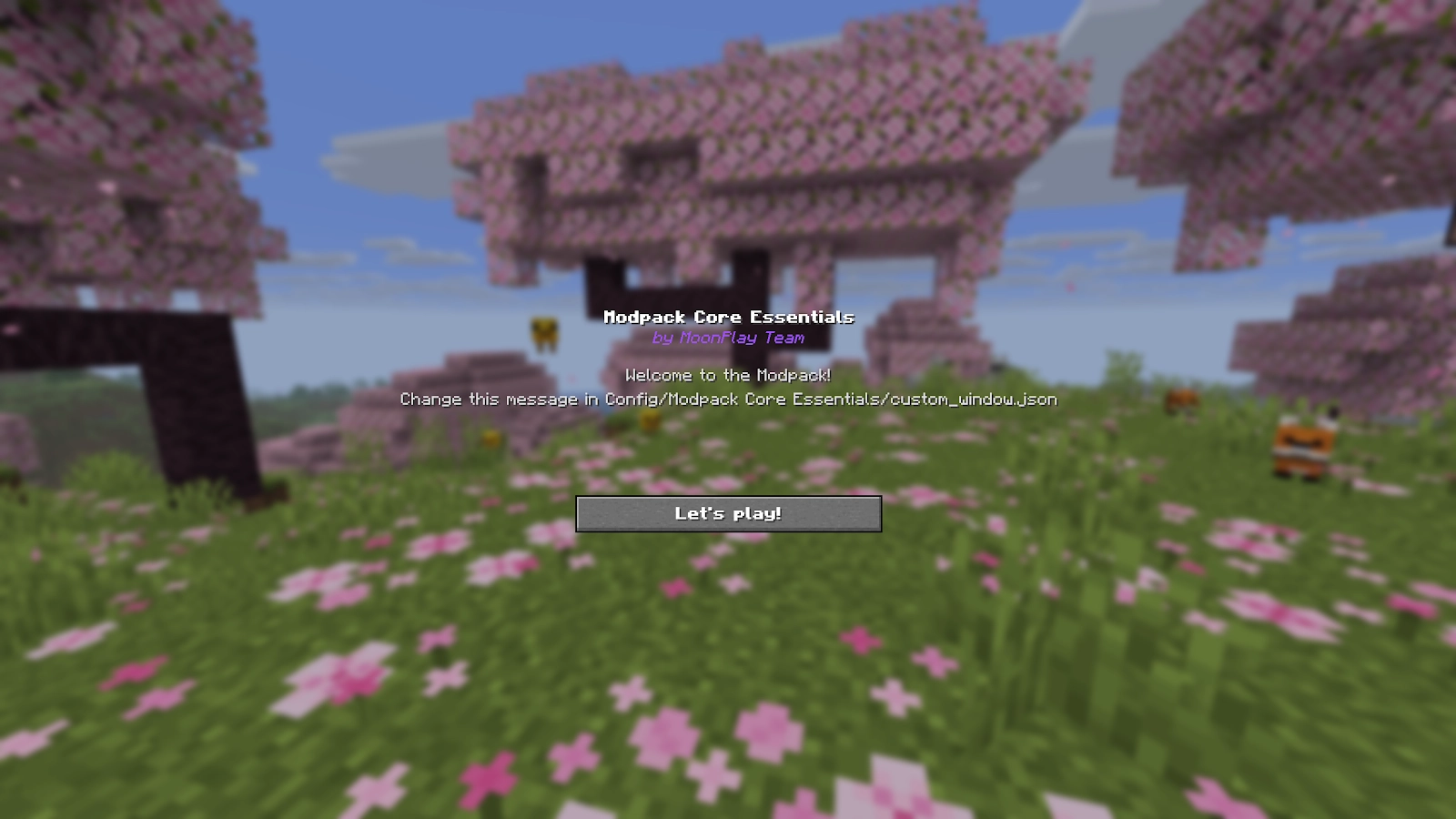
⚙️ Full ModMenu Integration Seamlessly integrates with ModMenu, providing an in-game config editor so you can tweak settings without leaving the game.
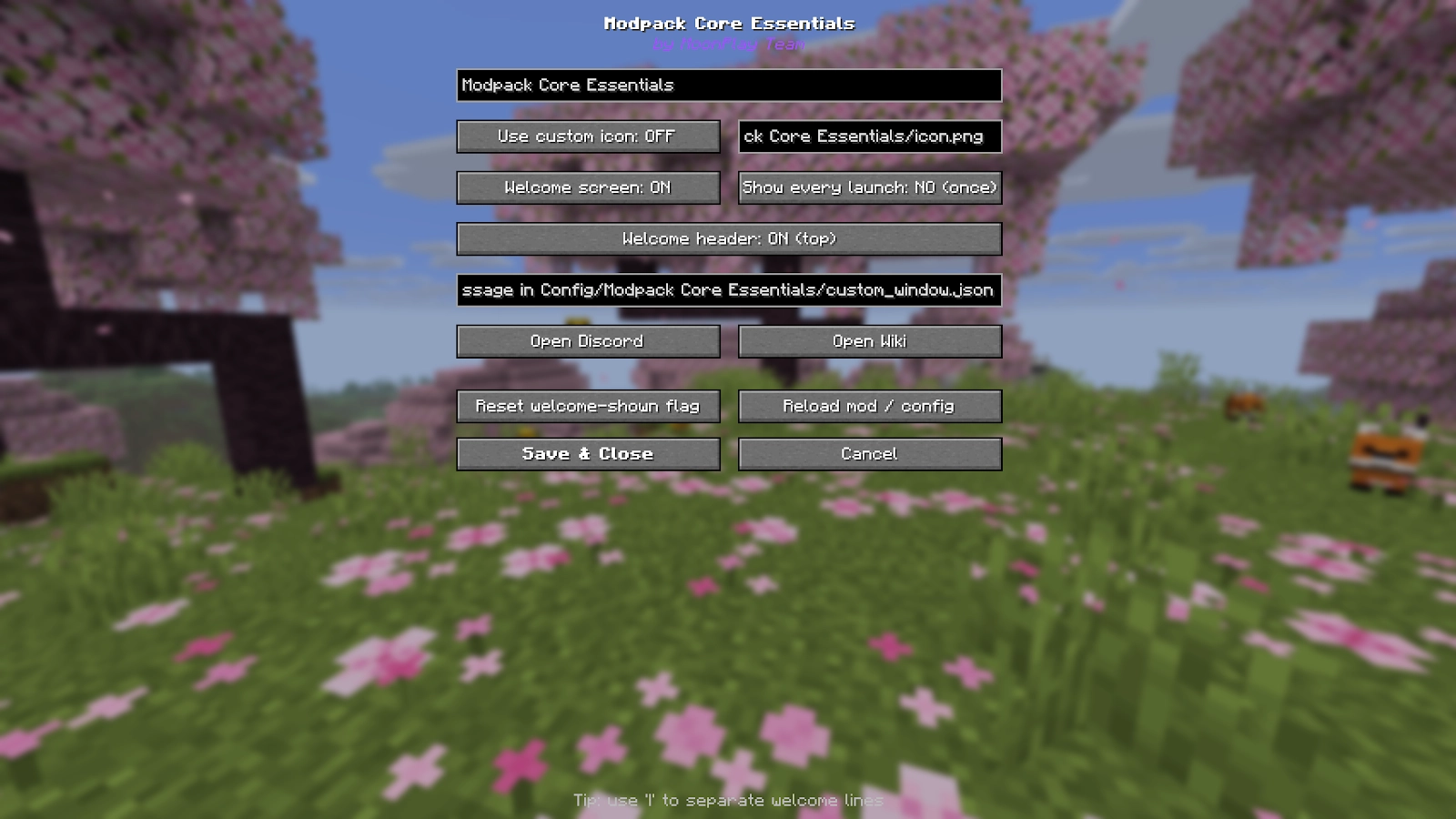
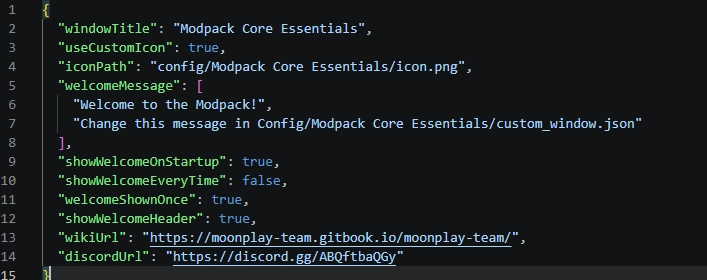
❤️ But also easy config file!
| Dependency | Version |
|---|---|
| Minecraft | 26.1.2 |
| Fabric Loader | 0.19.2+ |
| Fabric API | Any |
| Java | 25 |
Recommended: ModMenu (for in-game configuration)
In the future, we will support more versions, as well as NeoForge.
– Why doesn’t the icon load when I click the reload button?
– What size should the icon be?
Built with ❤️ by the MoonPlay Team.