Minecraft Classic!
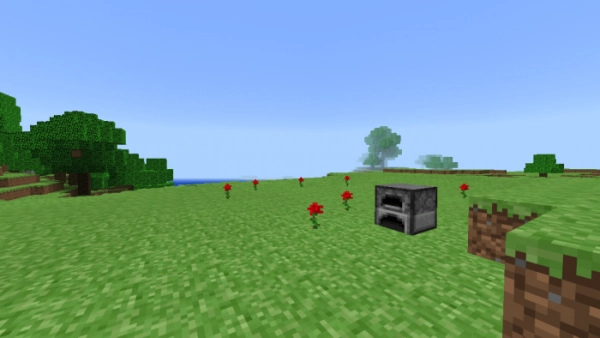
Missing the classic Minecraft? The mod “Minecraft Classic! (Classic Minecraft)” brings back all the features from earlier versions!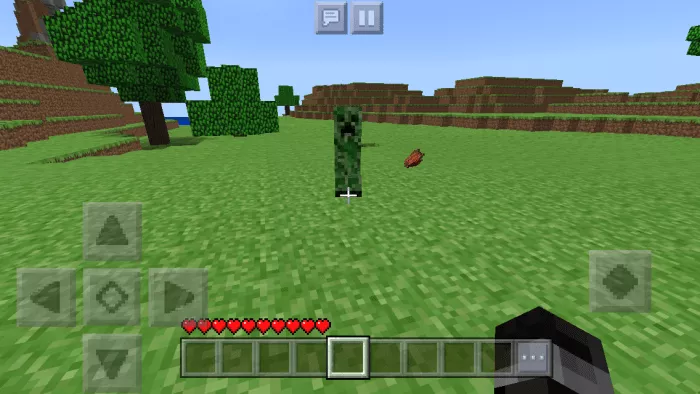
Many of the mobs currently found in Minecraft Bedrock will be removed. Those that have been around since the beginning will revert to their original settings. Creepers will feature a dark green hue, while Endermen will have green eyes and gain a smoky effect. Villagers will return to their classic textures, although they currently display additional icons that are expected to be removed in the next update.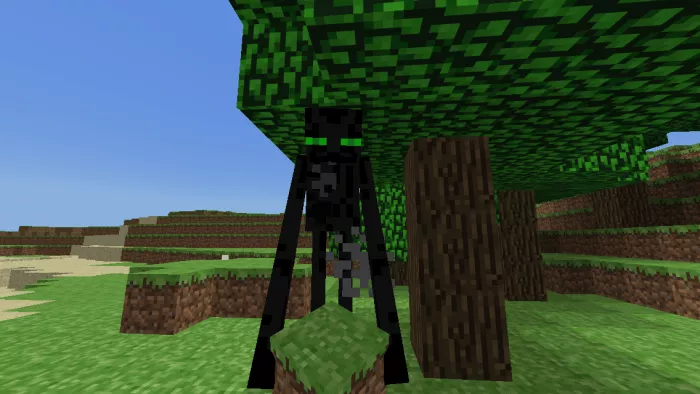
The health panel will be removed from the main screen. Additionally, you will no longer have access to view mob health, and any commands related to your character’s health will be eliminated.
In earlier versions of Minecraft, hunger was nonexistent, allowing you to forget about gathering food! Consequently, there weren’t many food items available, or rather, there were none at all except for raw pork.
The Alpha version was truly remarkable. At that time, the game featured numerous intriguing functions whose operations were not always predictable. 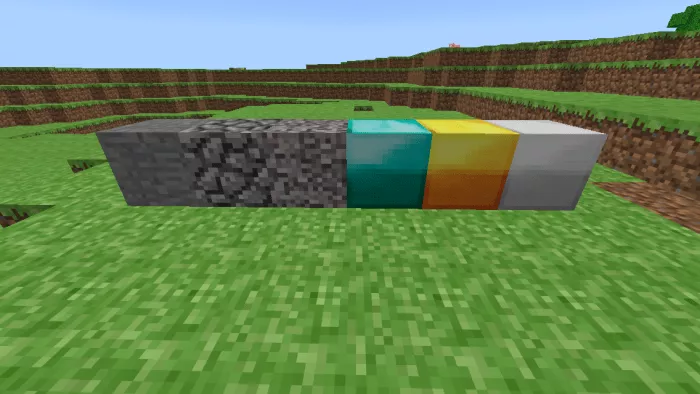
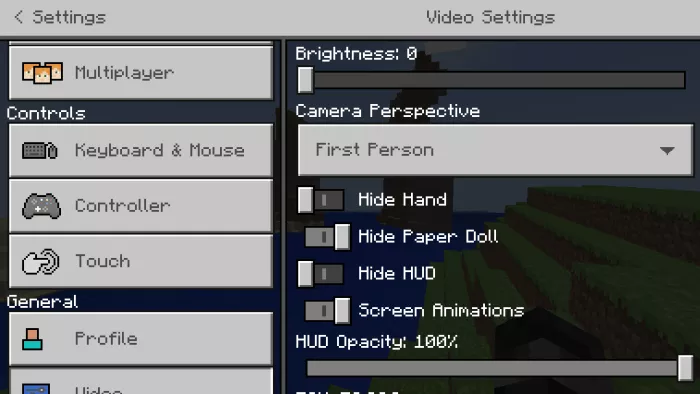
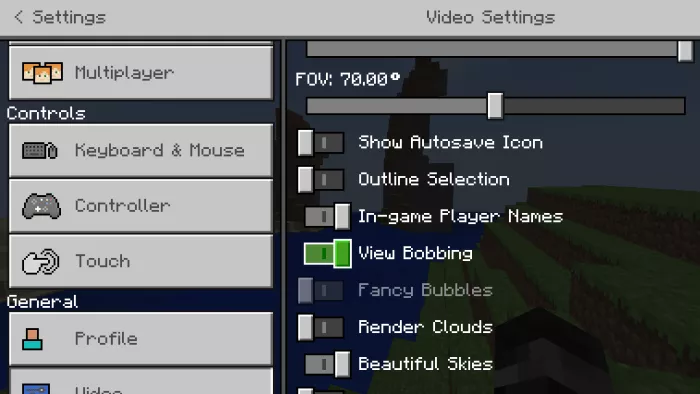
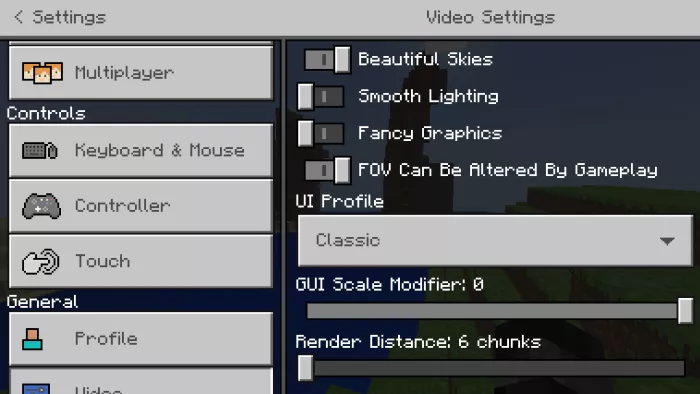
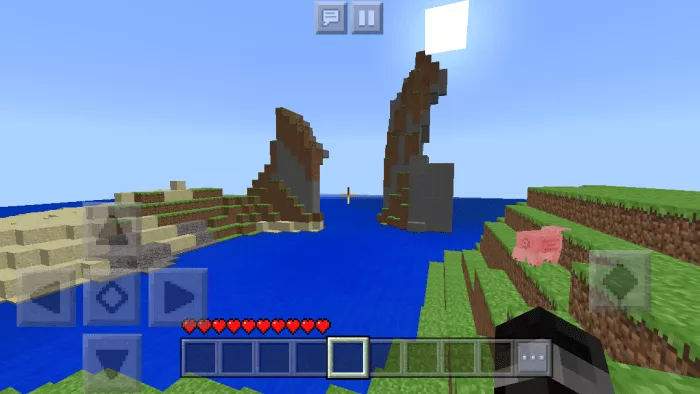 To achieve optimal results, adjust these settings: