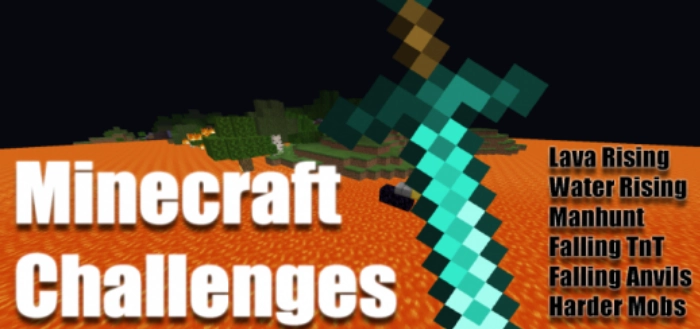
Take on 6 challenges in Minecraft with the mod “Minecraft Challenges“. Each command disables a vanilla feature, making the game significantly more challenging and exciting!
Challenges: rising lava, rising water, player hunting, tough mobs, falling TNT, falling anvils. Each of these challenges is divided into four levels: easy, medium, hard, and impossible.
Before activating the commands, you need to select a difficulty level:
/function easy (easy)
/function medium (medium)
/function hard (hard)
/function impossible (impossible)
Next, select a challenge (if you wish, you can activate multiple challenges in Minecraft at once):
/function lavarising (lava rising)
/function waterrising (water rising)
/function manhunt (man hunt)
/function hardmobs (tough mobs)
/function fallingtnt (falling TNT)
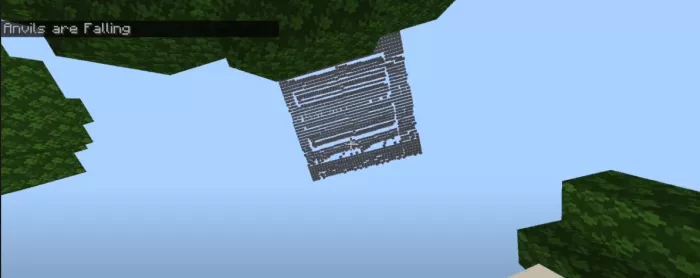
/function fallinganvils (falling anvils)
/function deathswap (death swap)
/function reset (resetting the trial)
/function disablemessages (turning off messages from trials)