📢 Купить рекламу на сайте  — узнать цены и условия размещения!
📢
Купить рекламу на сайте — узнать цены здесь →

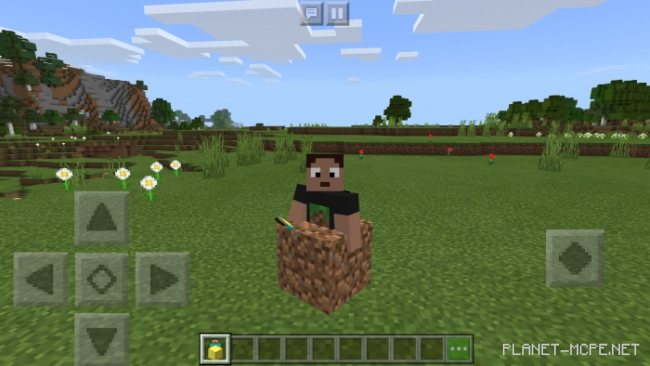
Minecraft Block Morphs
Minecraft Block Morphs
10.04.2026 Mods admin 0 comments 2 min 135 views

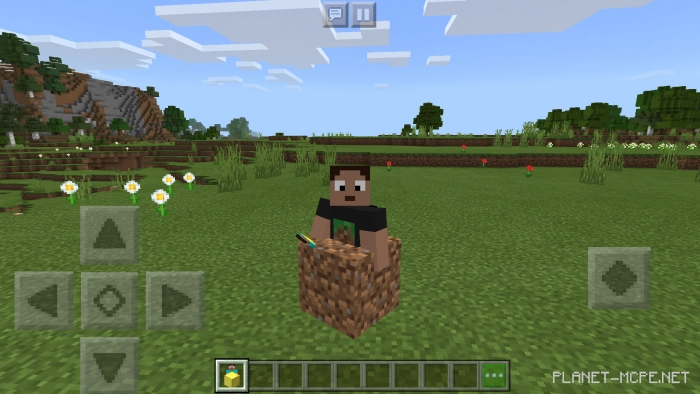
Looking to achieve an impressive camouflage to blend in with other players in Minecraft? Interested in adding a mod for your “Block Hunt” map? If so, the modMinecraft Block Morphs” is just what you need!
 How does it work?

The provided mod enables you to transform into one of the hundred blocks it features. Instead of replacing six skulls in the game, it utilizes custom objects to access this variety of blocks in Minecraft Bedrock. There’s no need to adjust any sliders in the texture pack; simply locate the desired block in your creative inventory or summon it using a command.

Before you begin

  • Type “/give @p repeating_command_block”.
  • Enter “function morph” and set it to always active.
  • Spawn or summon the block you want and walk over it.

How to remove

Just use “/function remove

Installation of Minecraft Block Morphs (.mcpack)

  • Download the mod labeled as “.mcpack” from below.
  • Open the downloaded file to import the add-on/texture into Minecraft.
  • Launch Minecraft Pocket Edition and navigate to the world settings.
  • For your world, enable the imported:
    Resource Packs.
    Add-ons.
  • Select the imported resource packs/add-ons in each section.
  • It is advisable to restart the game client Minecraft PE afterwards.
  • Start Minecraft Pocket Edition, enter the previously configured world Minecraft, and enjoy the add-on!

Leave a comment