Mine-Snakes
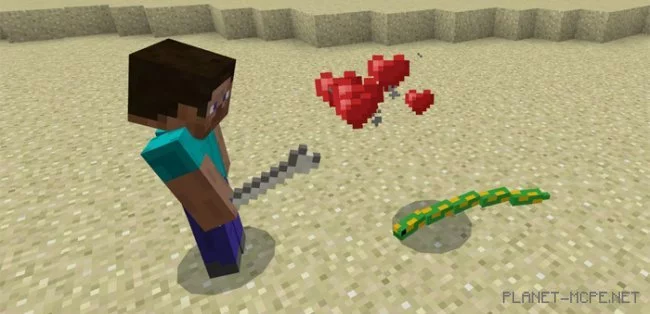
Certainly, there are individuals who have a strong fear of snakes. Therefore, the mod “Mine-Snakes” for Minecraft Pocket Edition that we present to you will inject some adrenaline into your MCPE gameplay. As soon as you strike one of the snakes, it will immediately slither towards you and attempt to bite. However, you also have the option to tame a snake, making them less terrifying than they initially seem. You can turn them into your personal guardians and companions.
The snakes serve as a replacement for silverfish in the world of Minecraft PE, and currently, there are three texture packs of different colors available for use with this mod. In this example, you’ll see one featuring green skin. Typically, snakes spawn in caves within the MCPE world or other rocky areas, but you can also utilize a spawn egg from creative mode to generate them anywhere in the Minecraft Pocket Edition world.
Be cautious not to hit a snake, as all nearby snakes will retaliate and try to bite you with their venomous fangs. They are relatively weak, so if you have a weapon, defeating them should be quite easy.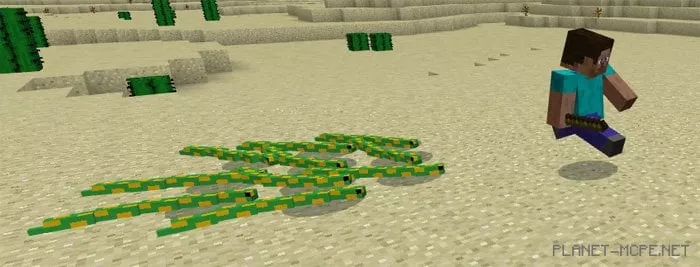
You can tame a snake by giving it a bone. A tamed snake will follow you everywhere and attack anyone you engage with in MCPE.
Their primary and sole attack is a poisonous bite, which inflicts a slow and painful demise on enemies.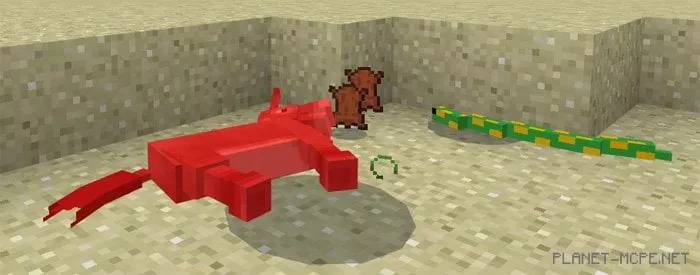
General characteristics of snakes: