📢 Купить рекламу на сайте  — узнать цены и условия размещения!
📢
Купить рекламу на сайте — узнать цены здесь →

Mine-Rocket

Mine-Rocket
10.04.2026 Mods admin 0 comments 3 min 354 views

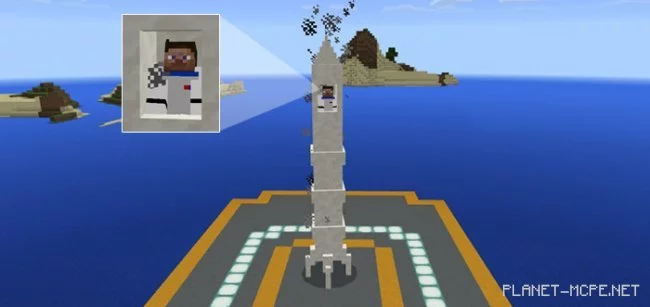
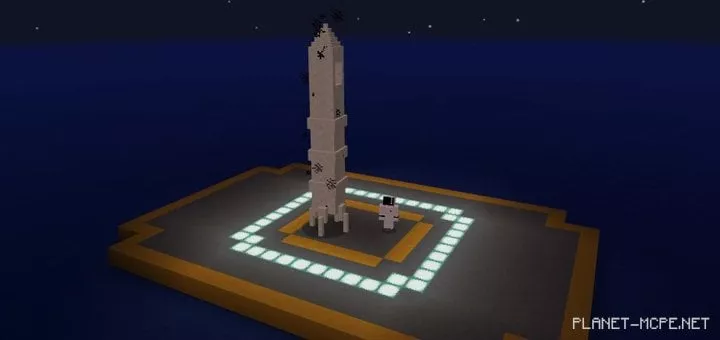
We present to you one of the most remarkable space vehicles available in Minecraft Pocket Edition after installing the modMine-Rocket (Space Rocket)“. Its design closely resembles that of the Falcon 9, a rocket developed by SpaceX (though it is not an exact replica). While it’s unlikely you’ll ever reach the moon in the world of Minecraft PE, you can always give it a shot!

How does the space rocket work?

Place the rocket on the ground in the MCPE world using a blaze spawn egg. (You can also find them spawning naturally in the Nether.)

  • iOS / Android: Long press on the rocket and select Ride to board the rocket
  • Windows 10: Right-click on the rocket to enter and fly

The rocket currently has a capacity for just one person. Before launching into space in Minecraft PE, make sure to wear a spacesuit, which replaces chainmail armor.
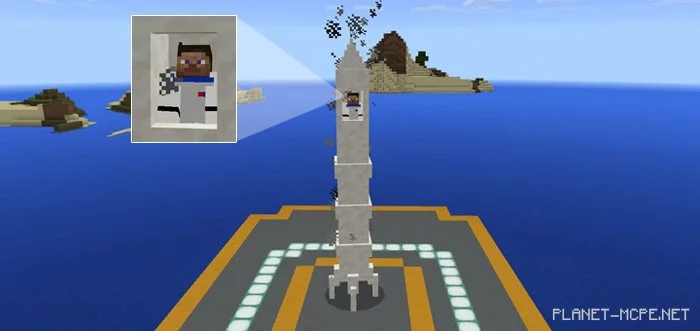
Throw rocket fuel (experience potion) onto the rocket! If you really want your character to take flight, this video will play in the background.

Use the joystick (carrot on a stick) to control the direction of the rocket’s flight in Minecraft Pocket Edition.
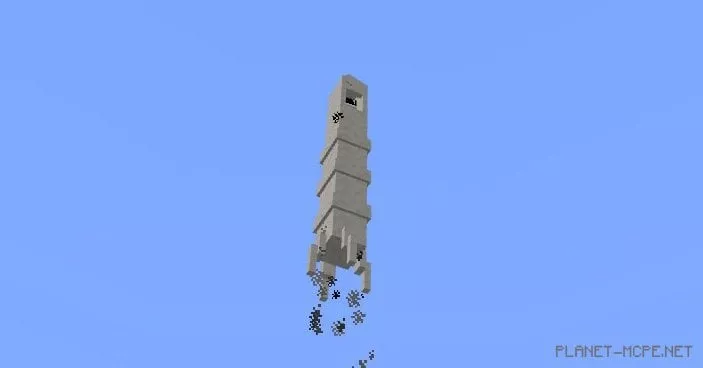
Yes, you cannot actually land on the moon, so you’ll just have to imagine that’s what’s happening. Perhaps someone in the future will create a special adventure map for this mod. A “Moon Landing” would be fantastic! We hope to see someone working on creating a dedicated map.
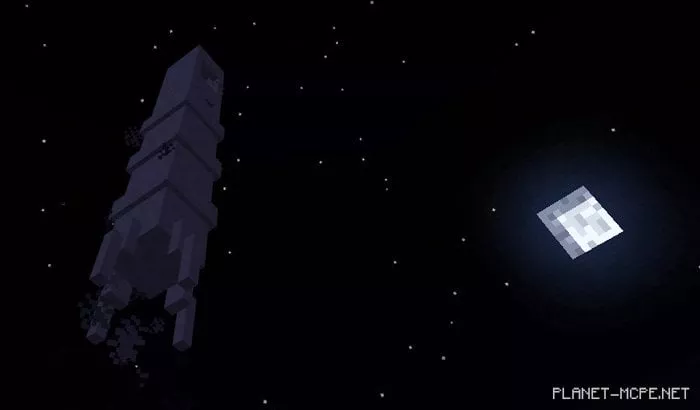
The rocket can be reused multiple times, meaning it can land back on the ground and be prepared for another launch.
Installing Mine-Rocket (.mcpack)

  • Download the mod labeled as “.mcpack” below.
  • Run the downloaded file to import the addon/texture into MCPE.
  • Open Minecraft Pocket Edition and go to the world settings.
  • Set the imported options for the world:
    Resource Packs.
    Addons.
  • Select the imported resource/addon packs in each section.
  • It is recommended to restart the game client Minecraft PE afterward.
  • Launch Minecraft Pocket Edition, enter the previously configured world MCPE, and enjoy the addon!

Installing Mine-Rocket (.zip)

  • Download the mod below.
  • Extract two folders from the archive.
  • Move the folder “mine-rocket-bp” to the directory /games/com.mojang/behavior_packs/
  • Move the folder “mine-rocket-rp” to the directory /games/com.mojang/resource_packs/
  • Launch Minecraft Pocket Edition.
  • Create a new world or edit an existing one.
  • Set the selected world with the resource pack and addon that you moved earlier to the resource_packs and behavior_packs folders.
  • Done! Restart Minecraft PE and enjoy playing!

Leave a comment