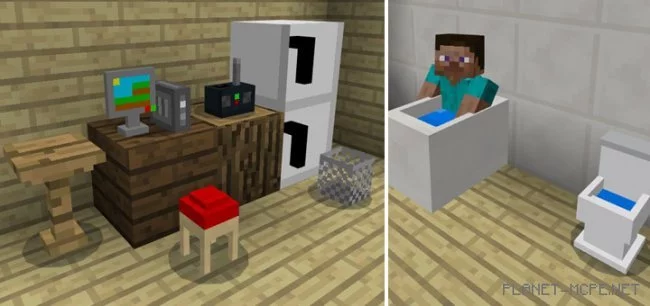
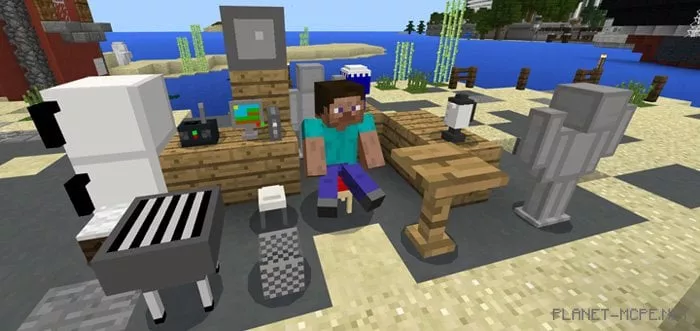
Every player in Minecraft PE has at some point tried to come up with innovative ways to create furniture using the most basic blocks. However, even if you succeeded, the furniture often didn’t look quite right, did it? I believe that’s true, which is why today we invite you to download and install a new mod called “Mine-Furniture (Майн-мебель)” for Minecraft Pocket Edition. This mod introduces new furniture blocks as well as colored glass into your favorite game. It’s worth noting that many of the new blocks have functional features that are well implemented. For instance, now in the world of МКПЕ, you can use a radio that actually plays music. Utilize all these enhancements to decorate your personal home!
How does it work?
To install a new furniture block, first place the DLBox in your desired location within the Minecraft Pocket Edition world. Then, long press on the block to select the furniture block you want. The DLBox acts as a replacement for the shulker, meaning you’ll need to either use shulker spawn eggs or the console command /summon shulker to set up the furniture block.
Below, you will find a complete list of furniture blocks added to MCPE.
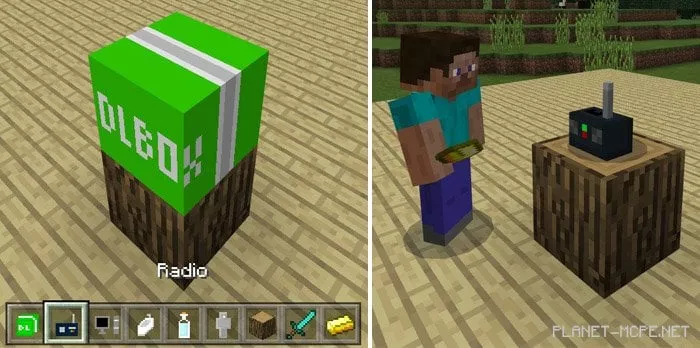
The screenshot below shows that I’ve spawned a radio block. Each block has its unique function. Regarding the radio, you should know that you need a gold ingot for it to work:
IOS/Android: hold a gold ingot, long press, then click the appearing Play button
Windows 10: right-click on the radio while holding a gold ingot
Complete List of Furniture
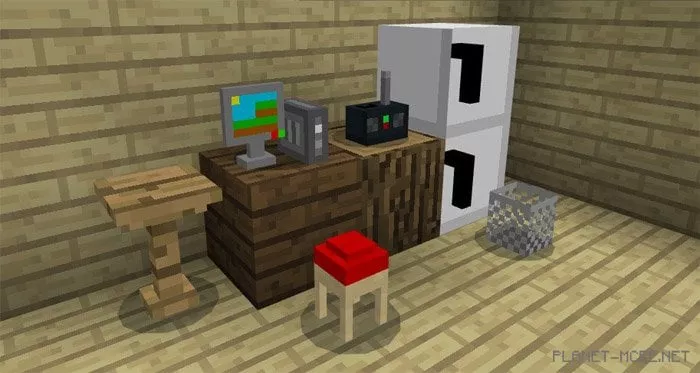
DLBox (replaces black shulker) – allows you to obtain furniture
Computer (replaces black shulker) – decorative block
Statue (replaces white shulker) – use a tag to name the statue
Radio (replaces red shulker) – apply a gold ingot to start playing music
Table (replaces orange shulker) – storage container. Move items into the container and access them anytime
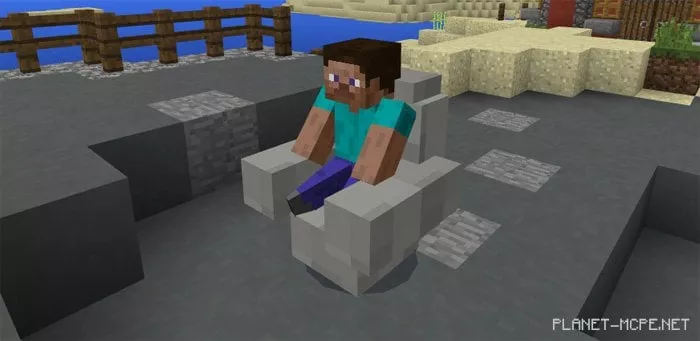
Chair (replaces yellow shulker) – you can sit on this chair since it’s real
Refrigerator (replaces green shulker) – food storage
Coffee table (replaces lime shulker) – drop items onto it, then click the table to retrieve them
Stool (replaces blue shulker) – you can sit on the stool
Blender (replaces cyan shulker) – mix various vegetables and fruits to create actual potions
Barbecue grill (replaces light blue shulker) – cook raw meat or fish with it
Safe (replaces purple shulker) – hide your important items from enemies
Basket (replaces pink shulker) – throw items into the basket. You can collect them later by long pressing on the basket
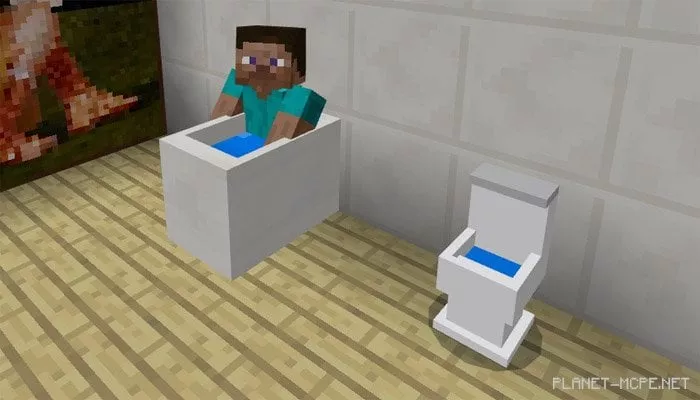
Bathtub (replaces gray shulker) – you can sit in the bathtub, but first, you need to use soap (which replaces light gray shulker) to fill the tub with soapy water. After that, you can sit in it. To empty the tub, simply long press on it while holding an empty bucket
Toilet (replaces brown shulker) – you can sit on it
Upgraded bed (regular bed)
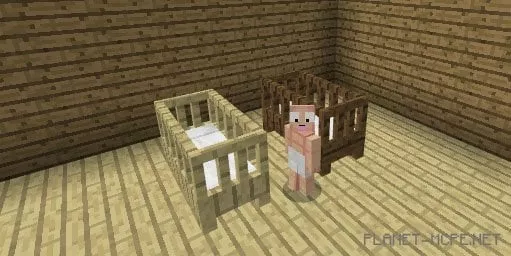
Child’s bed (some beds)
Teddy bear (head or skull)
Wear magical diapers to transform into a child (the skin remains the same)
Changes
New furniture
Redesigned furniture
Chairs, stools, and coffee tables can change size when using a golden pickaxe
Statues have been renamed to creepy statues and can protect you from hostile mobs if upgraded with a golden pickaxe
Computers can store emeralds, providing a debit card in return
New furniture: teddy bear, upgraded beds, and cribs.
New item: Magical diapers (turns you into child size)