Mega Mobs
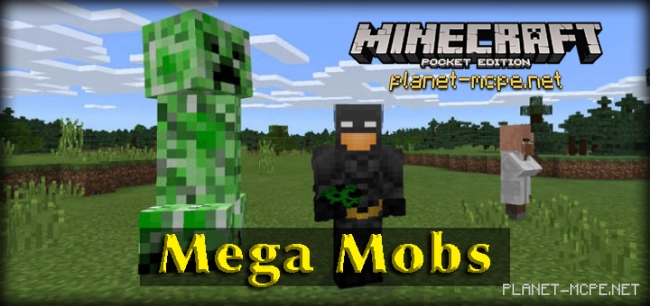
Mega Mobs Mod is the first mod that can be officially installed on the Minecraft Pocket Edition game client! Yes, you heard it right—officially! More details to follow! So, what does the Mega Mobs mod add?
The Mega Mobs mod transforms regular mobs into giants. Instead of encountering standard mobs in the world of MCPE, you’ll now come across giant versions that tower over you by several times. Surviving in the realm of Minecraft Pocket Edition will become much more epic!
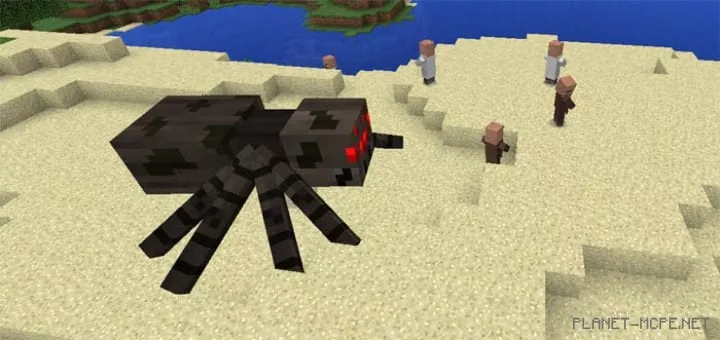
The spider in MCPE is one of the largest creatures around. With such a massive size and volume, it appears quite terrifying and nearly invincible. And indeed, this makes defeating such a spider significantly harder than ever before!
Pigs are now twice their usual size. You can also put a saddle on a pig and ride it, but it might not be very comfortable! If anyone has tips for riding pigs more effectively, feel free to share in the comments.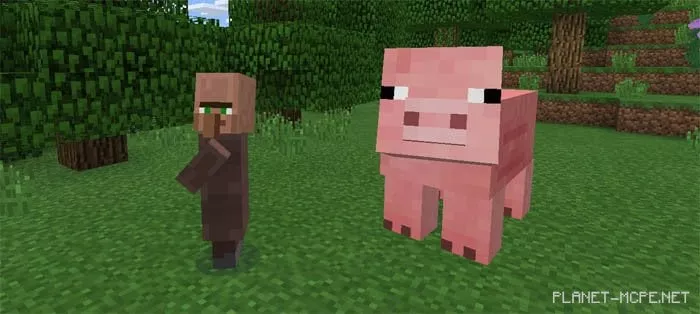
Initially, there was an idea to make the enderman much taller. However, the creator couldn’t adjust the head generation of the enderman to the desired height. Nevertheless, they did modify the width and length of its arms and legs!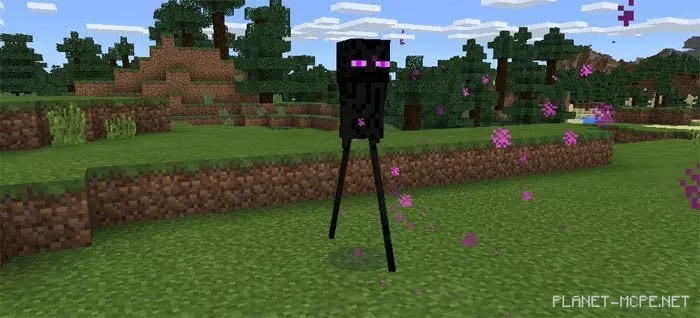
Creepers are now significantly larger than before. However, compared to other mobs, they retain the same abilities as they had previously; only their sizes have changed.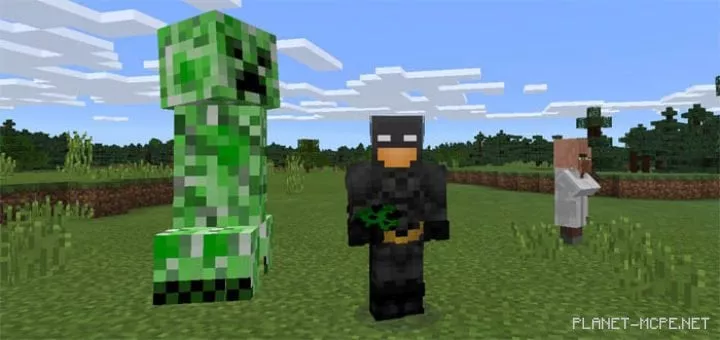
How does this mod work?This mod was created as a texture pack since all mob modifications were made within the “mobs.json” file. Therefore, you need to install this mod like any other texture pack through official means! Good luck!