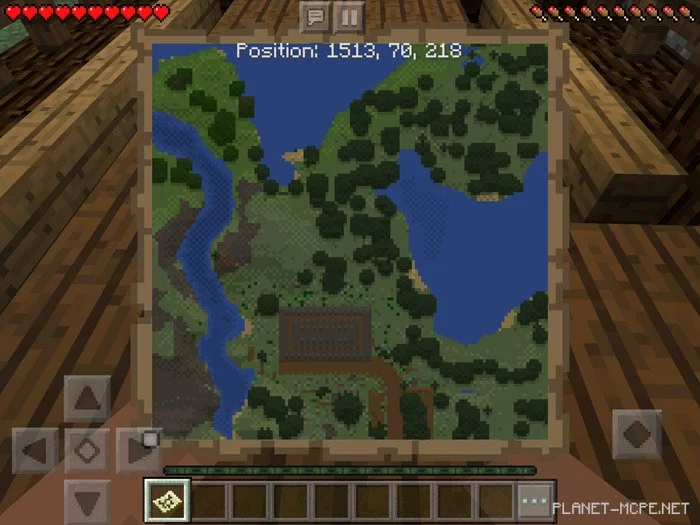
Map Coordinates
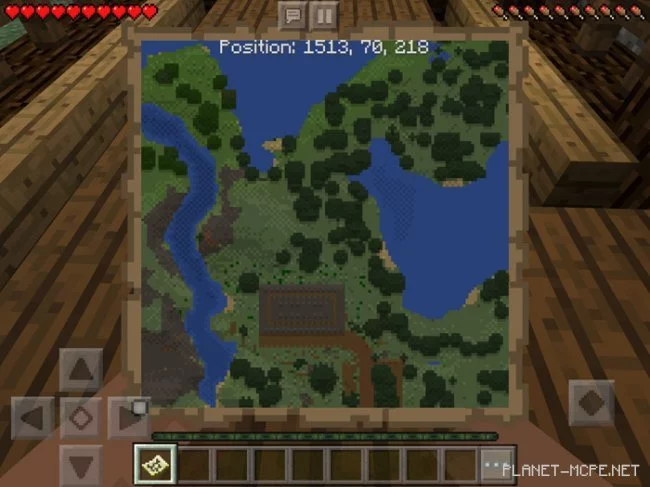
Do you enjoy exploring the vast universe of Minecraft PE? If so, we are excited to introduce you to the mod called Map Coordinates for Minecraft Pocket Edition. Once installed, this mod allows you to utilize your map in a whole new way by displaying coordinates! Please note that you can only view these coordinates while looking at the map, and they will appear at the top, marked with axes X, Y, and Z. If you’ve played Minecraft Console Edition, you’re likely already familiar with this feature.
First, you’ll need to create an empty map using 8 sheets of paper and 1 compass from the world of Minecraft Pocket Edition. Next, click on the Create Map button to generate the map, which will then be available in your inventory. To see your character’s coordinates, hold the world map MCPE in your hand.