List my Mods

Easy list of your mods for copy-pasting elsewhere: when reporting issues; sharing your mod list, etc.
Provides an easy and accessible way to view all of your installed mods. This is useful in a variety of scenarios; for example, sharing your mods, viewing the homepages to your mods, and providing a list for stack traces.
There are four different ways to view your mod list.
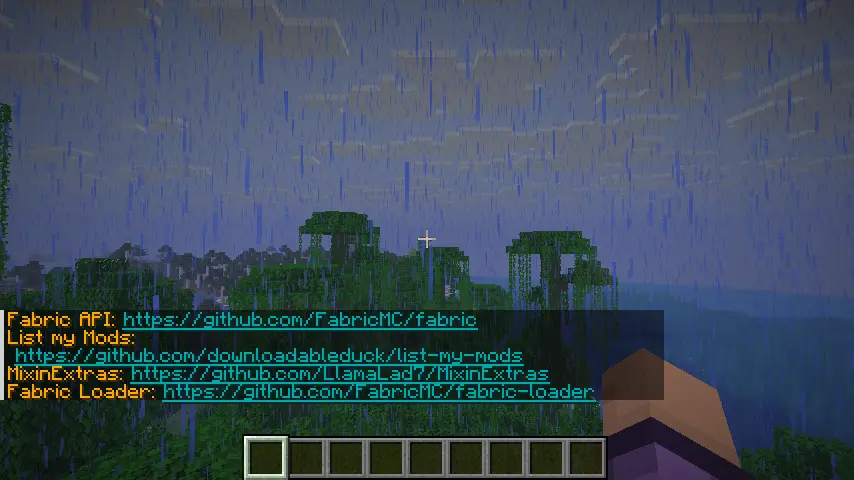
Simply lists all of your mods in chat, so you can view them.
_You can click on the links that appear._
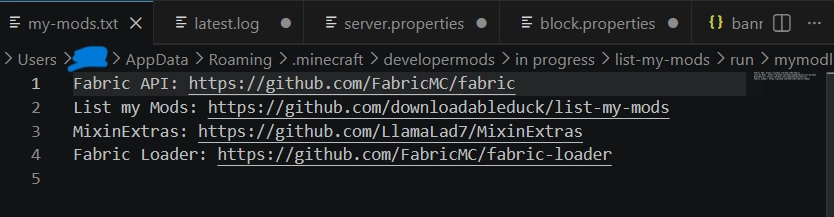
Sends your mod list to a .txt file located in ~/.minecraft/mymodlist-my-mods.txt. The command will automatically open the file in your associated application (VSCode, notepad, etc).
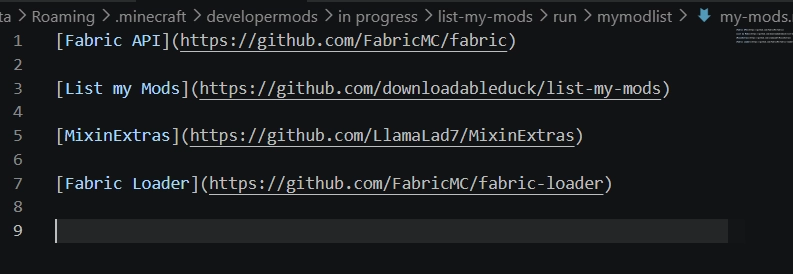
_raw markdown_
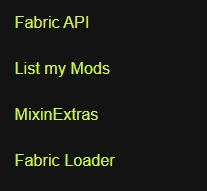
_A preview of how it will look. The links are clickable._
Sends your mod list to a .md file located in ~/.minecraft/mymodlist-my-mods.md for use on GitHub or other apps that support markdown formatting.The command will automatically open the file in your associated application (VSCode, notepad, etc).
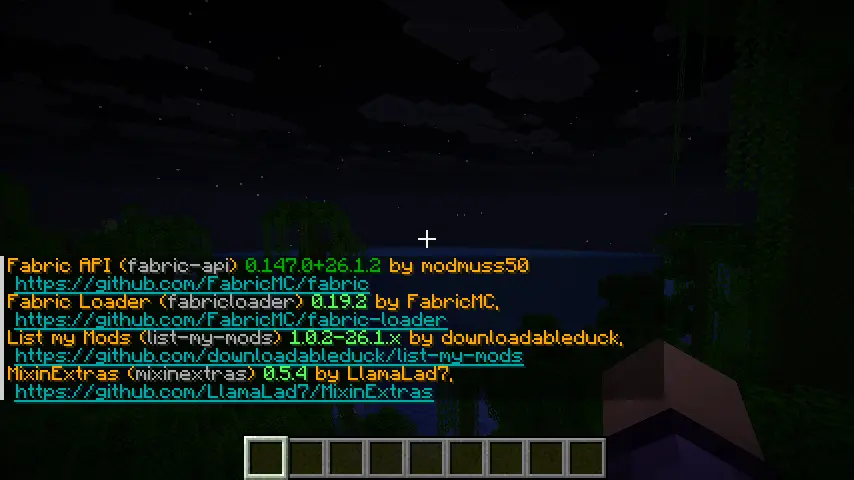
Provides a more thorough list including versions, the mods ids, and their authors.
But what about Mod Menu?
Mod Menu is great for configuring and viewing _your_ mods, but you can’t export your list or share them with others – which is the point of this mod.