Land Rover Discovery 4
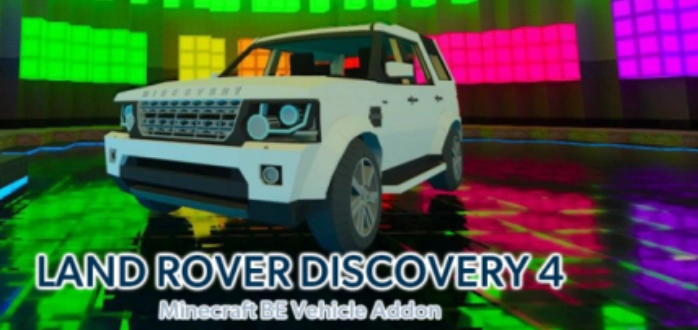
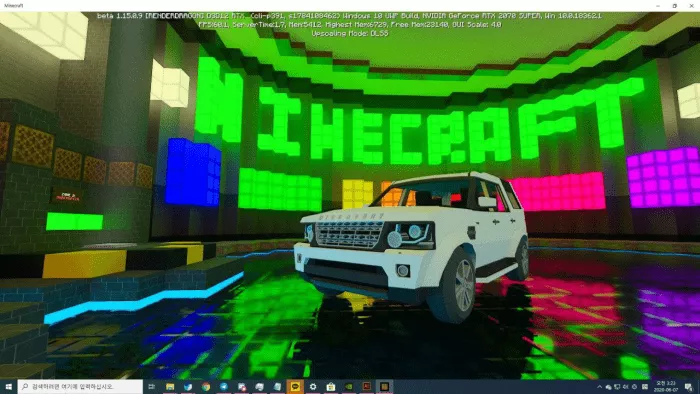
The mod called “Land Rover Discovery 4 ” adds the fourth generation of mid-size SUVs Land Rover Discovery to Minecraft . You can choose between the main and simple versions.
A video showcasing the process of creating the car model.
▶ title=”Watch the video”
allow=”accelerometer; encrypted-media; gyroscope; picture-in-picture”
allowfullscreen>Click here to view the video
Tips on how to operate the main version of a car.
srcdoc=”
▶
Rewrite the text to make it unique, using English language and keeping the HTML markup, do not refer to yourself or prompt, output text only: ▶
How to operate a basic version of a car.
▶ title=”Watch the video”
allow=”accelerometer; encrypted-media; gyroscope; picture-in-picture”
allowfullscreen>Click here to view the video
Main version features:
You can get the car in creative mode Minecraft .
Place a key (saddle) inside.
To access the inventory, place a chest inside.
The headlights are always on.
Wheel animation is present.
Capacity is 5 seats.
You can get Land Rover Discovery 4 by entering the command “summon : car:discovery “, “car:discovery_tl “.
Tamed with coal or charcoal. To accelerate, press the right mouse button.
Simple version features:
You can get the car in creative mode. Inventory is available. Headlights turn on automatically while driving. Wheel animation is present. The capacity is 5 seats. Obtain Land Rover Discovery 4 by entering the command “summon : car:discovery “, “car:discovery_tl “.
To accelerate, press the right mouse button.
not supported in beta version Minecraft 1.16 !
Installation of Land Rover Discovery 4 (.mcpack)
Download the mod labeled as “.mcpack ” below.
Run the downloaded file to import the addon/texture into Minecraft .
Open Minecraft Pocket Edition and go to world settings.
Install the imported resources for the world:Resource packs Add-on packs
Select the imported resource/add-on packs in each section.
We recommend restarting the game client Minecraft PE after this.
Launch Minecraft Pocket Edition , enter the previously configured world in Minecraft and enjoy the add-on!
 Important: not supported in beta version Minecraft 1.16!

