Kawaii Decorations
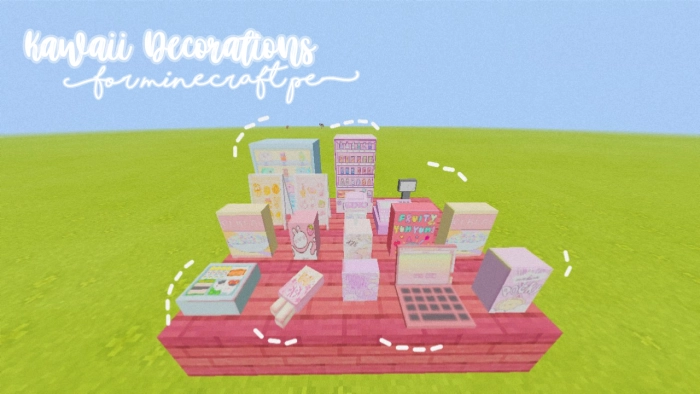
The modification known as Kawaii Decorations introduces a variety of items in Minecraft Pocket Edition, featuring predominantly pink hues.
Features of the Kawaii Decorations Mod
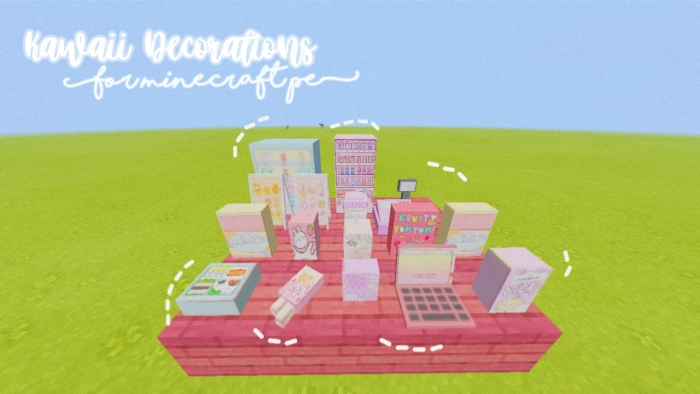
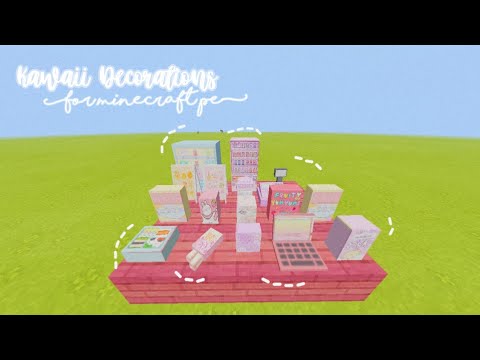
Modification Kawaii Decorations is an excellent choice for decorating a café in MCPE. It introduces into Minecraft:
Paintings
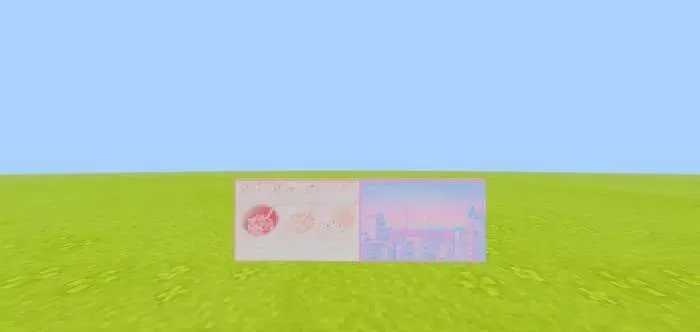
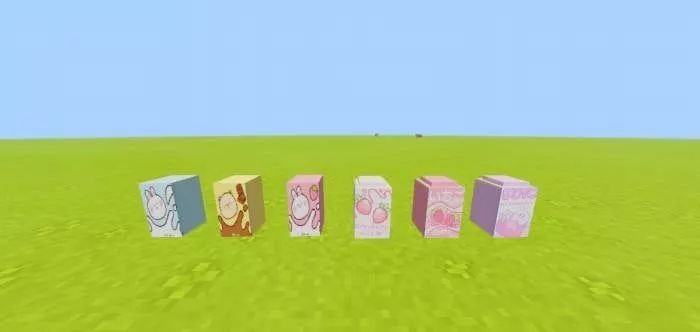
Товары
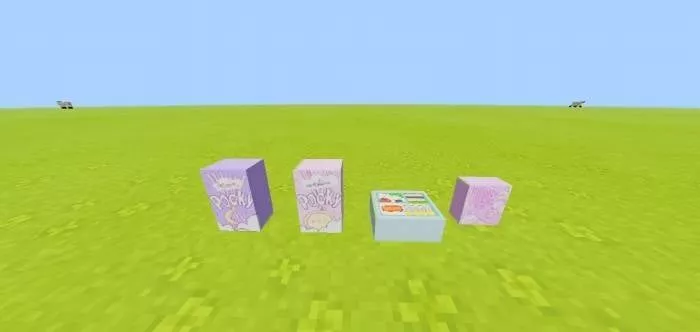
Cooling devices
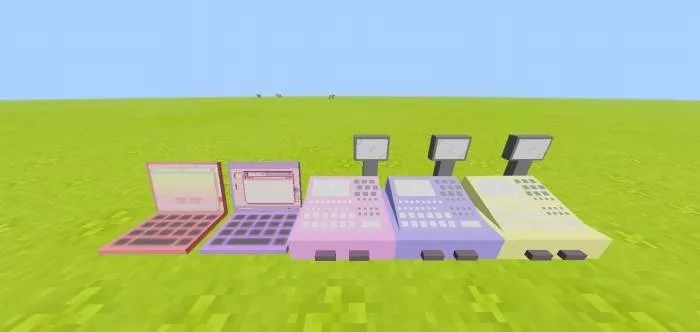
Cash registers
Сосуды
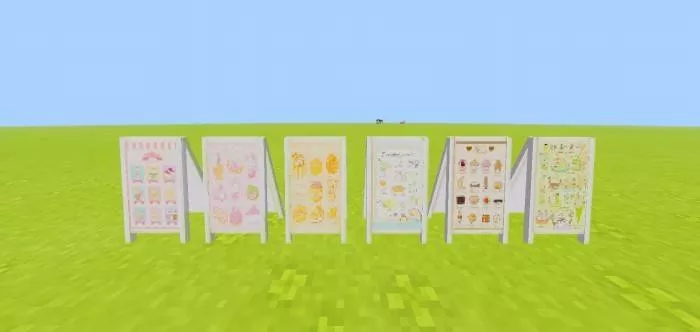
Знаки
Удачной игры!
 ▶
▶
“
permissions=”accelerometer; encrypted-media; gyroscope; picture-in-picture”
fullscreenallowed>
Installing Kawaii Decorations (.mcaddon)
- Download the mod labeled as “.mcaddon” from below.
- Run the downloaded file to import the addon/texture into Minecraft.
- Open Minecraft Pocket Edition and navigate to the world settings.
- Set the imported options for your world:
— Resource Packs.
— Add-on Packs.
- Select the imported resource packs/add-ons in each section.
- It is recommended to restart the game client Minecraft PE afterwards.
- Launch Minecraft Pocket Edition, enter the previously configured world Minecraft, and enjoy the addon!