Just Chairs
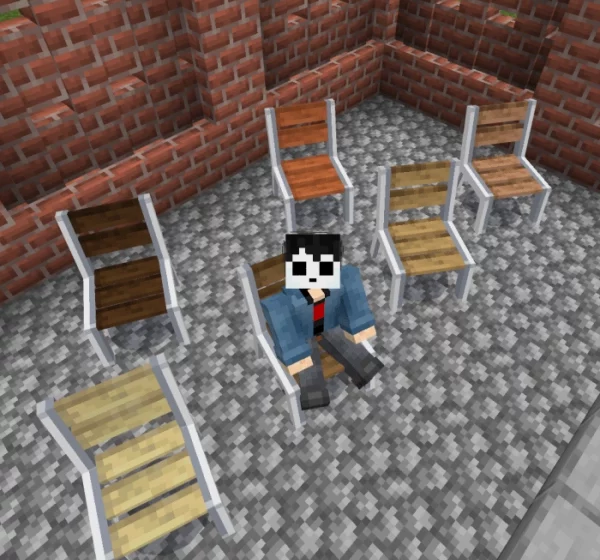
We present to you the mod “Just Chairs“. This mod introduces 100 different types of chairs into Minecraft, each available in 16 color variations.
Single Chairs
- Acrylic: features a semi-transparent, modern design.
- Fabric: inspired by stylish camping spots, adorned with a llama-patterned fabric.
- Gaming: this chair is a prototype that was featured in a giveaway by PewDiePie.
- Garden: a simple solid-colored seat with a classic design.
- Modern: its design is derived from a hospital corridor chair.
- Office Chair: a standard chair equipped with wheels.
- Open chair: it’s similar to benches found in inner courtyards.
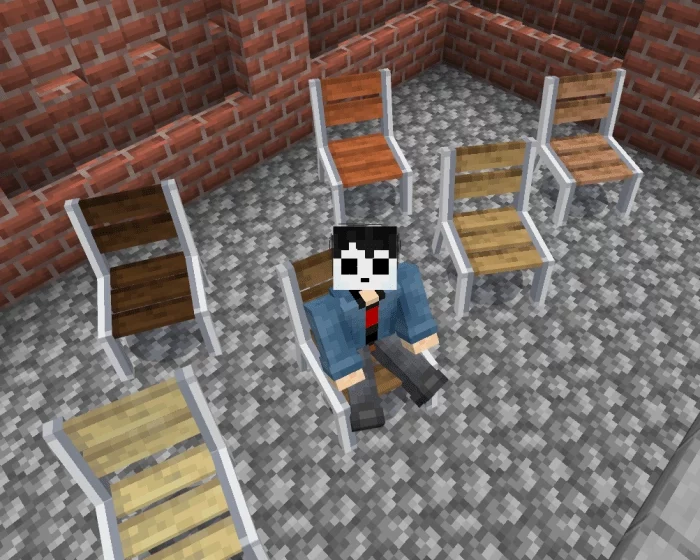
- Retro chair: designed after the seating styles of 1960s restaurants.
- Cottage seat: inspired by the cozy interiors of country cafes.
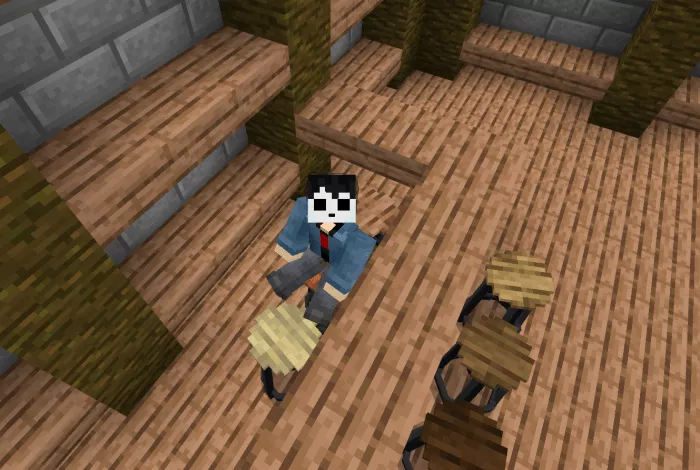
- Basic chair: the most straightforward and typical chair.
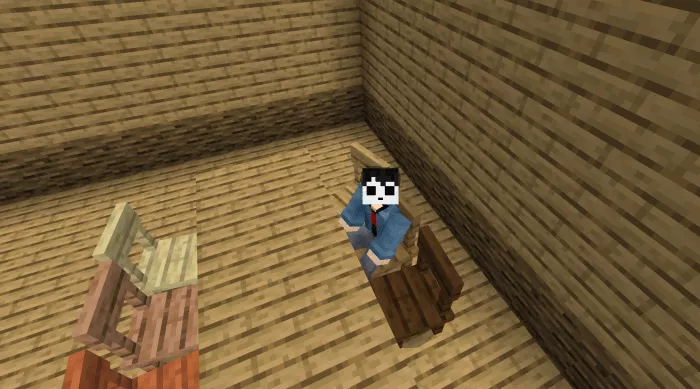
- Simple stool: this is also a very basic and common stool.
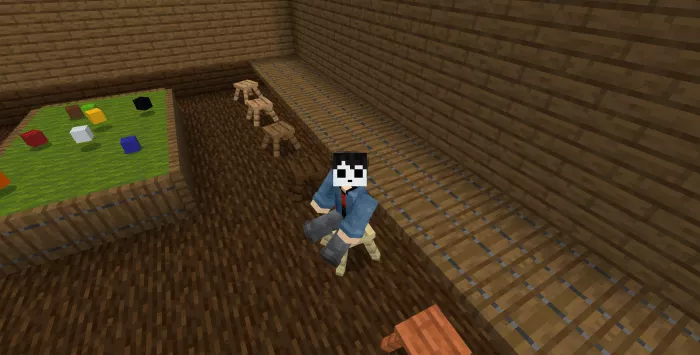
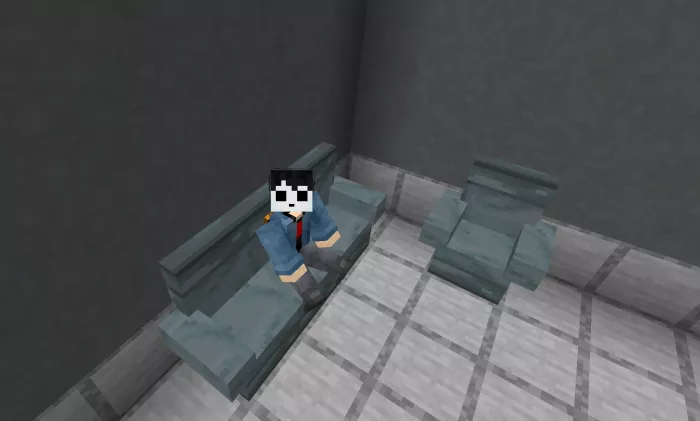
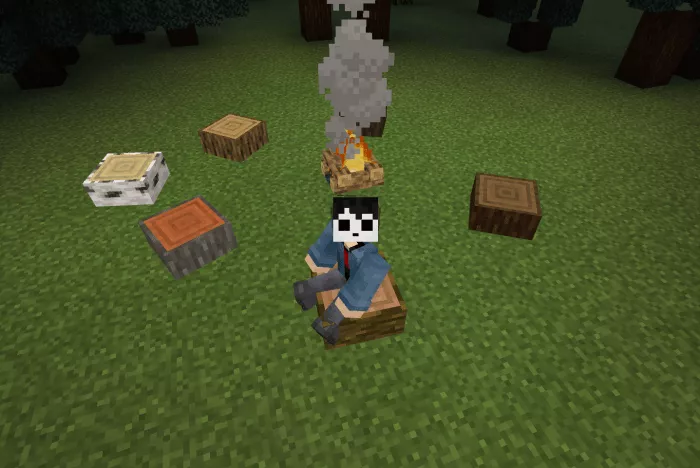
- Log: crafted from a halved log. A natural seating option, ideal for picnics and outdoor adventures.
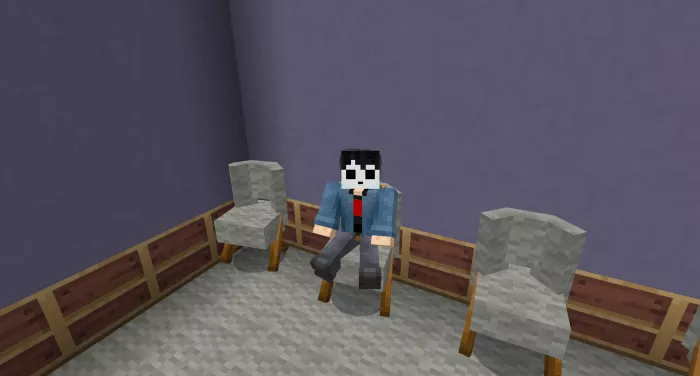
- Wool Chair: designed with a contemporary style. Features a wool texture.
Multi-seater Options
- Large sofa: accommodates 3 players. The design is the same as that of the single-seater sofa.
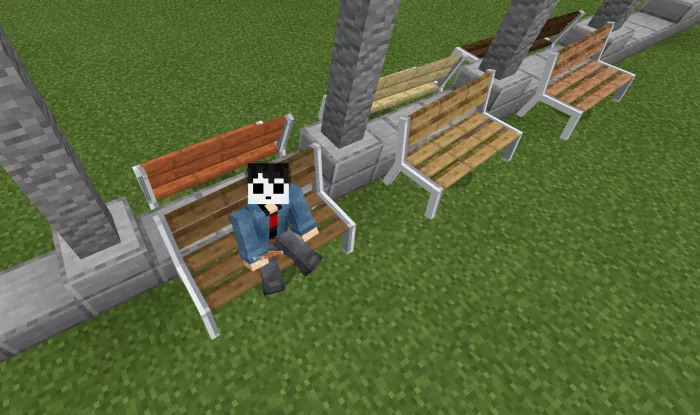
- Outdoor bench: fits 3 players. It features a simple street bench design, similar to those found in parks.
Installing Just Chairs (.mcpack)
- Download the mod labeled — “.mcpack” below.
- Open the downloaded file to import the add-on/texture into Minecraft.
- Launch Minecraft Pocket Edition and go to world settings.
- For your world, enable the imported:
— Resource Packs.
— Add-ons.
- Select the imported resource packs/add-ons in each section.
- It is recommended to restart the game client Minecraft PE afterwards.
- Start Minecraft Pocket Edition, enter the previously configured world Minecraft, and enjoy the add-on!