📢 Купить рекламу на сайте  — узнать цены и условия размещения!
📢
Купить рекламу на сайте — узнать цены здесь →

Jeeps

Jeeps
10.04.2026 Mods admin 0 comments 3 min 254 views

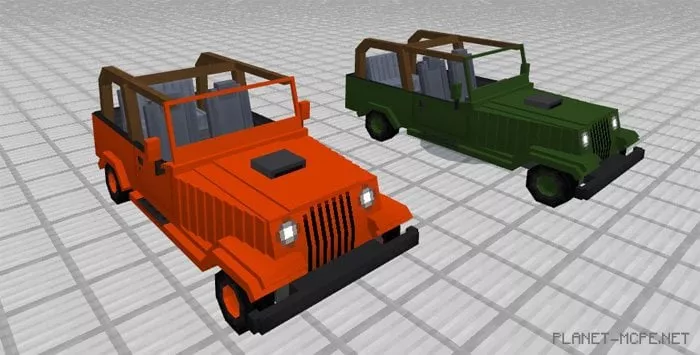
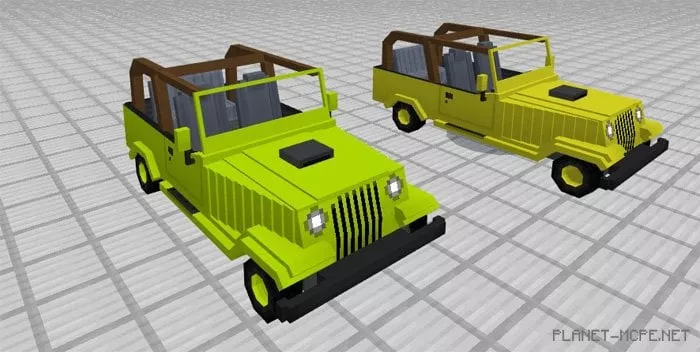
Tired of traveling the world on animals in Minecraft PE? We present to you a remarkable mod called “Jeeps” for Minecraft Pocket Edition, which offers you a real jeep! Currently, this is the best mod for MCPE that introduces new transportation options. You can choose from several jeeps available in 10 vibrant colors! Pick your favorite and explore the vast world of MCPE. This new vehicle will assist you in all conditions except water; unfortunately, it won’t float.

How does it work?

Wondering how to find a vehicle in Minecraft Pocket Edition? To spawn a jeep, you’ll need spider or cave spider spawn eggs. This mod for MCPE provides players with 5 different texture packs, each featuring two car colors. All these vehicles differ only in color.

  • IOS/Android: Approach the vehicle, long-press on it, then tap the appearing Drive button
  • Windows 10: Right-click on the vehicle

To control this powerful jeep in Minecraft PE, you’ll need a carrot on a stick, allowing you to drive wherever you wish. Hold the stick in your hand to start moving forward!
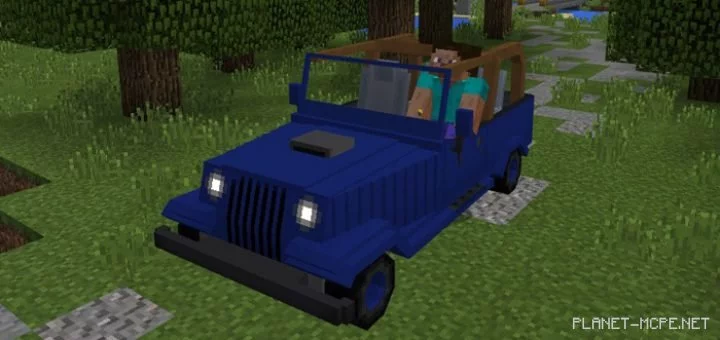
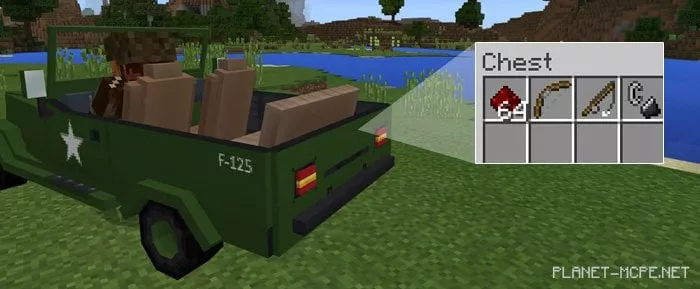
In the trunk of the vehicle, you’ll find 27 slots for any items from the world of Minecraft PE:
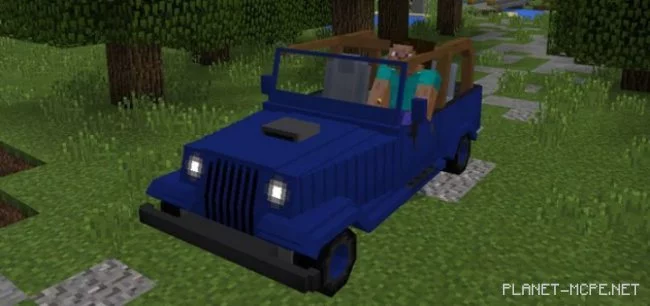
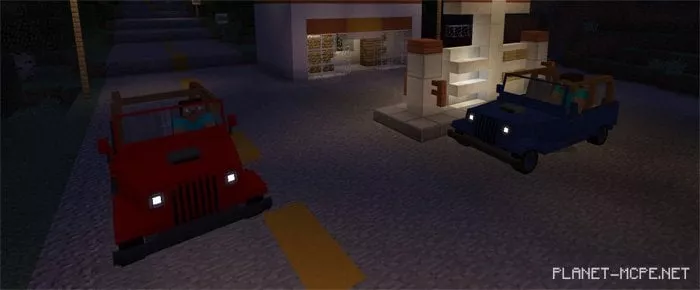
If it’s nighttime in Minecraft Pocket Edition, the headlights of the vehicle will turn on:
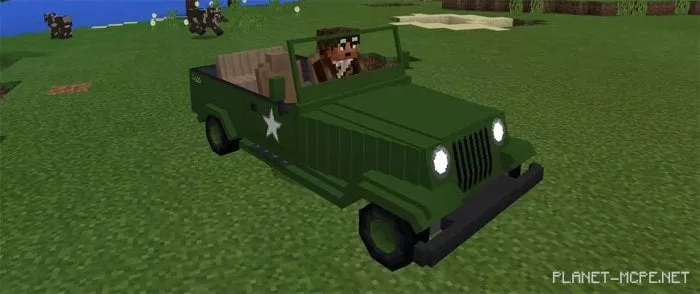
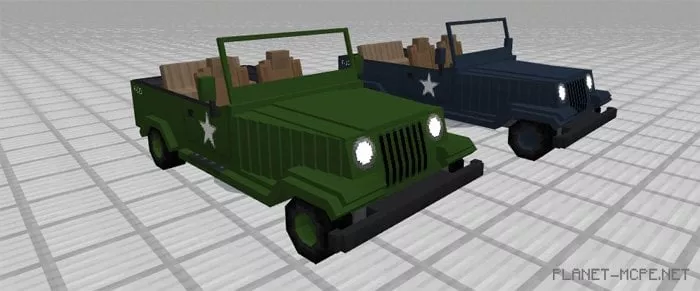
The latest update of the mod for MCPE introduced a special military green paint job:
Colors

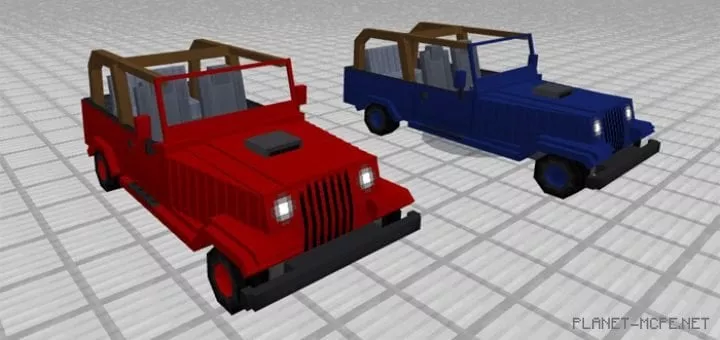
Red and Blue:

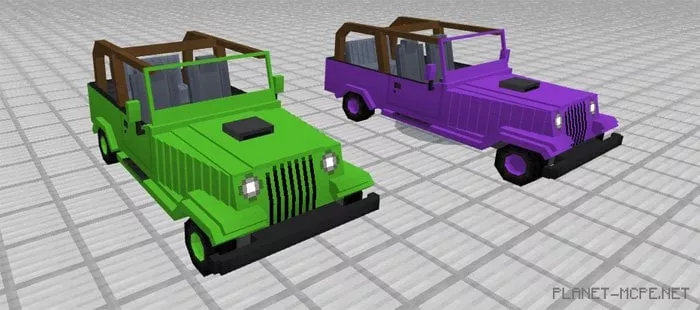
Green and Purple:

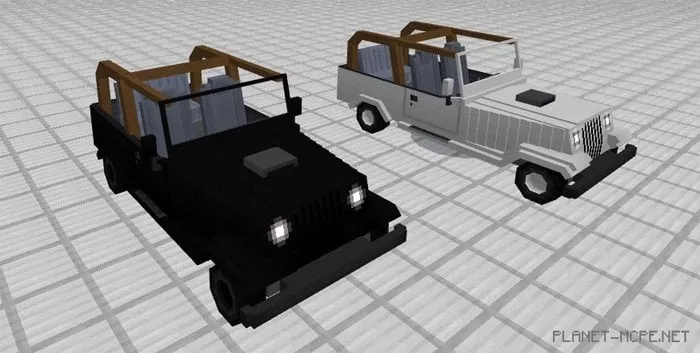
Black and White:
Orange and Dark Green:
Lime and Yellow:
Camouflage Pattern:
Installing Jeeps (.mcpack)

  • Download the mod labeled as “.mcpack” from below.
  • Open the downloaded file to import the add-on/texture into MCPE.
  • Launch Minecraft Pocket Edition and navigate to the world settings.
  • For your world, apply the imported:
    Resource Packs.
    Add-ons.
  • Select the imported resource packs/add-ons in each section.
  • It is advisable to restart the game client Minecraft PE afterwards.
  • Start Minecraft Pocket Edition, enter the previously configured world MCPE, and enjoy the add-on!

Installation of Jeeps (.zip)

  • Download the mod provided below.
  • Extract the two folders from the archive.
  • Move the folder titled «Jeeps Behavior Pack» into the directory /games/com.mojang/behavior_packs/
  • Transfer the folder named «Jeeps *color* Resources Pack» to the directory /games/com.mojang/resource_packs/
  • Launch Minecraft Pocket Edition.
  • Create a new world or modify an existing one.
  • Apply the resource pack and addon that you previously moved to the resource_packs and behavior_packs folders for your selected world.
  • All set! Restart Minecraft PE and enjoy your game!

Leave a comment