📢 Купить рекламу на сайте  — узнать цены и условия размещения!
📢
Купить рекламу на сайте — узнать цены здесь →

Java «Bow Ding» Sound Effect

Java «Bow Ding» Sound Effect
11.04.2026 Mods admin 0 comments 2 min 147 views

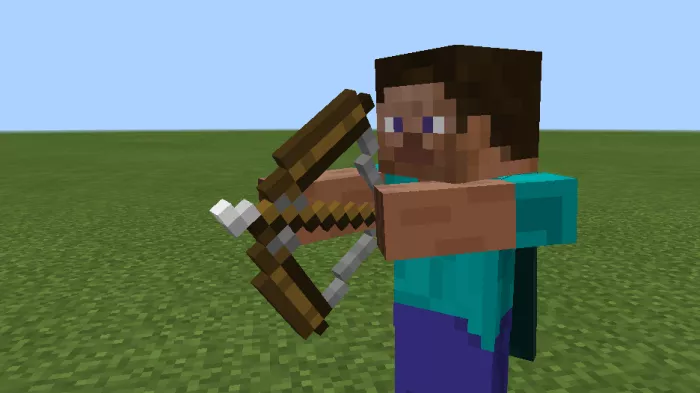
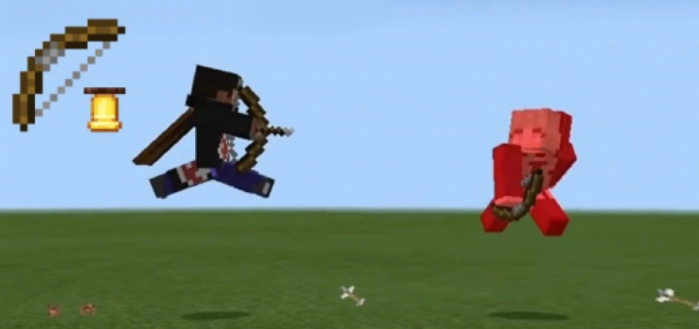
If you have ever played Minecraft Java, you likely recall the sound made when an arrow hits a player. The mod titled Java “Bow Ding” Sound Effect introduces this iconic sound into the Bedrock edition.

This is simply a behavior pack that requires no additional resources or configurations in Minecraft. The sound will help you determine whether you’ve hit a player, even if they are far away from you.  

Installing the Java “Bow Ding” Sound Effect (.mcpack)
  • Download the mod labeled as “.mcpack” below.
  • Run the downloaded file to import the add-on/texture into Minecraft.
  • Open Minecraft Pocket Edition and navigate to world settings.
  • Set the imported:
    Add-on Packs for your world.
  • Select the imported resource packs/add-ons in each section.
  • It is recommended to restart the Minecraft PE client afterward.
  • Launch Minecraft Pocket Edition, enter the previously configured world in Minecraft, and enjoy the add-on!

Installation of the Java “Bow Ding” Sound Effect (.zip)

  • Download the mod provided below.
  • Extract the folder named “Java ‘Bow Ding’ Sound Effect” from the archive.
  • Move the folder “Java ‘Bow Ding’ Sound Effect” to the directory /games/com.mojang/behavior_packs/
  • Launch Minecraft Pocket Edition.
  • Create a new world or modify an existing one.
  • Apply the addon that you previously moved to the behavior_packs folder for your selected world.
  • All set! Restart Minecraft PE and enjoy your gameplay!

Leave a comment