📢 Купить рекламу на сайте  — узнать цены и условия размещения!
📢
Купить рекламу на сайте — узнать цены здесь →

Inventory Cleaner

Inventory Cleaner
11.04.2026 Mods admin 0 comments 1 min 163 views

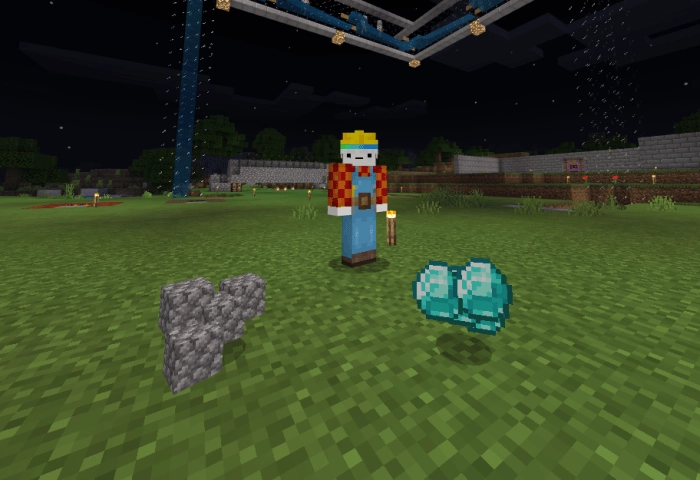
A straightforward and quick method to declutter your inventory in Minecraft from unnecessary items! The mod titled Inventory Cleaner introduces a tool that allows you to eliminate accumulated junk! Simply drop unwanted items on the ground within a 4-block radius and move them!

A video demonstrating how the mod works in Minecraft:So, just throw all the items onto the ground. Then simply shift them. There are two versions of this add-on:

  • V1.0: all items within a 4-block radius are cleared upon movement.
  • V1.1: certain items within a 5-block radius are removed during movement:
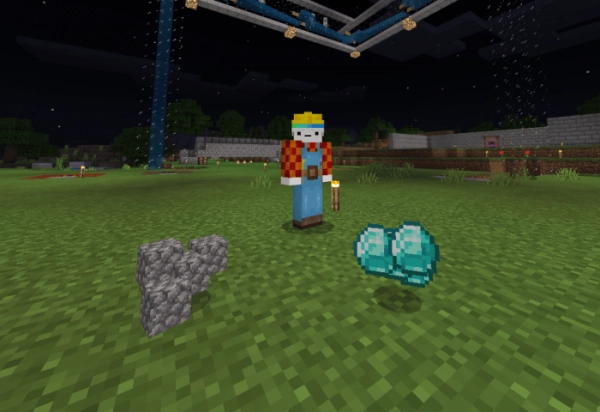
    • Stones, dirt, gravel.
    • Saplings, seeds, mushrooms.
    • Flint.
    • Rails.
    • Netherrack.

How to Install Inventory Cleaner (.mcpack)

  • Download the mod labeled as “.mcpack” below.
  • Run the downloaded file to import the add-on/texture into Minecraft.
  • Open Minecraft Pocket Edition and navigate to world settings.
  • For your world, enable the imported:
    — Add-on Packs.
  • Select the imported resource packs/add-ons in each section.
  • It is recommended to restart the game client of Minecraft PE afterward.
  • Launch Minecraft Pocket Edition, enter the previously configured world Minecraft, and enjoy the add-on!

Leave a comment