Herobrine And Notch
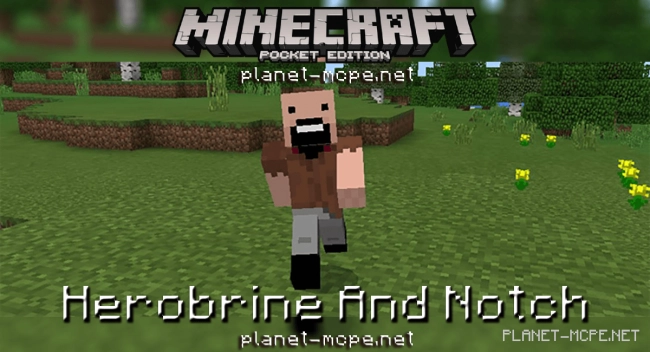
Herobrine is an iconic figure in Minecraft, whose existence within the game has never been substantiated. This addon slightly alters the game’s lore by replacing the wither skeleton with Herobrine. Fortunately, this time around, Herobrine will be more friendly towards you. Typically ruthless to all, he takes a different approach here. Additionally, the addon Herobrine And Notch transforms the iron golem into Notch. Two beloved characters together in one game!
Herobrine closely resembles the character “Steve.” The key difference lies in Herobrine’s white eyes and his malevolent spirit. He wields a diamond sword and possesses slightly greater strength than Notch.
To summon Herobrine, you’ll need a wither skeleton egg or simply venture into the Nether to find him there.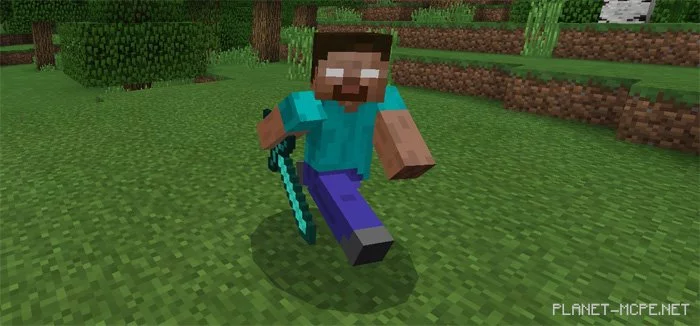
Notch is the creator of Minecraft. Although he is no longer involved in developing Minecraft Pocket Edition, he remains a well-known figure among us.
To summon Notch, you will require four iron blocks and a pumpkin. Place the pumpkin on the top center block as illustrated below in the image.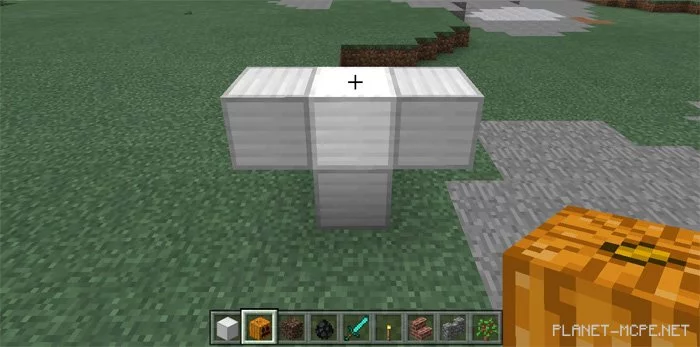
Notch acts as a neutral mob. This means he won’t attack other characters unless they strike first. To defeat Notch, you must hit him 30 times with a diamond sword. If he hits you (and you’re not wearing armor), you’ll lose half your health.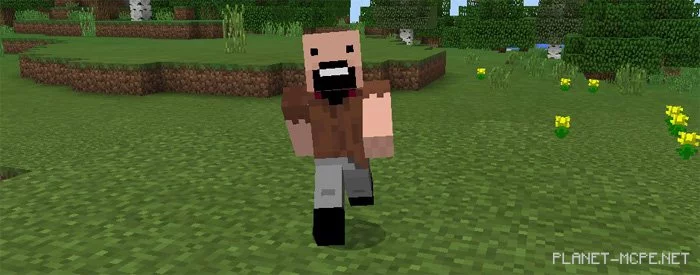
Give Notch a nether star to help him grow stronger. The nether star drops from Herobrine.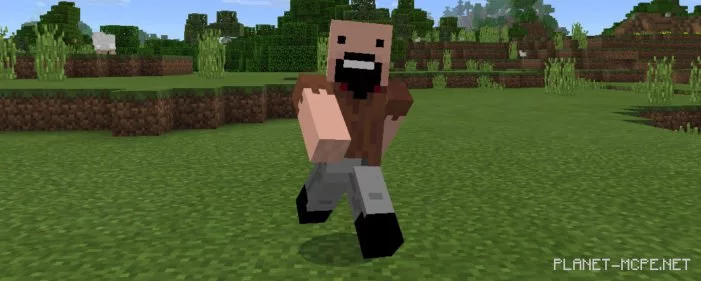
Place Herobrine and Notch opposite each other and witness who emerges victorious. It will be a battle between good and evil. Who do you think will win? Download the addon below to find out.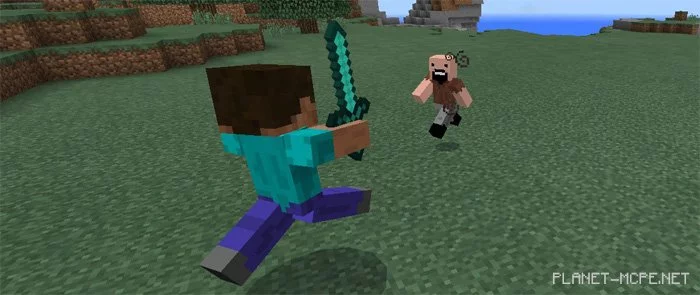
Additional Information: