📢 Купить рекламу на сайте  — узнать цены и условия размещения!
📢
Купить рекламу на сайте — узнать цены здесь →

Handguns

Handguns
10.04.2026 Mods admin 0 comments 2 min 166 views

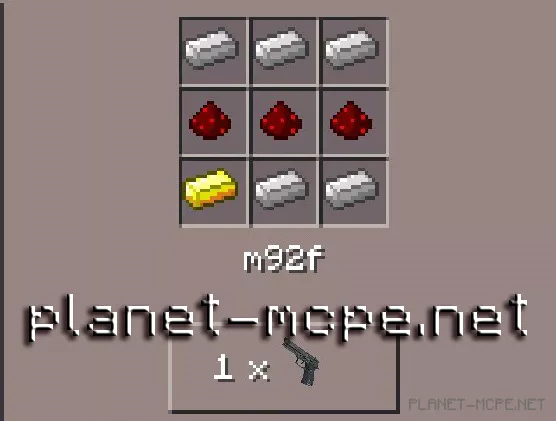
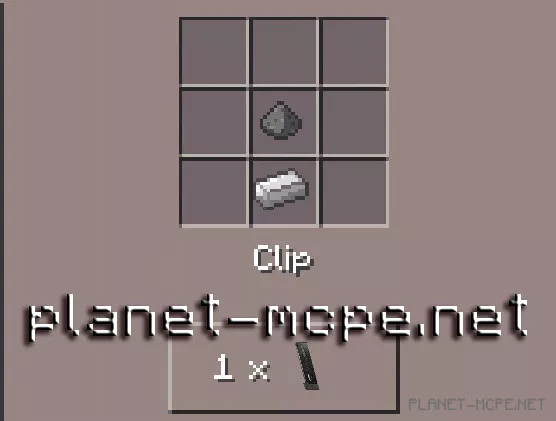
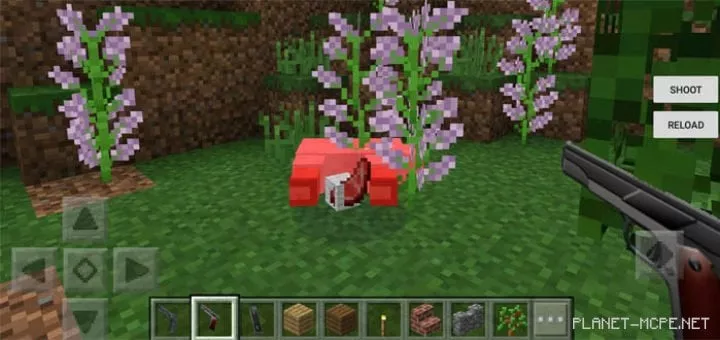
Handguns Mod — this mod introduces two types of firearms into Minecraft Pocket Edition, along with one ammunition clip for these pistols. These weapons are significantly more powerful than those already available in the Minecraft PE universe. The Handguns mod will give you a sense of security, making you feel safer when night falls in the game.

How to Use the Pistols?

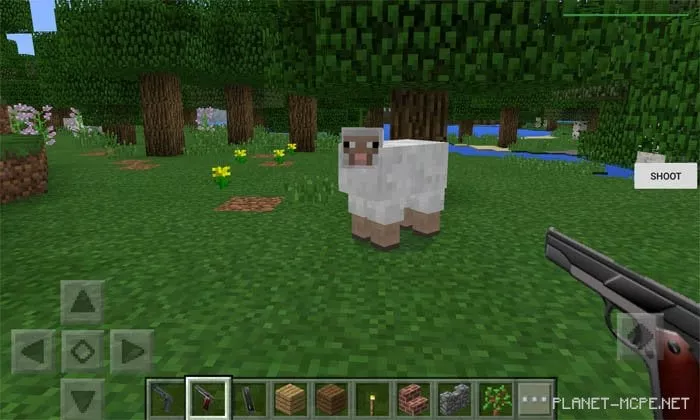
Equip one of the weapons and ensure that you have at least one ammo clip in your inventory. If the “reload” button is illuminated on the right side of the screen, click it to reload your weapon. After reloading, press the “shoot” button to fire from the selected weapon.
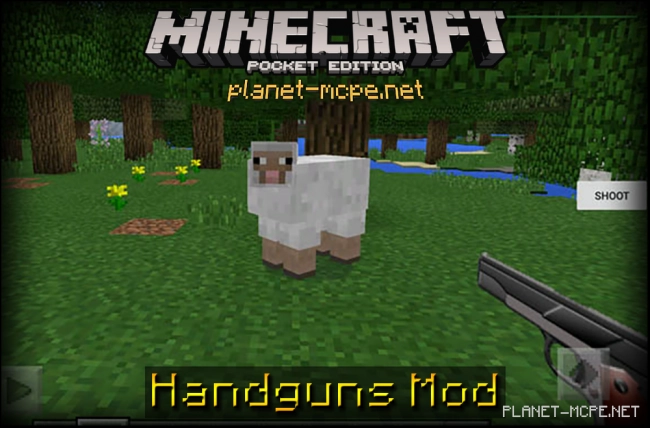
Handguns Mod 0.15.10/0.15.6

Both weapons come with a magazine containing 12 rounds. Most mobs will perish after just one shot. You can adjust the crosshair in the center of the screen similar to the PC version of Minecraft to make aiming easier for hunting animals or use your instincts to determine the aim axis and shoot at creatures and mobs.Handguns Mod 0.15.10/0.15.6
Installing the Handguns Mod:

  • Download the mod.
  • Launch BlockLauncher Pro.
  • Click on the wrench icon.
  • Go to “ModPE Script”.
  • Enable mod support and click “Add”.
  • Now locate the downloaded mod in your device’s file system and select it.
  • The mod is installed; now install the texture!
  • Installing the Handguns Texture:

    • Download the texture.
    • Open BlockLauncher Pro.
    • Tap on the wrench icon.
    • Navigate to BL Settings.
    • Enable texture support.
    • Go to Texture Pack and click Import.
    • Find the downloaded texture pack in your device’s file system and select it.
    • The mod and texture are installed—enjoy your gameplay!

    Leave a comment