GB’s Custom
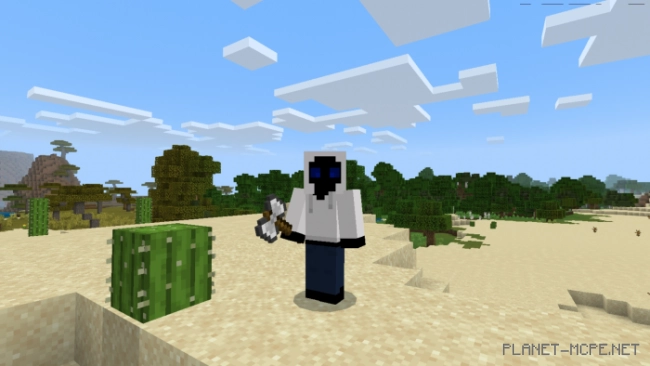
The mod called “GB’s Custom” adds powerful items to Minecraft that are not available in the classic version. If you’re tired of fighting with the same weapons, then this mod has a lot of useful and interesting things for you!
The mod is only supported in Minecraft version 1.12 and above.
None of the items can be found in Creative mode. You can use the command “/give @p gb:[item name]” or craft them using the recipes shown below.
Chaos (battle axe that looks like a weapon). Characteristics:
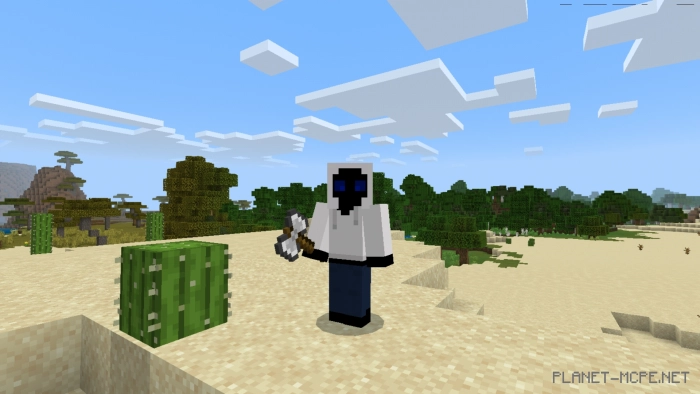 Energy sword (sword from the game Halo). Characteristics:
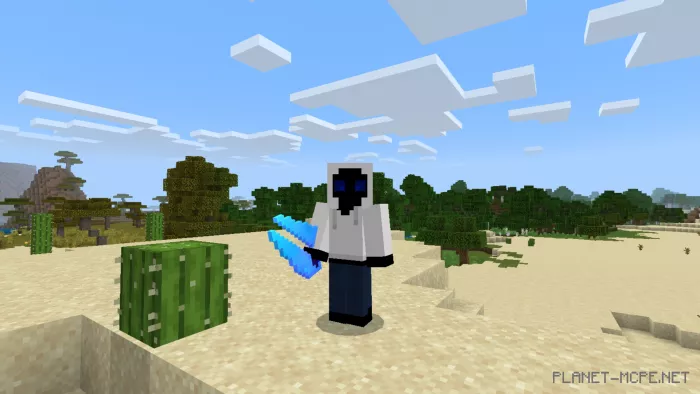 Titanium sword. Characteristics:
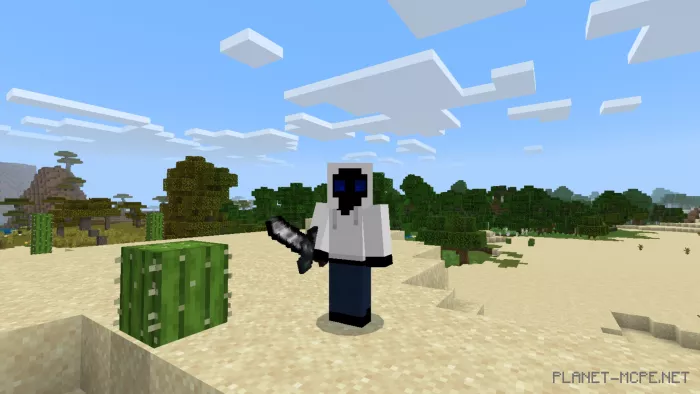 Diamond katana. Characteristics:
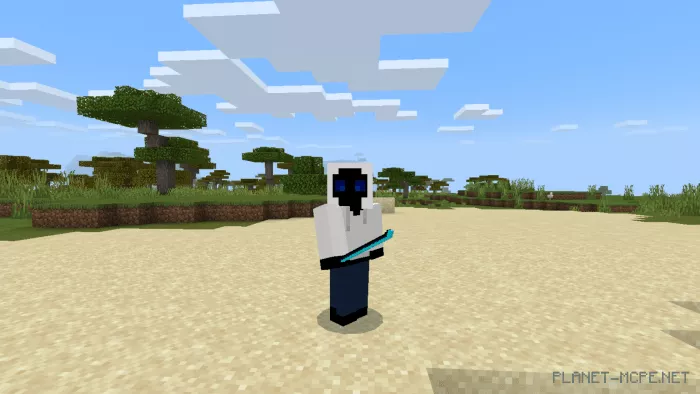 Diamond scythe. Characteristics:
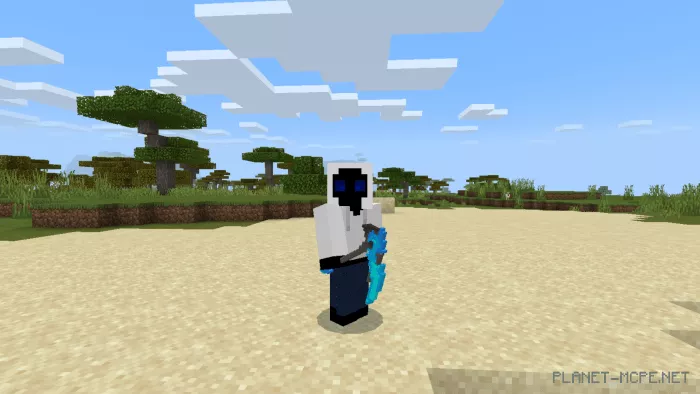 Essence sword. Characteristics:
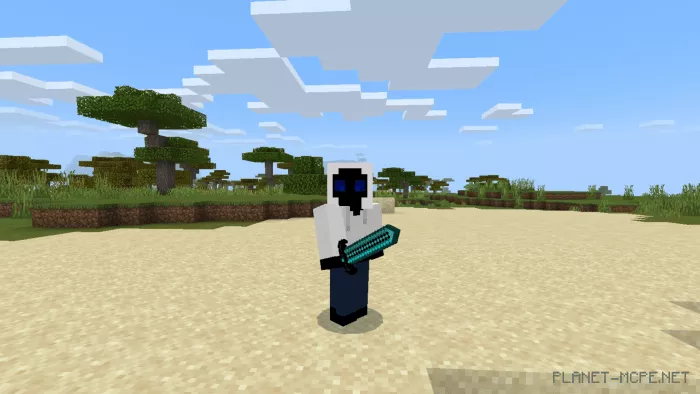 Broken sword. Characteristics:
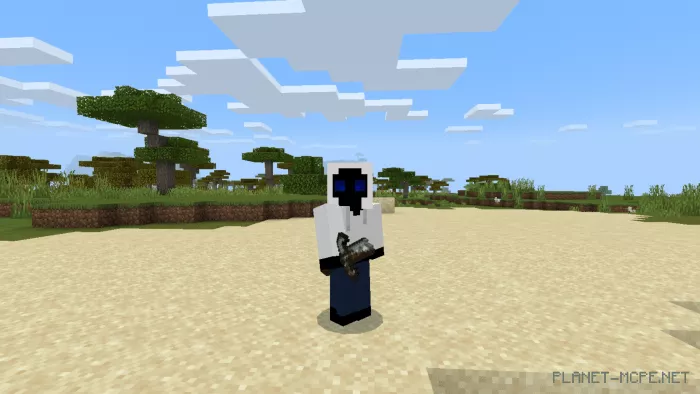 Hammer. Characteristics:
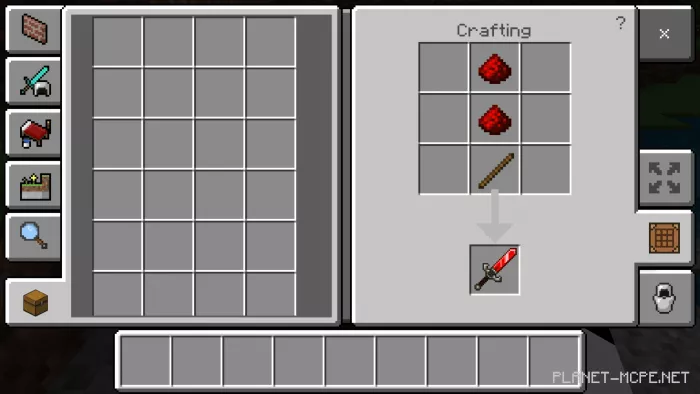
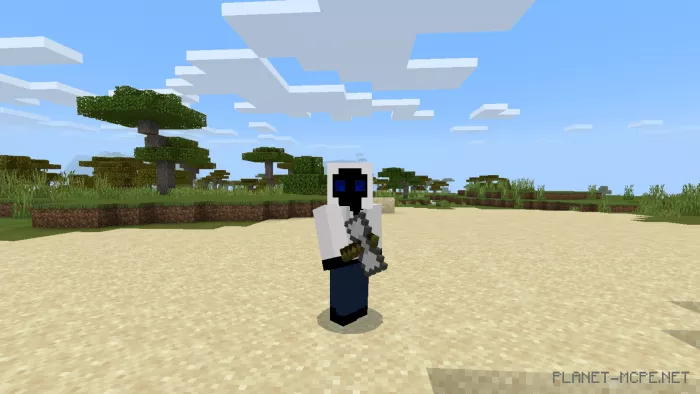 Redstone Sword. Characteristics:
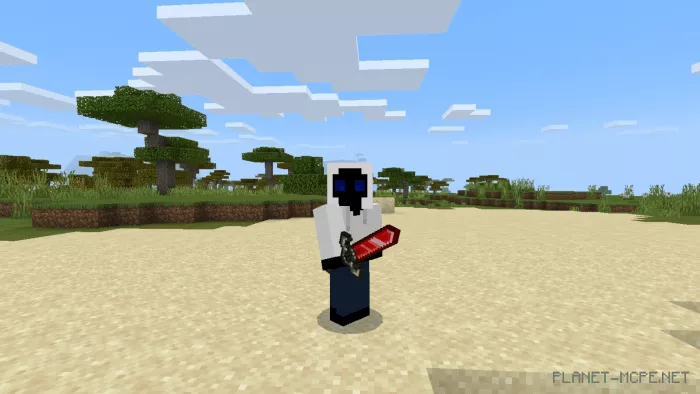 Coal sword. Characteristics:
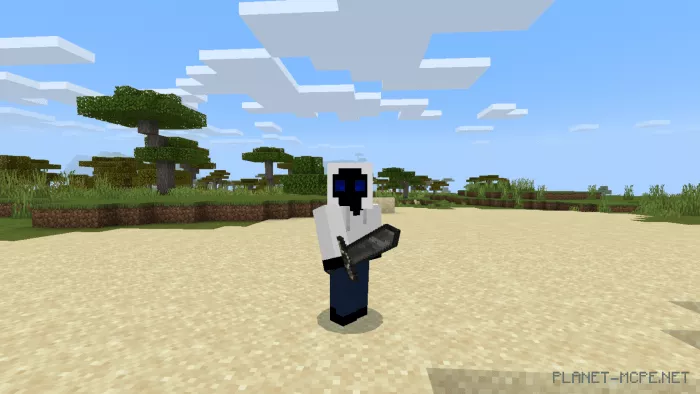 Pike. Characteristics:
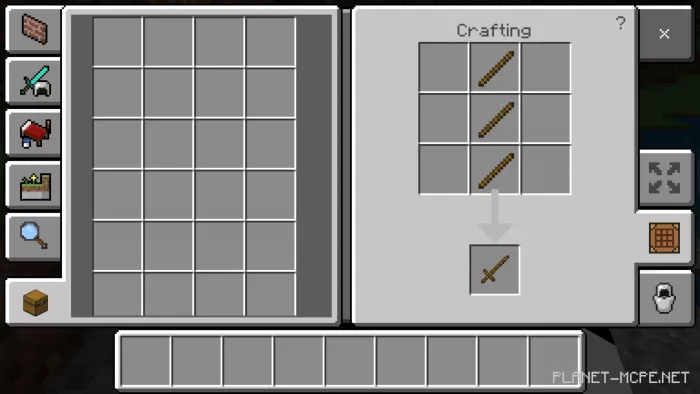
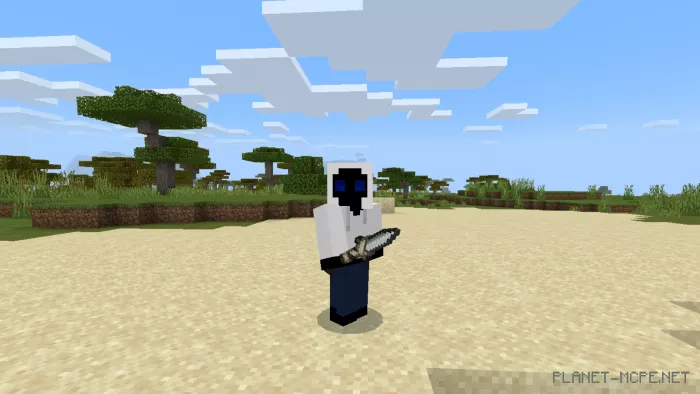 Sword-stick. Characteristics:
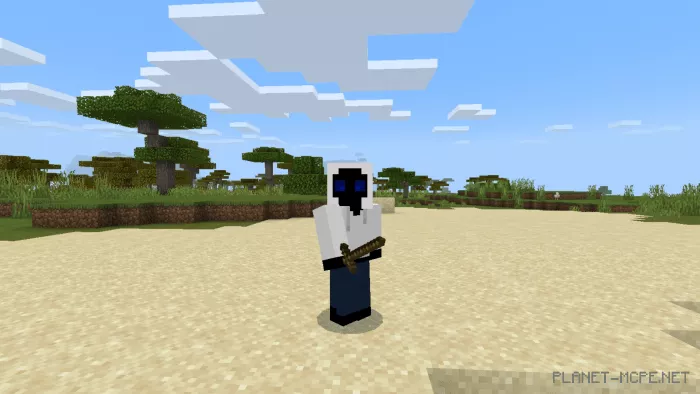
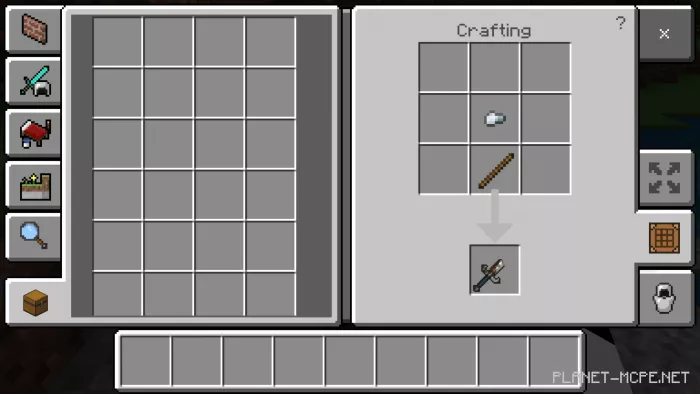
Chaos can be created with an iron block and a stick, regardless of the number of items: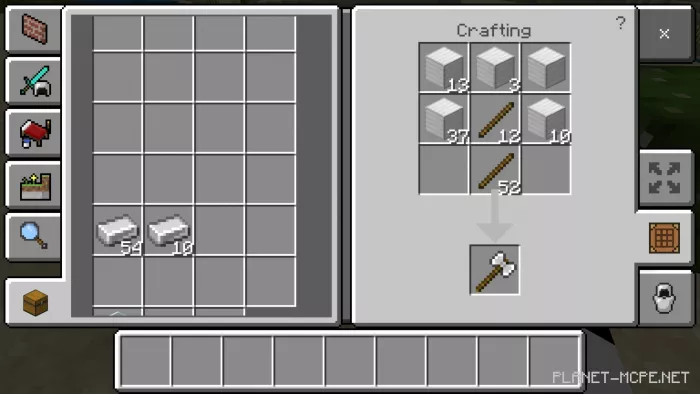 Energy sword can be crafted with a beacon and a stick, regardless of the number of items:
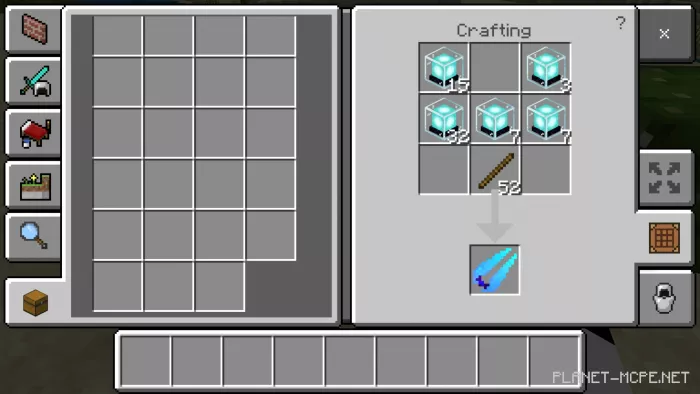 Titanium sword can be crafted with an iron ingot and an iron block, regardless of the number of items:
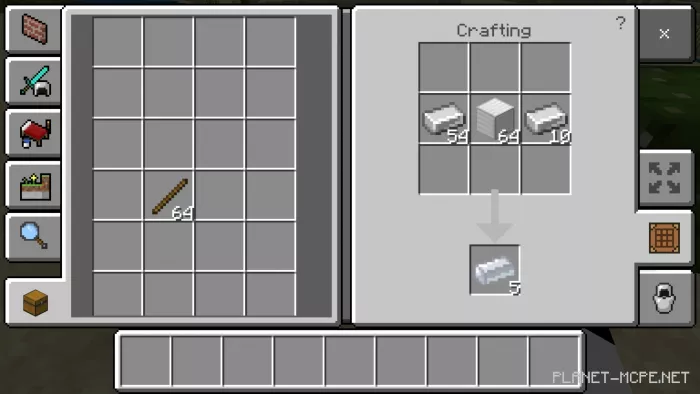 You can also craft a titanium sword like an iron sword, but using iron pieces:
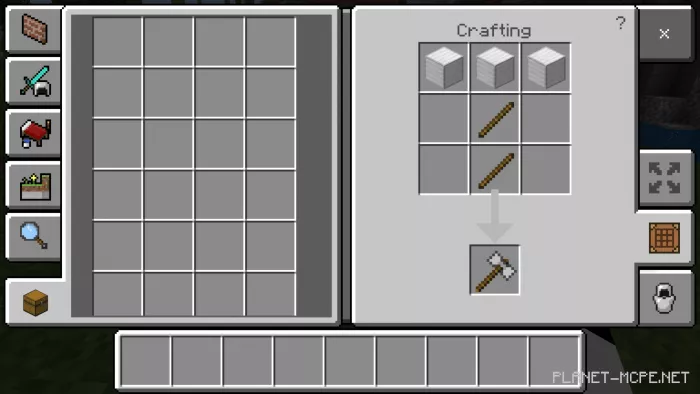 To create the Essence Sword you must have a dragon egg:
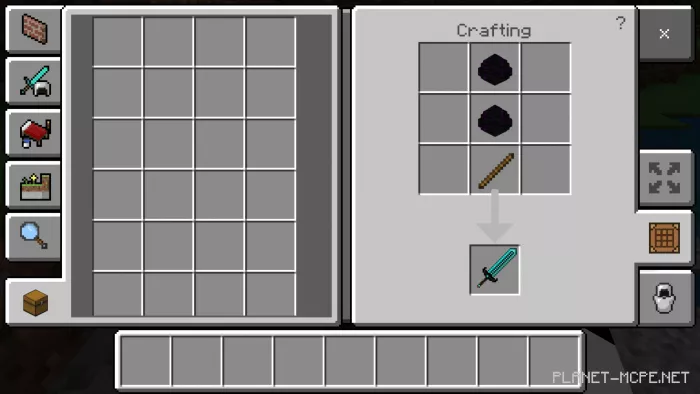 Coal Sword:
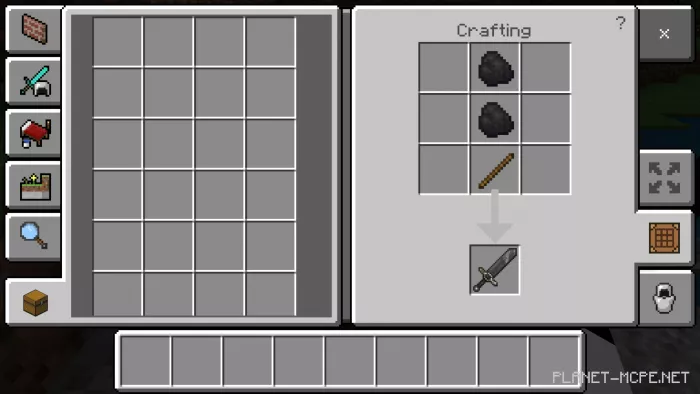 Redstone Sword:
 Pike:
Pike: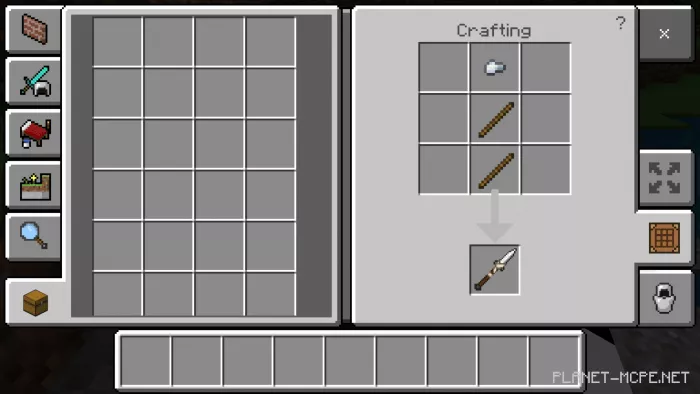 Diamond Katana:
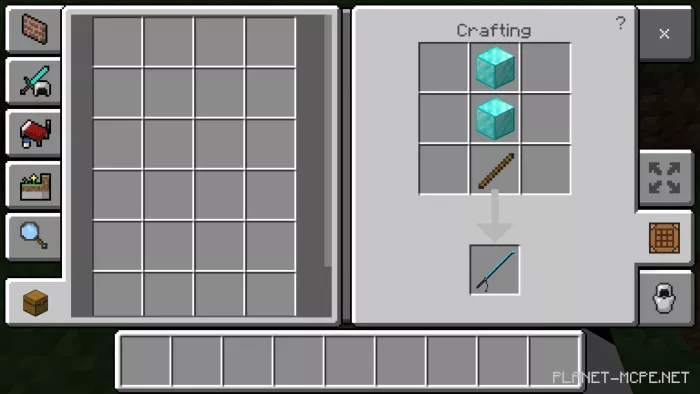 Diamond Scythe:
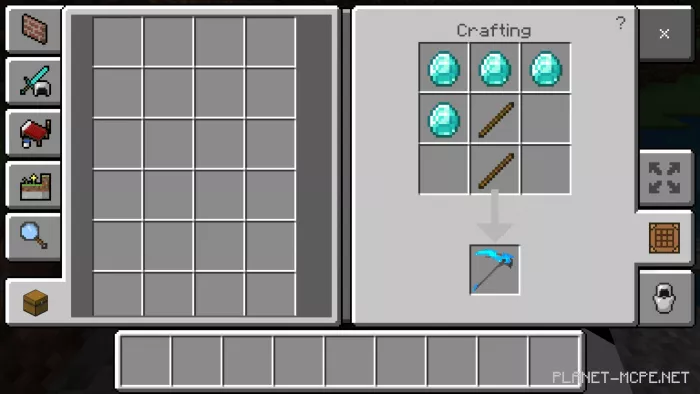 Sword-stick:
 Broken sword: