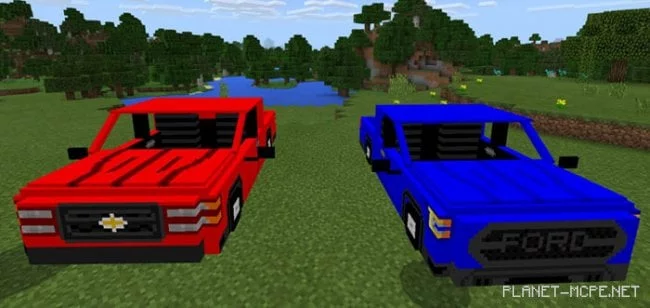
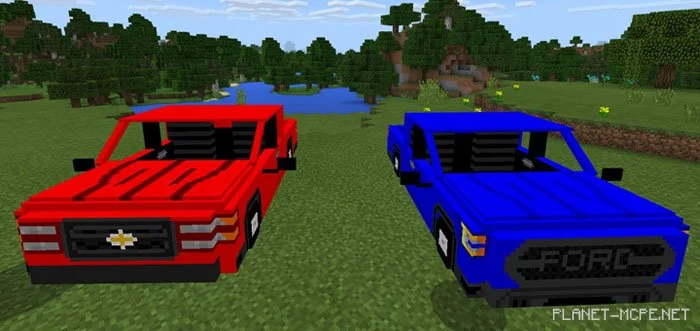
Many players dream of driving a pickup truck in Minecraft PE? Now you can make that dream a reality. The mod “Ford F-150 & Chevy Silverado” introduces two new pickup vehicles, each inspired by real-life models. The featured vehicles are the Ford F-150 and Chevrolet Silverado.
How Does It Work?
The spiders in Minecraft PE have been replaced with two new vehicles: Chevy Silverado and Ford-F150. The easiest way to obtain these vehicles is by spawning them using spawn eggs found in your creative inventory.
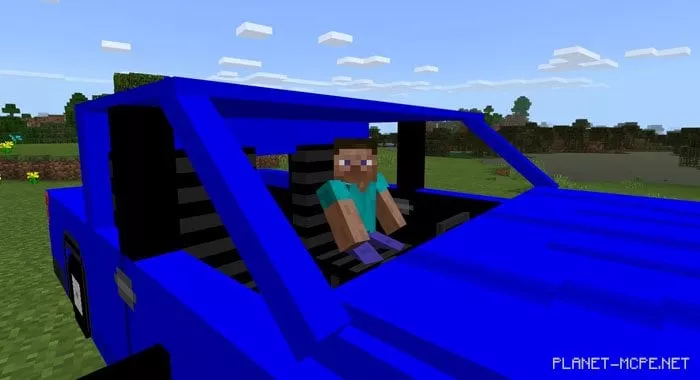
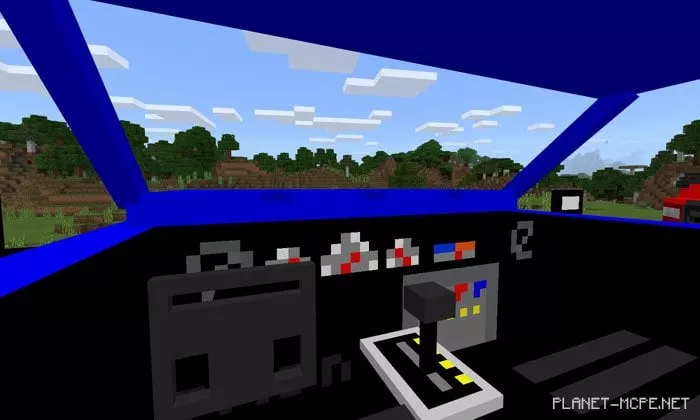
Each vehicle can be controlled by the player and used for transportation within your world in Minecraft Pocket Edition.
iOS / Android: Long press on the shadow, tap the drive button, and hold the key (carrot on a stick) to start moving
Windows 10: Right-click on the shadow to enter the vehicle and hold the key (carrot on a stick) to begin driving