📢 Купить рекламу на сайте  — узнать цены и условия размещения!
📢
Купить рекламу на сайте — узнать цены здесь →

Fast-Foods

Fast-Foods
10.04.2026 Mods admin 0 comments 2 min 153 views

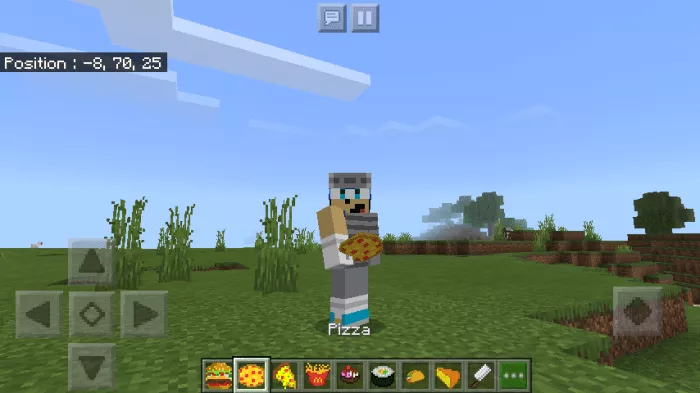
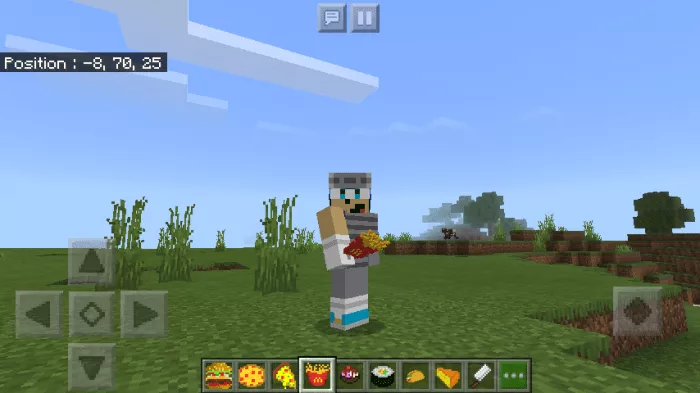
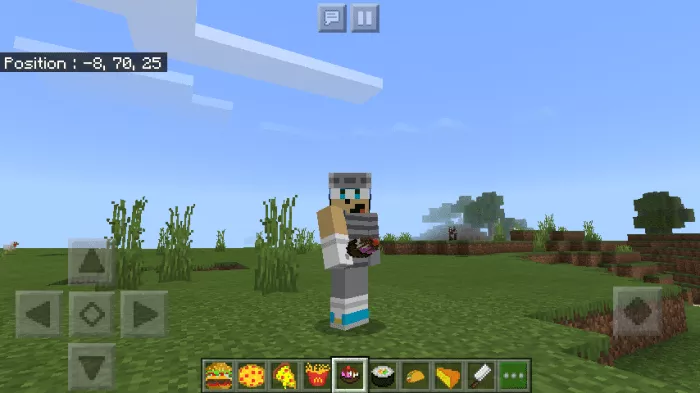
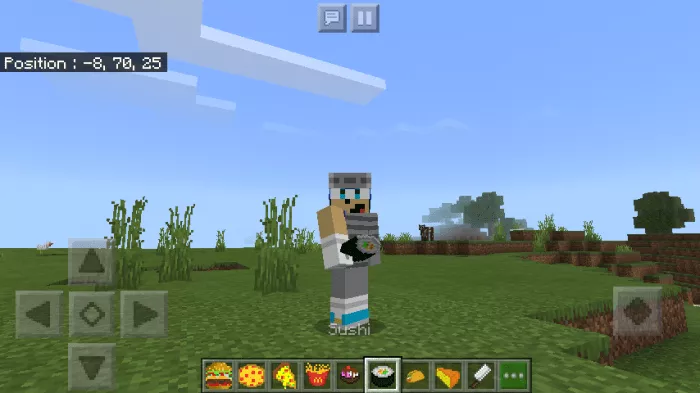
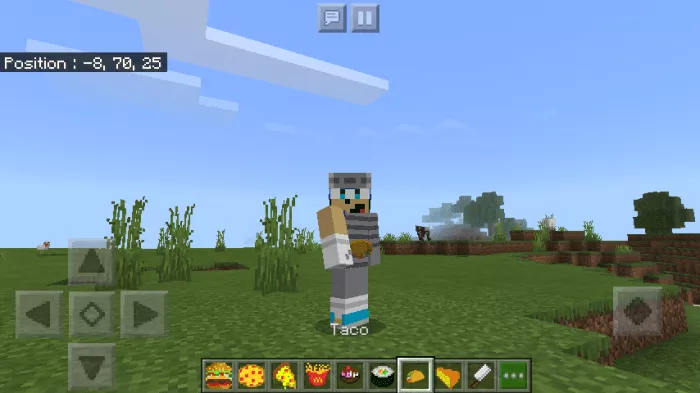
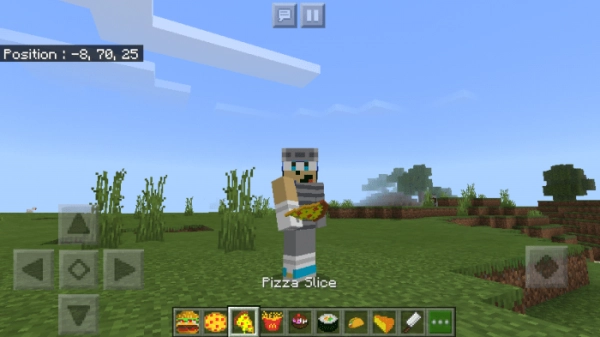
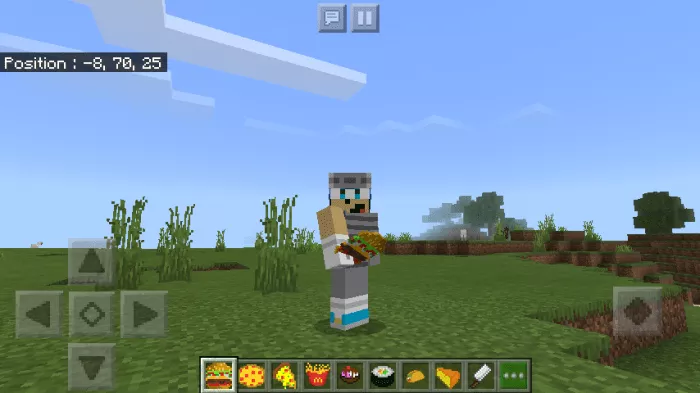
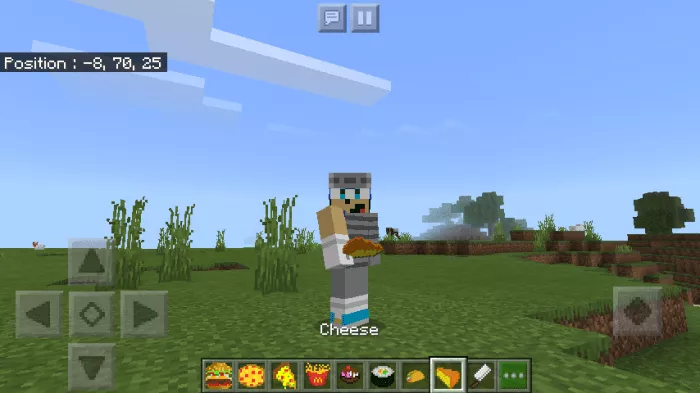
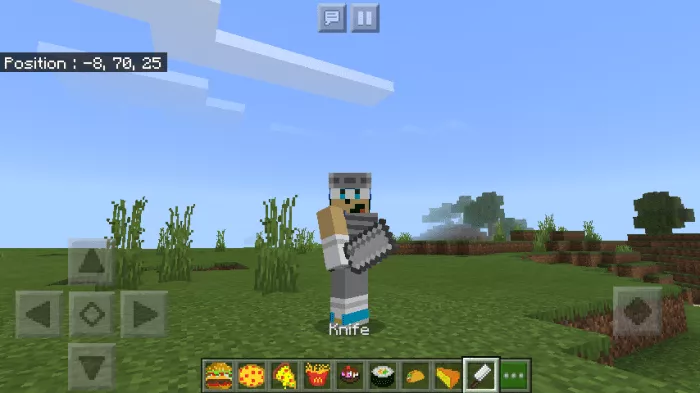
The “Fast-Foods” mod introduces new fast food items to Minecraft. You can use this mod on maps like McDonald’s, KFC, and similar ones.

You will have 9 dishes at your disposal, but you cannot eat them. They are simply tools.

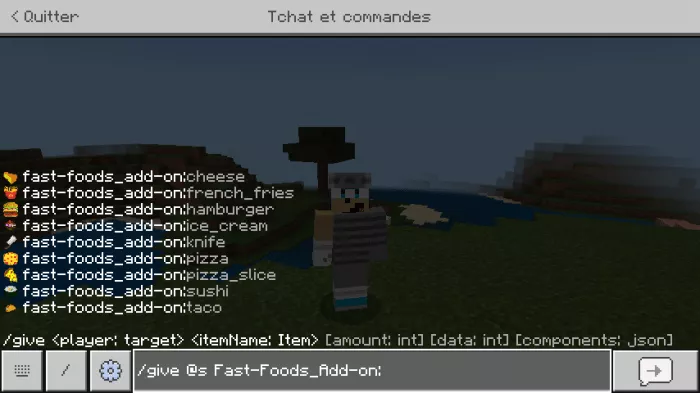
Hamburger:Pizza:Piece of Pizza:Fries:Ice Cream:Sushi:Taco:Cheese: will be used in crafting hamburgers.Knife: will be used in crafting pizza slices (it can also break wood).To obtain an item, type in the Minecraft command line “/ give @s fast-foods_add-on [item name in English]“.Enable experimental gameplay.
Installation of Fast-Foods (.mcpack)

  • Download the mod labeled as “.mcpack” below.
  • Run the downloaded file to import the add-on/texture into Minecraft.
  • Open Minecraft Pocket Edition and go to the world settings.
  • Install the imported packs for the world:
    — Resource Packs.
    — Add-on Packs.
  • Select the imported resource / add-on packs in each section.
  • We recommend restarting the game client Minecraft PE after this step.
  • Launch Minecraft Pocket Edition, enter the previously configured world Minecraft and enjoy the add-on!

Fast-Foods Installation (.zip)

  • Download the mod provided below.
  • Extract two folders from the archive.
  • Move the “Fast-Foods” folder to the /games/com.mojang/behavior_packs/ directory.
  • Move the “Fast-Foods” folder to the /games/com.mojang/resource_packs/ directory.
  • Launch Minecraft Pocket Edition.
  • Create a new world or edit an existing one.
  • Apply the resource pack and addon you previously moved to the resource_packs and behavior_packs directories for the selected world.
  • Done! Restart Minecraft PE and enjoy the game!

Leave a comment