Ender Pearl Mod — this modification transforms regular snowballs into Ender Pearls, which you can later use for teleportation. Ender Pearls are very easy to use, especially if you have played the PC version of Minecraft. To teleport using an Ender Pearl, simply hold it in your hand and throw it in the desired direction. Wherever the Ender Pearl lands, that’s where you will be teleported. Now, after installing the Ender Pearl add-on, you will have a resemblance to an Enderman — teleportation. Isn’t that an amazing feature?
How does it work?
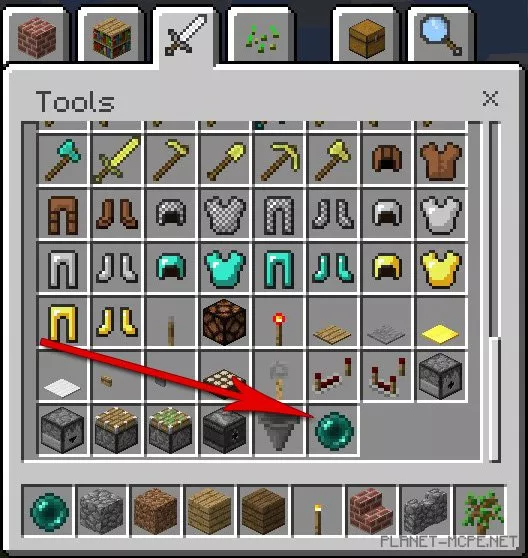
Ender Pearls replace snowballs in Minecraft Pocket Edition. Open your inventory and navigate to the “Sword” tab, then scroll down to find the “Ender Pearl.” You can also obtain Ender Pearls by taking a shovel, heading to a snowy biome, and digging up snow. The collected snow will automatically convert into Ender Pearls.
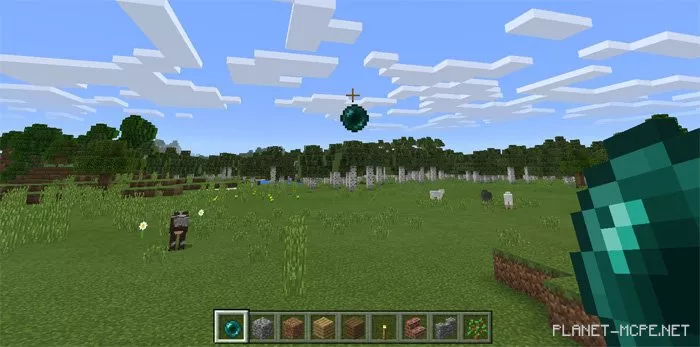
Press and hold (or right-click if you are on Windows 10) on the screen to throw the Ender Pearl.
You will be transported to the location where it lands.