Editable World Generation

Introducing a fabric mod that revolutionizes world generation by enabling players to customize their own unique world types effortlessly. This mod features an intuitive user interface designed for seamless navigation.
With this mod, you have the power to manipulate nearly every aspect of Minecraft’s world creation—from biomes and structures to terrain and caves, as well as surface decorations. Keep an eye out for updates, as versions are available from 1.20.1 up to 26.2!
Begin your journey by selecting the “Custom” world type, followed by clicking “Edit rules.”
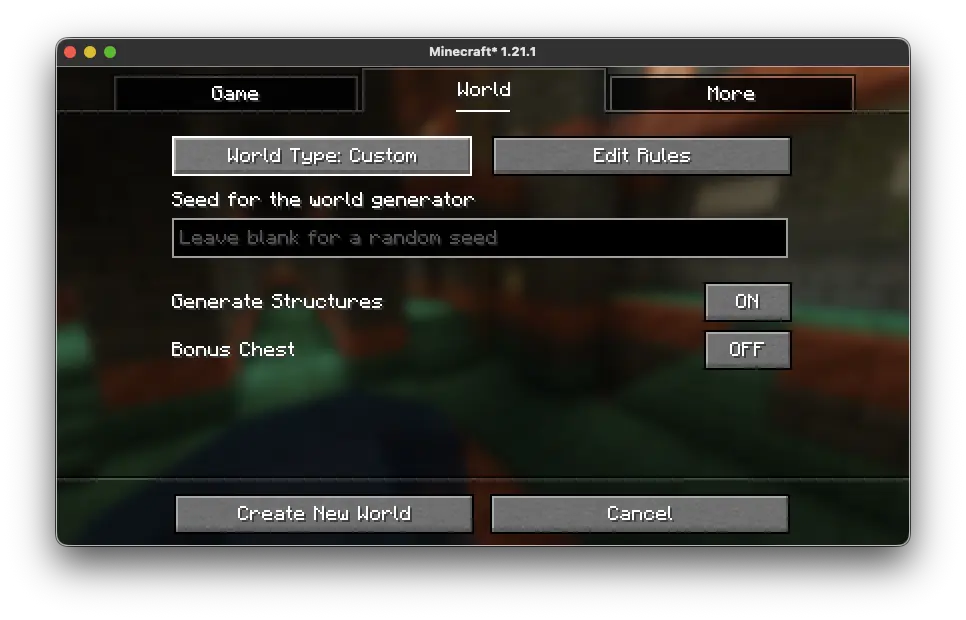
Once you do, you will enter the editor, where you can adjust the world generation parameters that shape your environment.
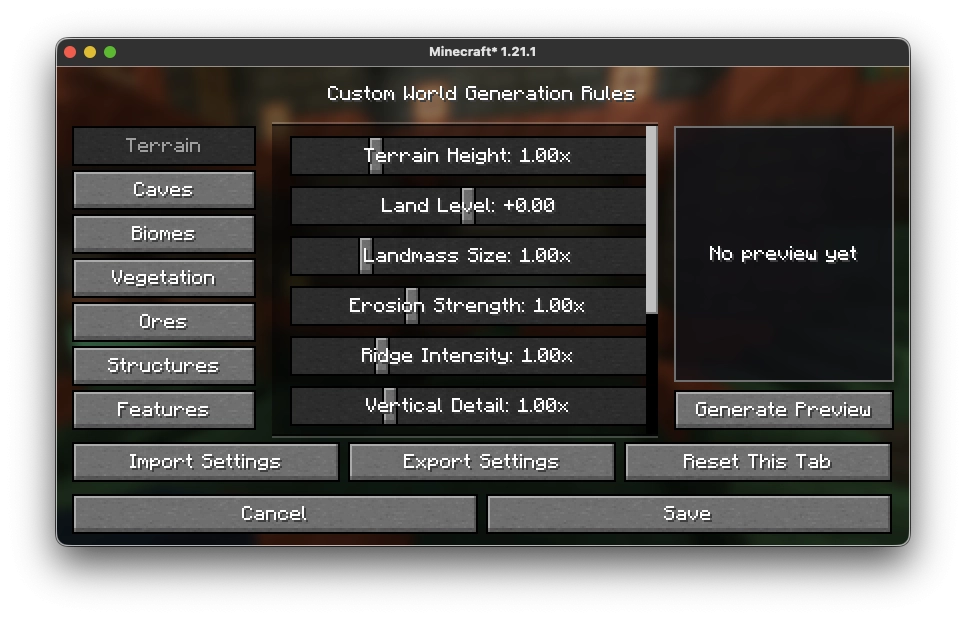
Feature Categories:
From version 2.0.0 onward, settings can be modified for the Overworld, Nether, and End!
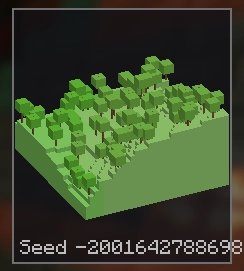
Next, click “Generate Preview” to visualize a random seed that follows your specified world generation rules.
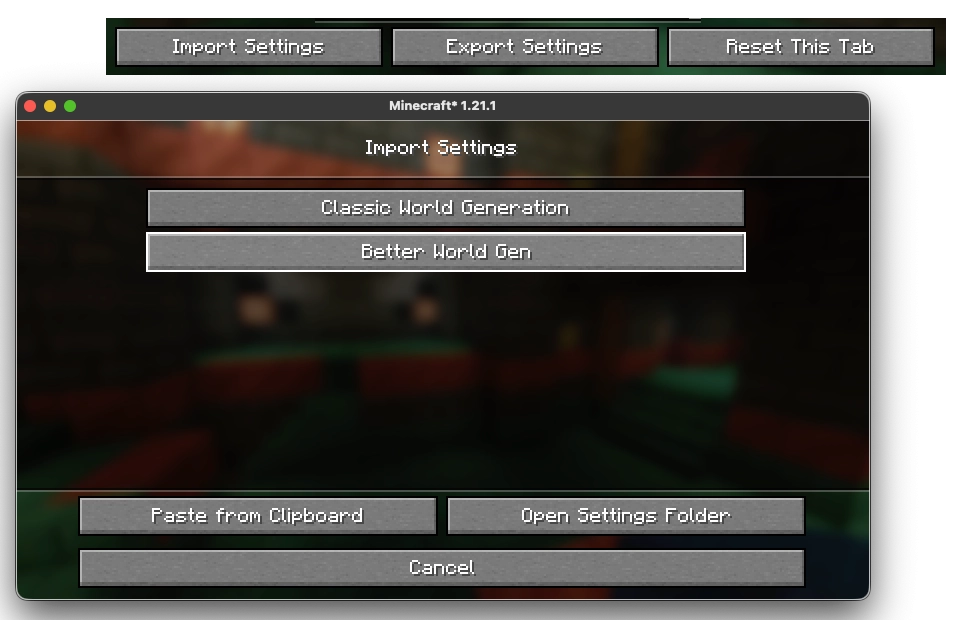
Finally, you can import and export your settings with ease. Clicking “Open Settings Folder” will launch a file explorer window containing all of your saved configurations.
Thank you for exploring and utilizing this incredible mod!