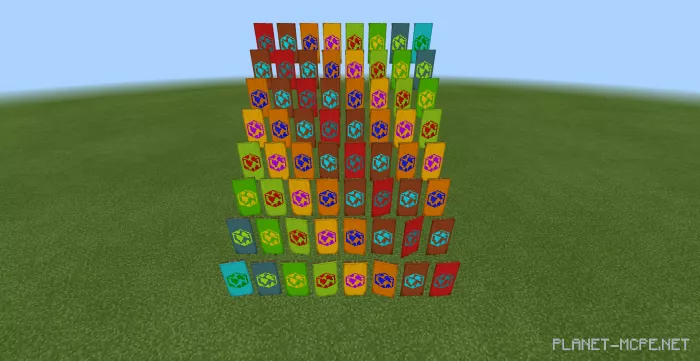
Earth Banner
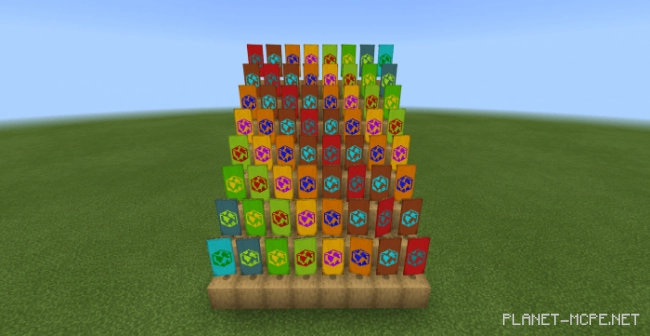
The creator of the mod titled Earth Banner is an avid enthusiast of Minecraft, and it was a suggestion from a friend that inspired the development of this mod as a gesture of support. This mod allows players to design custom banners featuring over 200 unique structures. You can fine-tune the colors to match your ideal preferences. There are 16 primary colors and 16 image colors that can blend together, resulting in a vast array of shades.
You can take advantage of 16 basic template colors that will be available in Minecraft Bedrock.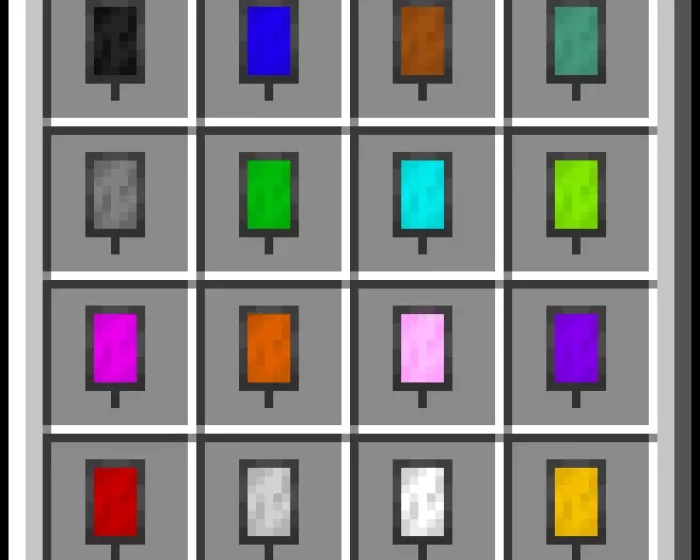 If you mix colors and create a shade that you find stunning, you can design a template and save it. To do this, tap on the template and hold for a moment in the mobile version of Minecraft. In Windows 10, you need to right-click on the template.
As a result, you will have not just 200 banner colors, but over 250. Banners are unaffected by gravity.