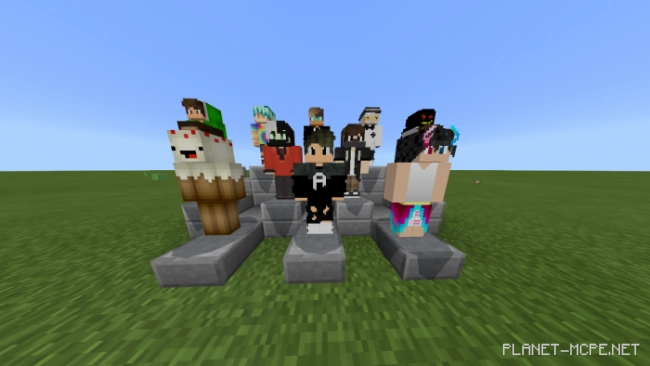
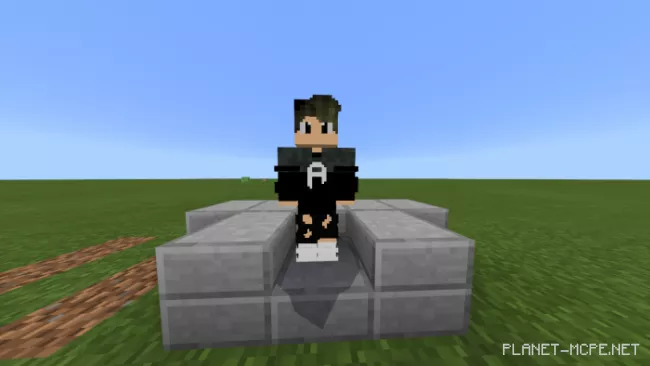
The studio DarkSide studios (DS) is excited to announce a fully custom-made NPC (Non-Player Character) for your Minecraft Bedrock world! You can obtain it by downloading the mod titled DS:NPC!
Features:
This mod offers a wide range of features. We guarantee that your time will be both enjoyable and engaging. All NPCs are listed below:
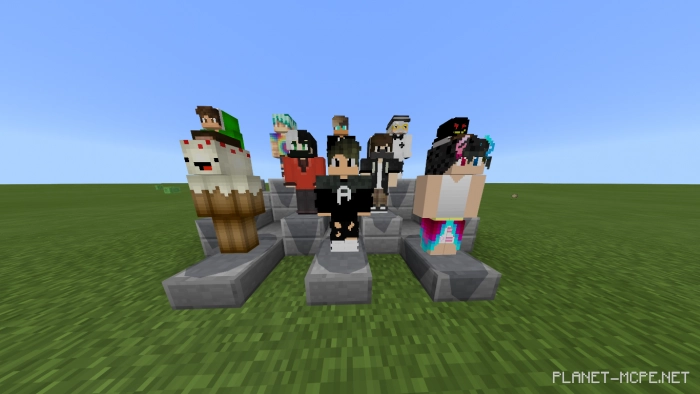
6 custom NPCs
Functional animations
What’s new?
Animation added
The mod can now function without experimental mode
Updated Skins
Now you can use a banner to equip it in a cloak! (currently without animations)
You can now utilize your own skin as one of the NPC characters (just replace the skin with the command “texture_pack/skins/any_skin.png”). Make sure the name matches that of one of the NPC characters or the one you are replacing.)
Note: these characters can only be eliminated using the barrier (right-click).How to use?
Install the mod in Minecraft following the instructions, and then enter one of the commands listed below:
/summon ds:ash
/summon ds:hallis
/summon ds:keyyard
/summon ds:starlk
/summon ds:vibrant
/summon ds:widlight
/summon ds:epic
Installing DS: NPC (.mcpack)
Download the mod labeled as “.mcpack” from the list below.
Open the downloaded file to import the add-on/texture into Minecraft.
Launch Minecraft Pocket Edition and navigate to the world settings.
For the world, apply the imported: — Add-on Packs.
Select the imported resource packs/add-ons in each section.
It is advisable to restart the game client Minecraft PE afterward.
 How to use?