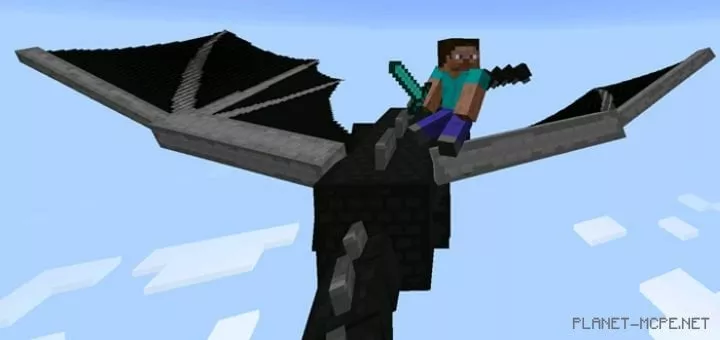
Driveable Dragon
Have you checked out the Ender Dragon in Minecraft PE 0.17.0 yet? What if I told you that you can not only battle it but also ride it, gaining some control over its movements? Yes, that’s right! The mod called Driveable Dragon for Minecraft Pocket Edition introduces this exciting feature. Currently, the mod’s dragon controls are a bit clunky, but it’s definitely worth it! We hope that future updates will improve this aspect for Minecraft PE…
Do you have the courage to ride such a giant? 
First and foremost, you will need the Ender Dragon itself! You have two options for finding it: either venture into the End yourself or use console commands to spawn it wherever you prefer. I think the second option is more convenient, but the choice is yours. The command for MCPE is: /summon dragon ~ ~ ~
But don’t think it’s that simple 😉 To control the dragon, you will need two items from the Minecraft Pocket Edition world! Again, this mod is still in its early stages, so you may encounter some bugs and issues while using it. What are these issues? For instance, it can be quite challenging to see your surroundings in Minecraft Pocket Edition when riding the Ender Dragon, as its size can obstruct your view.
1st item, diamond sword: You can use a diamond sword to direct the dragon’s movement in the MCPE world. There are some quirks here; sometimes you may need to switch to an empty slot and then back to the diamond sword. This might confuse the Dragon and cause it to act erratically.
2nd item, diamond: A diamond from the Minecraft Pocket Edition can be used to increase the dragon’s speed. However, I doubt you’ll use this feature often, as the Dragon is already quite fast!