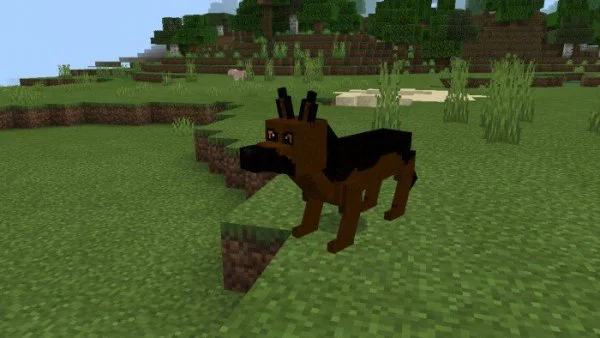
Dogs
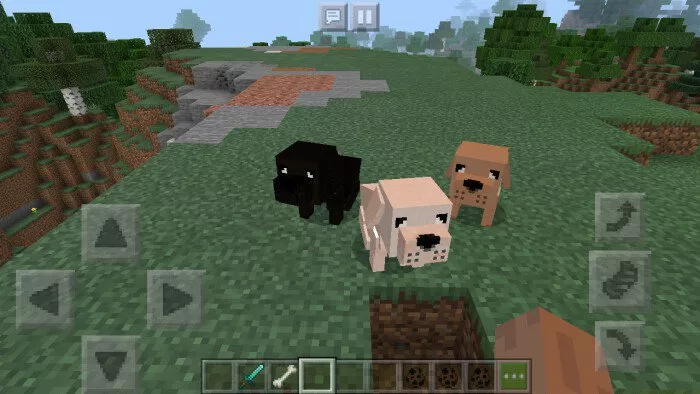
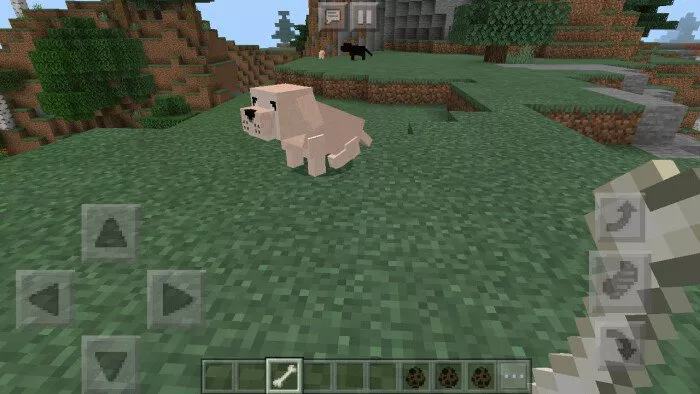
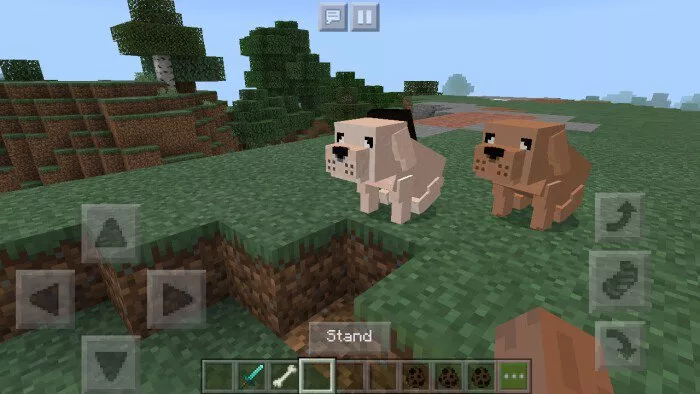
The mod “Dogs” introduces various breeds and colors of dogs to Minecraft, including white, black, brown, shepherds, and dachshunds.
All dogs come in three fur colors: white, black, and brown. 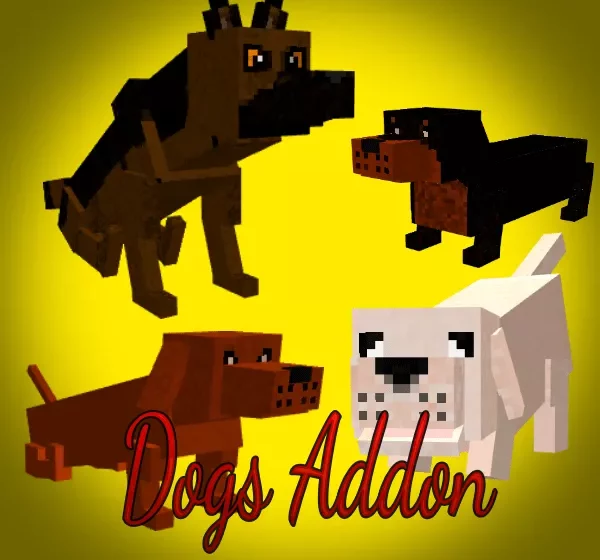 Wild Dog:
- Acts as a neutral mob in Minecraft.
- Has a health of 15 points.
- Attacks only specific mobs: foxes, rabbits, and skeletons.
- To tame it, feed it a bone.
- Attack: 3.
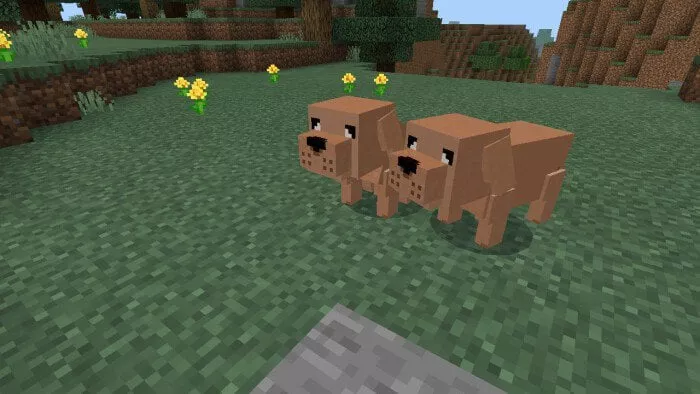
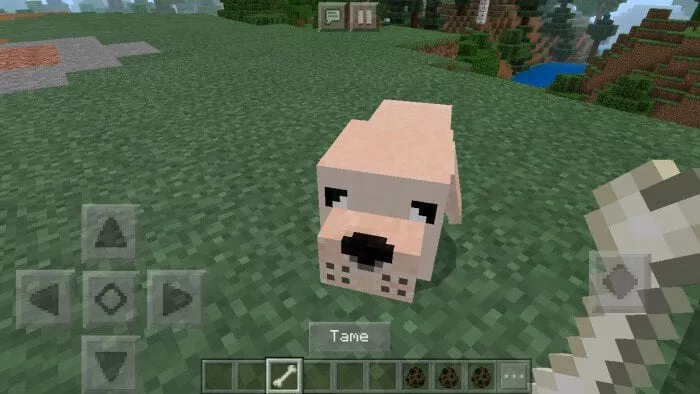 Pet Dog:
- Passive mob.
- Health points: 25 units.
- Attack: 3.
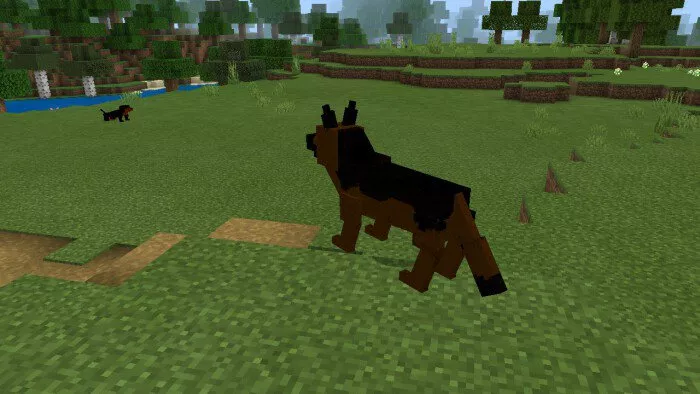
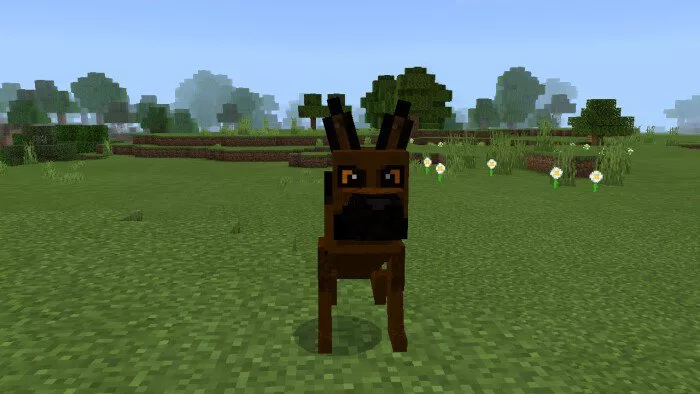
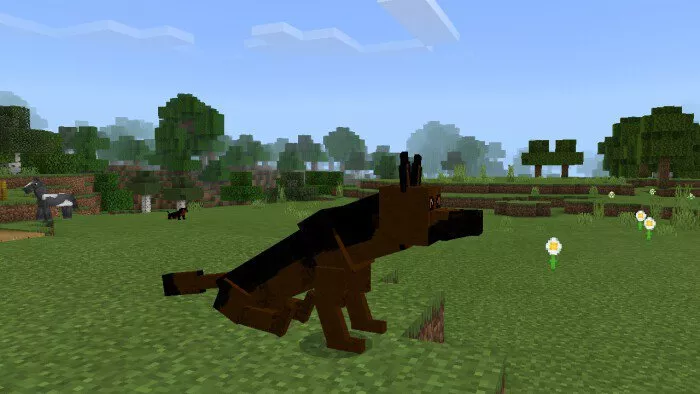
 German Shepherd:
- Neutral mob.
- Health points: 30 units.
- They only target specific mobs: foxes, rabbits, and skeletons.
- If you wish to tame a German Shepherd, feed it a bone.
- Attack power: 4.
 Pet German Shepherd:
- Passive mob.
- Health points: 40 units.
- Attack power: 5.
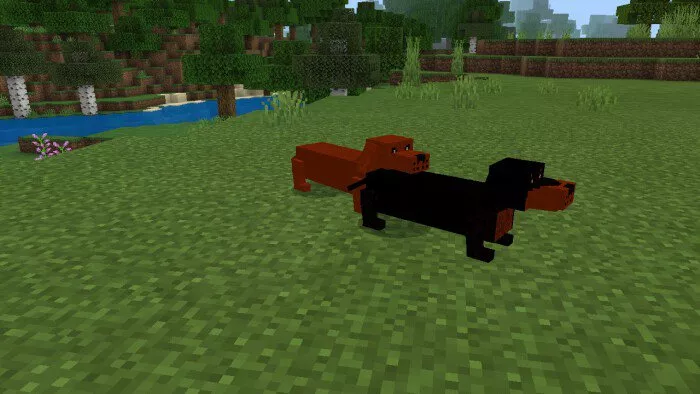
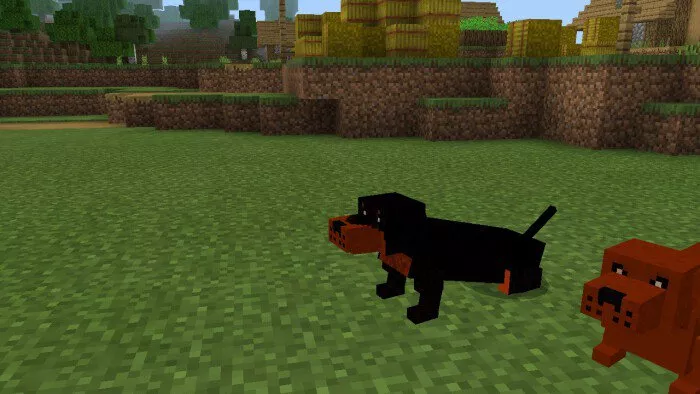
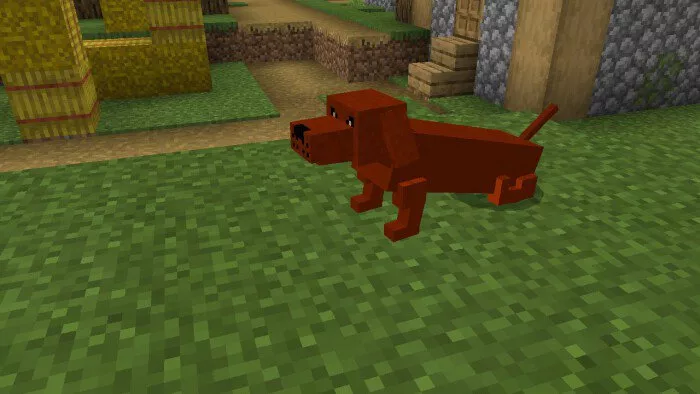
 Dachshund:
- Neutral mob.
- Health points: 30 units.
- Attacks only specific mobs: foxes, rabbits, and skeletons.
- To tame a dachshund, offer it a bone.
- Attack power: 4.
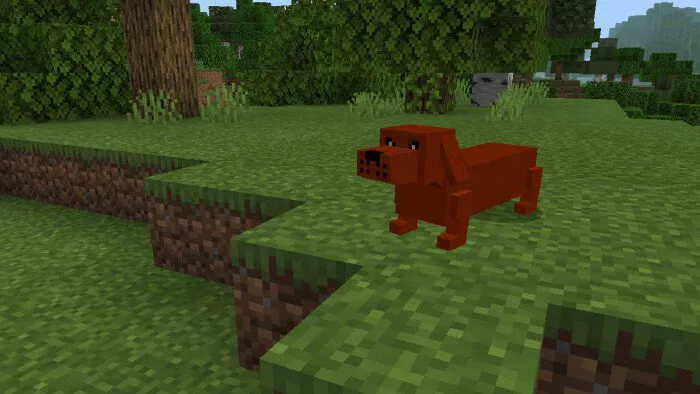 Tamed Dachshund:
- Passive mob.
- Health points: 40 units.
- Attack power: 5.
Installing Dogs (.mcpack)
- Download the mod labeled as “.mcpack” from below.
- Open the downloaded file to import the add-on/texture into Minecraft.
- Launch Minecraft Pocket Edition and navigate to the world settings.
- For your world, set the imported:
— Resource Packs.
— Add-on Packs.
- Select the imported resource packs/add-ons in each section.
- It is recommended to restart the Minecraft PE client afterward.
- Start Minecraft Pocket Edition, enter the previously configured world Minecraft, and enjoy the add-on!