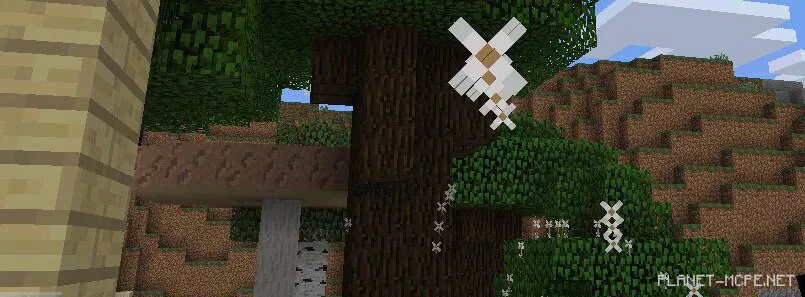
DogeCraft
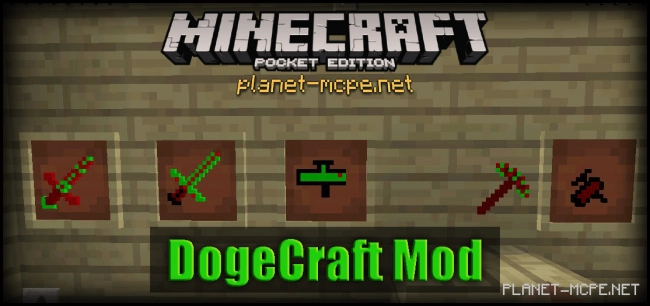
The DogeCraft Mod introduces several new types of weapons into the world of Minecraft Pocket Edition, which are significantly more effective than the standard weapons found in MCPE.
This is not your typical pickaxe. In addition to its unique texture, it can instantly destroy any block. For instance, if you hit a block with a regular tool, it will break over a certain period. However, if you strike a block with the candy pickaxe, it will be obliterated in an instant.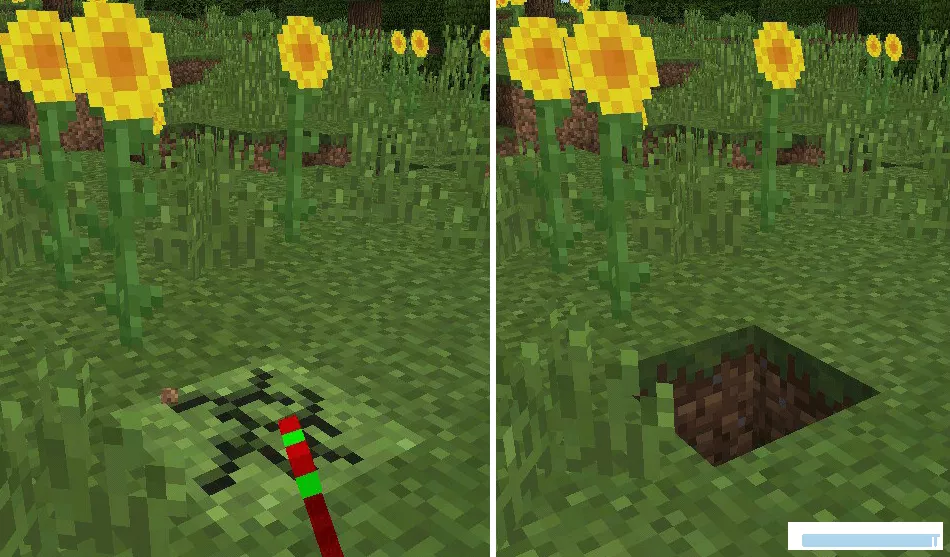
These are two incredibly cool swords. Each sword has its own unique texture, but their abilities are the same. To eliminate an animal, simply strike it with the sword, and it will instantly turn into a corpse that vanishes in mere seconds. Downside — you receive nothing from the victim. Upside — instant death!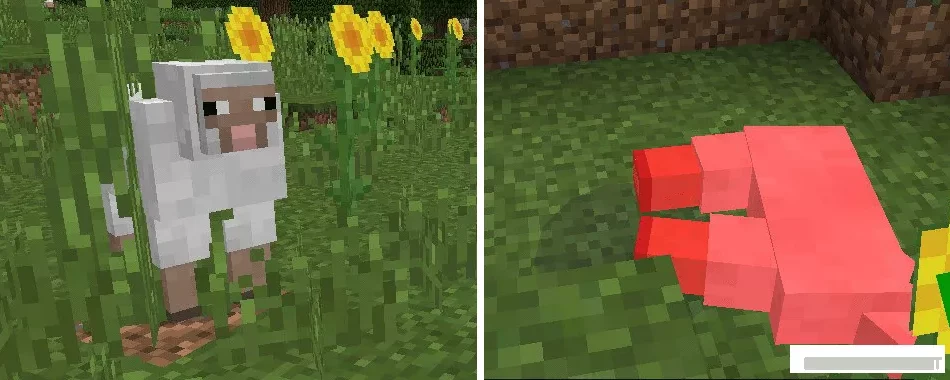
Grab the flamethrower and prepare for a fire show. You will launch flaming arrows that shoot out at high speed in the direction you are facing.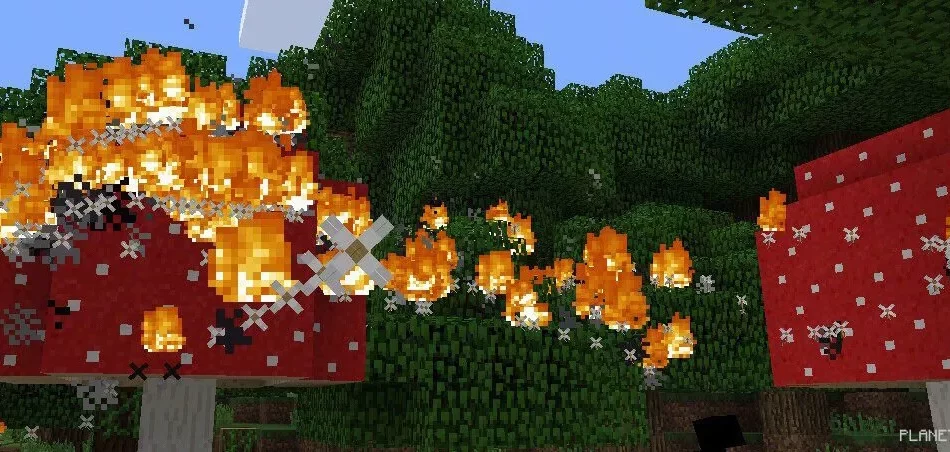
This weapon functions similarly to the flamethrower, but instead of fiery arrows, it fires regular ones. Nevertheless, this weapon is equally dangerous.