DecoBecraft
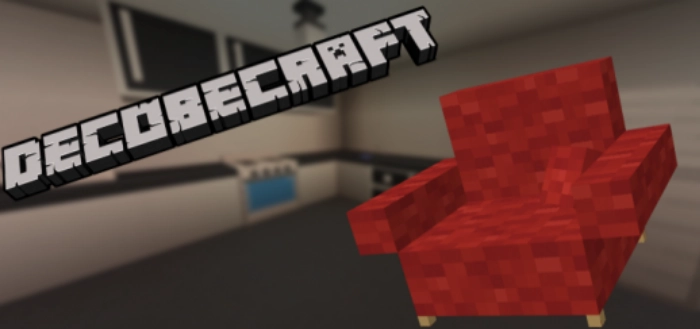
Previously, modifications featuring decorations and furniture were quite rare for Minecraft Bedrock Edition. However, they can now be found on nearly every website. Fortunately, the creator of the DecoBecraft addon has taken things to a whole new level by developing a truly high-quality mod.
With the DecoBecraft mod, you can furnish your hero’s home in MCPE just as well as in The Sims! This modification introduces a vast array of blocks and interior items—well over a hundred. Here are some of the furniture items you can craft in Minecraft Bedrock:
Chairs – available in a wide variety of colors
Armchairs – can also be customized in color

Kitchen cabinets
Freezer
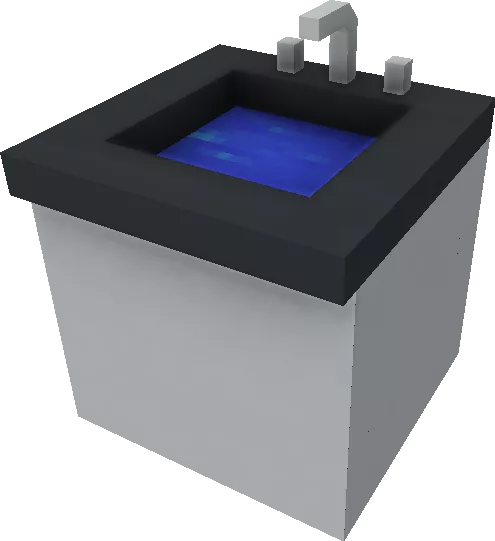
Sink
Refrigerator
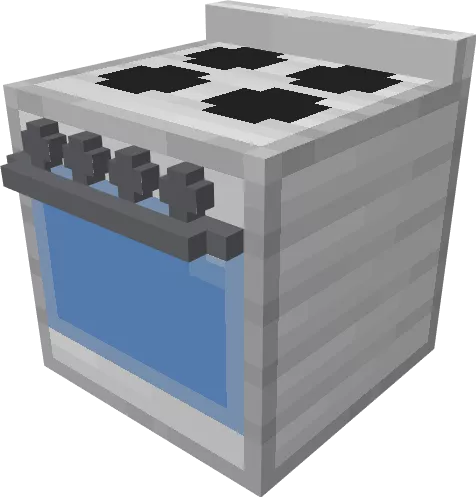
Gas stove
Bridges
Gravel Path
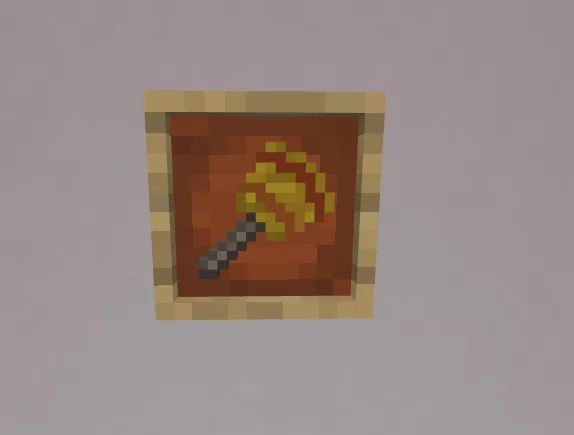
All items can be crafted at the MCBE workbench. To change the color of an item, utilize this type of brush.
You can enhance your furniture on the stone cutter by selecting a different type or model. Be sure to enable experimental features for working with mods. Enjoy your gaming!
