Custom Floating Text
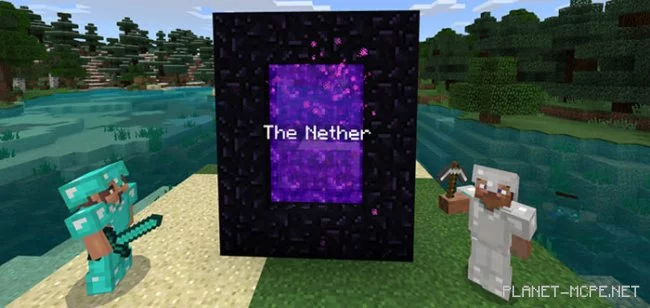
Want to add a rather intriguing feature to your servers and maps in Minecraft? We’re talking about floating text. Previously, achieving this required coding other plugins or mods. The mod “Custom Floating Text (Floating Text)” allows you to implement floating text in your Minecraft Bedrock.
How does it work?
First, you need to obtain a tag with the text you want to display. As you may know, all you need is an anvil and a blank tag in Minecraft. In our example, it was named “The Nether”.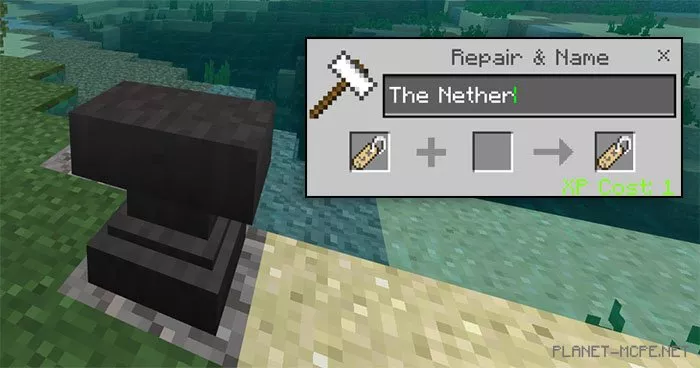
Floating text acts as an entity in Minecraft Bedrock, which is why you need to spawn a rabbit.
Ultimately, to create floating text, you must use the tag on an invisible rabbit. Although the rabbit will be invisible, it will retain its ability to move. The only downside is that its health bar will still be visible.
You can also create text that floats above the ground using a clever trick—create an invisible ladder by using the command: /setblock ~ ~ ~ ladder 6 to make an invisible ladder.