📢 Купить рекламу на сайте  — узнать цены и условия размещения!
📢
Купить рекламу на сайте — узнать цены здесь →

Create A House With A Function Command

Create A House With A Function Command
10.04.2026 Mods admin 0 comments 2 min 73 views

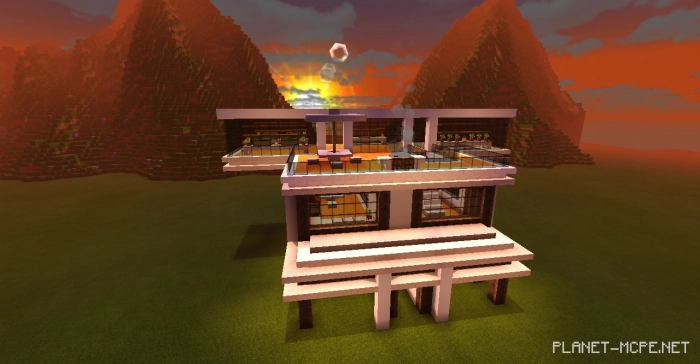
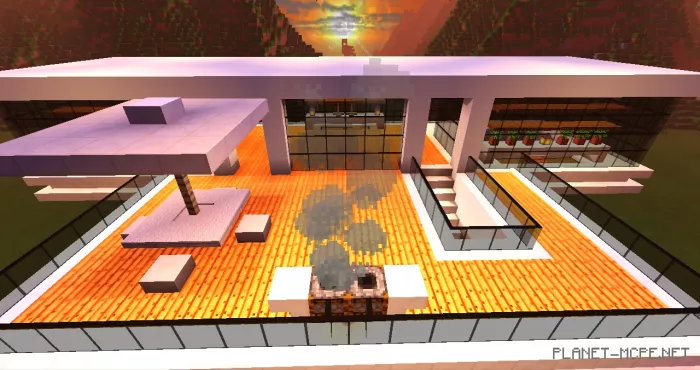
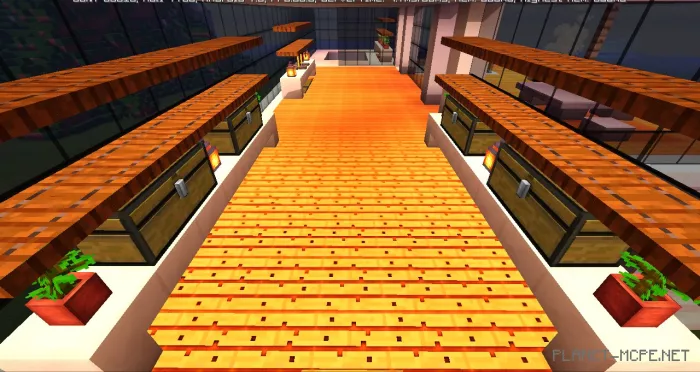
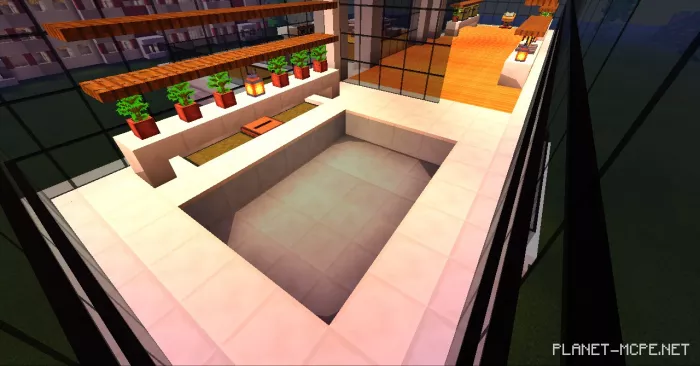
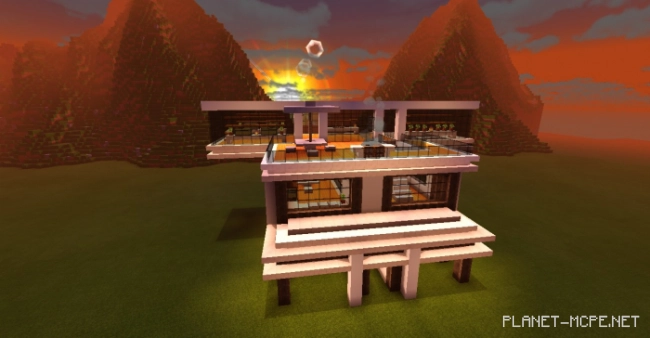
You can now create a house using a single command with the mod titled Create A House With A Function Command, which allows you to add a house, decorations, and pets in Minecraft.

This mod enables you to construct a house with just one command, and you can also decorate it or use a command to create decorations! This mod is compatible only with Minecraft PE 1.11, and it includes five commands:

/function Help: provides a list of available commands.

/function Casa: generates a house without decorations; it’s best to do this on flat terrain.

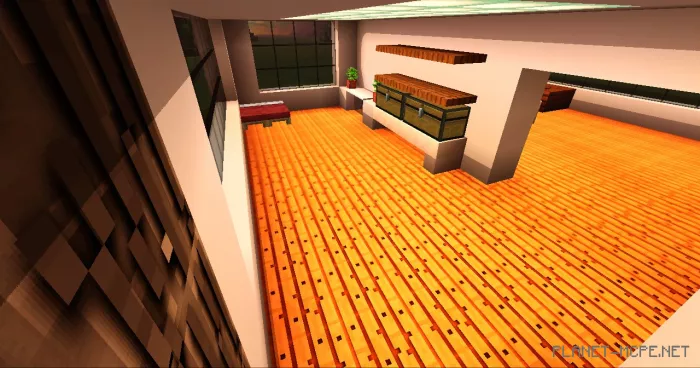
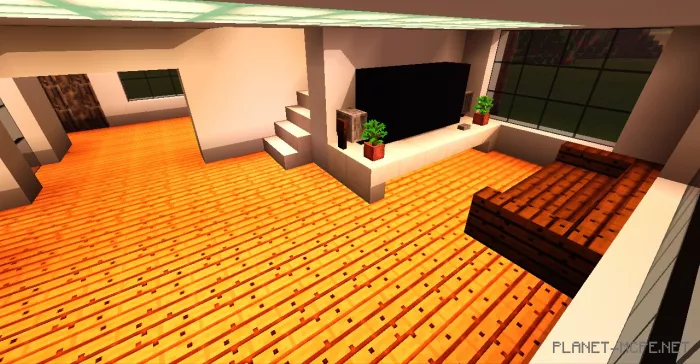
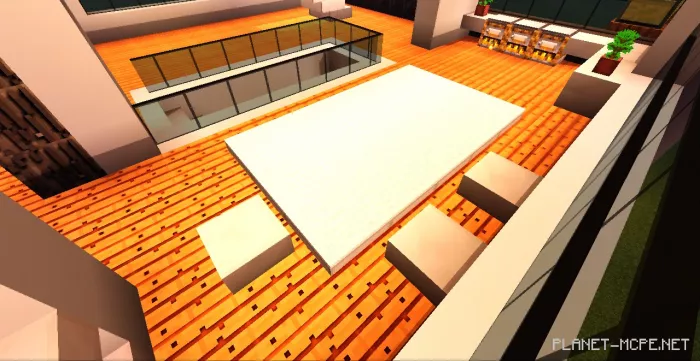
/function Decoracion: creates decorations for the house.

/function Mascotas: spawns pets along with items needed to tame them.

/kit: adds starter survival items to your inventory.

That’s all! We hope you enjoy it.

Installing Create A House With A Function Command (.mcpack)
  • Download the mod marked with .mcpack below.
  • Open the downloaded file to import the add-on/texture into Minecraft.
  • Launch Minecraft Pocket Edition and go to world settings.
  • Set the imported:
    Resource Packs.
    Add-ons.
  • Select the imported resource packs/add-ons in each section.
  • It is recommended to restart the Minecraft PE client afterward.
  • Start Minecraft Pocket Edition, enter the previously configured world Minecraft, and enjoy the add-on!

Installing Create A House With A Function Command (.zip)

  • Download the mod below.
  • Extract two folders from the archive.
  • Move the folder Casa moderna to the /games/com.mojang/behavior_packs/ directory.
  • Launch Minecraft Pocket Edition.
  • Create a new world or edit an existing one.
  • Set the selected world with the resource pack and add-on that you previously moved to the resource_packs and behavior_packs folders.
  • Done! Restart Minecraft PE and enjoy your game!

Leave a comment