Minecraft ever been filled with unnecessary gravel or cobblestone? We certainly haveThe mod ‘Compressed Blocks’ was designed to condense the most common blocks, allowing them to take up less space than ever before!
Cobblestone
Mud
Stone
Sand (Normal and Red)
Gravel
Soul Sand
Nether Stone
Granite
Andesite
Diorite
New blocks will be introduced in the future!
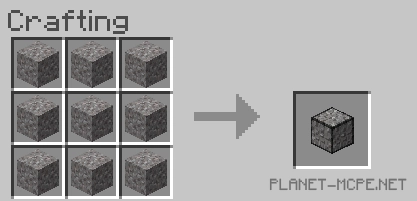
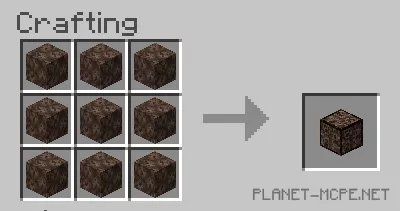
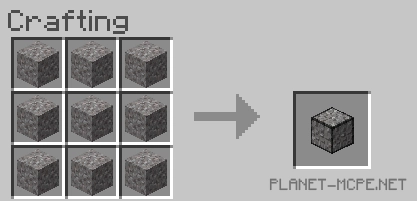
Minecraft Bedrock is quite easy! Here are a few recipe examples:
Установка Compressed Blocks (.mcpack)
mod labeled as “.mcpack” from the list below.
Open the downloaded file to import the add-on/texture into Minecraft.
Launch Minecraft Pocket Edition and navigate to the world settings.
For your world, enable the imported:
— Resource Packs.
— Add-on Packs.
Select the imported resource packs/add-ons in each section.
It is advisable to restart the game client Minecraft PE after this step.
Start Minecraft Pocket Edition, enter the previously configured world Minecraft, and enjoy the add-on!