📢 Купить рекламу на сайте  — узнать цены и условия размещения!
📢
Купить рекламу на сайте — узнать цены здесь →

Colored Squids

Colored Squids
10.04.2026 Mods admin 0 comments 1 min 258 views

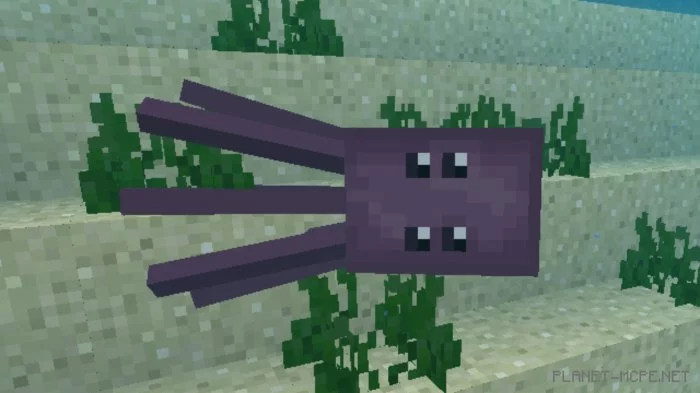
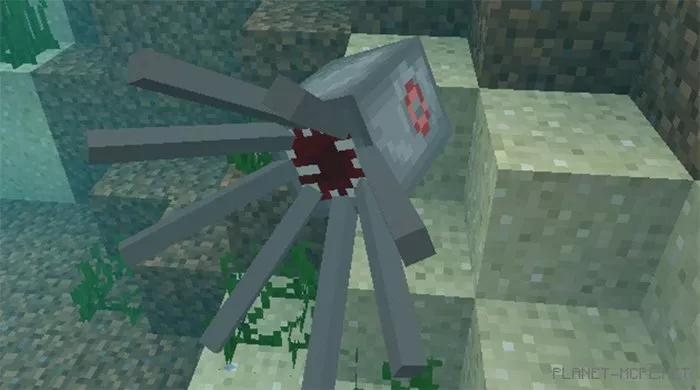
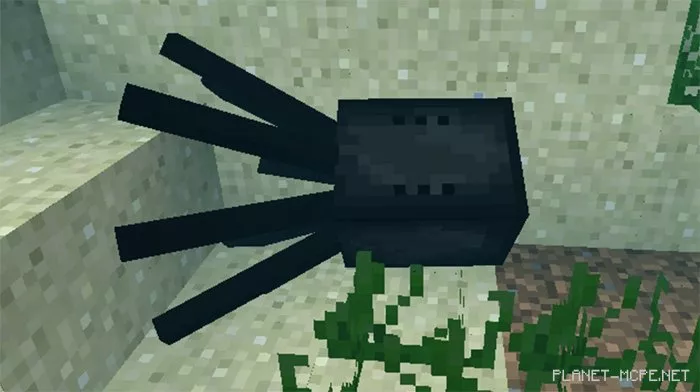
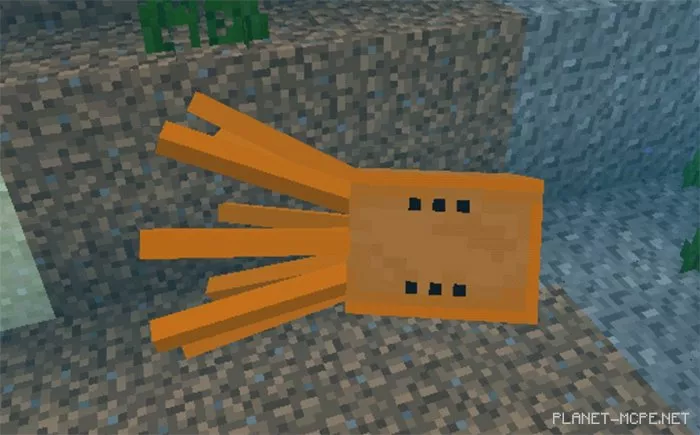
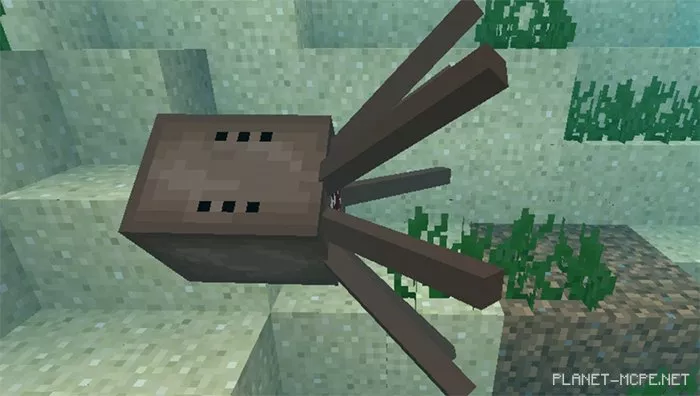
The modColored Squids” introduces 5 new squid colors to Minecraft Bedrock, distinct from the existing ones in the game. Need some dyes? Dive into the ocean, defeat these vibrant squids, and collect your dyes.

How does it work?

Squids are aquatic creatures in the Minecraft world that drop various colored dyes. If you’re in need of dyes and live near the ocean, plunge into the water and search for squids of different colors.

Features

  • Spawns naturally in ocean biomes
  • 5 color variations (orange, pink, brown, gray, and black)
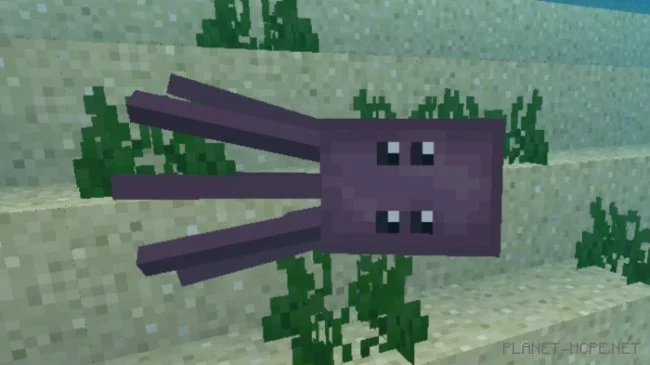
  • 2 size variants (baby and adult)
  • Health: 10
  • Drops: 1 to 3 dyes

Installing Colored Squids (.mcpack)

  • Download the mod labeled “.mcpack” below.
  • Open the downloaded file to import the add-on/texture into Minecraft.
  • Launch Minecraft Pocket Edition and navigate to world settings.
  • For your world, enable the imported:
    Resource Packs.
    Add-on Packs.
  • Select the imported resource packs/add-ons in each section.
  • It is recommended to restart the game client Minecraft PE afterward.
  • Start Minecraft Pocket Edition, enter the previously configured world Minecraft, and enjoy the add-on!

Leave a comment