Bloomy Settings Import

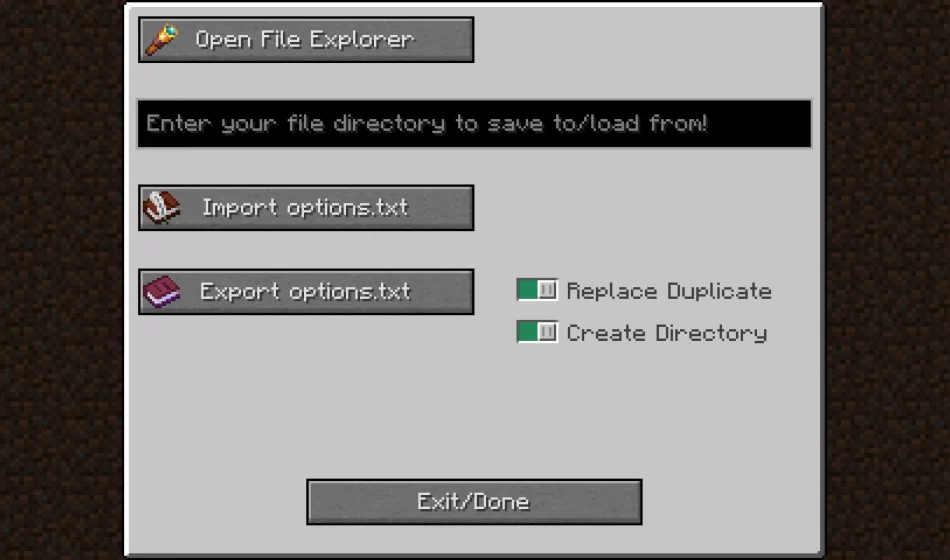
A mod that simplifies the import and export of your options.txt file! This feature ensures that your personalized settings and keybindings are preserved across different game instances.
Tired of resetting your settings every time you create a new instance of Minecraft? Look no further than Bloomy Settings Import – a perfect solution for you!
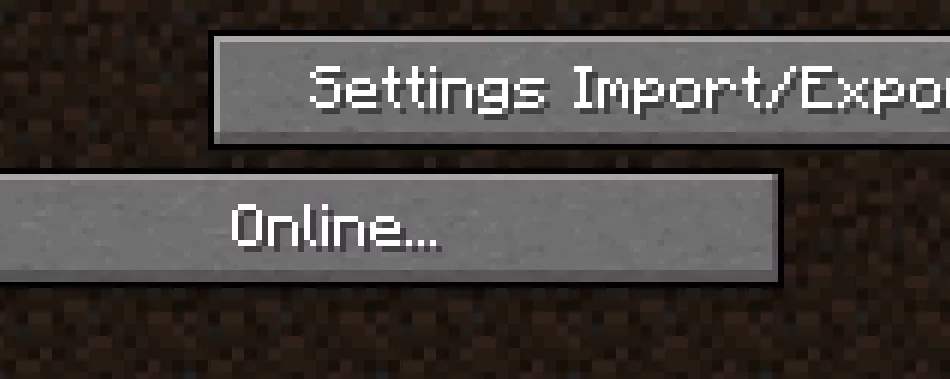
Originally designed for the Bloomy Modpack, Bloomy Settings Import can be utilized independently as well. It introduces a new button in your settings menu, allowing you to easily import and export your options.txt file. This essential file contains vital information such as your keybindings, graphics preferences, mouse sensitivity, sound settings, and more.
With just a few simple steps, you can create a dedicated directory to store your options.txt file without having to exit the game. Similarly, by obtaining a file path from any location on your computer, importing an options.txt file becomes effortless, allowing you to restore your previously configured settings with ease.