Block!
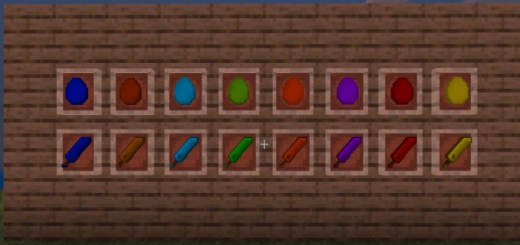
The mod “Block! (Блок)” introduces new minerals and blocks made of fragments in the Minecraft Nether.
To craft a single block, you need to collect 9 fragments from the minerals found in the Nether.
Blue block.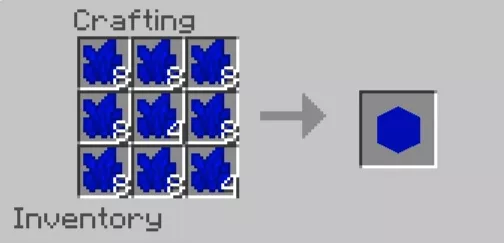
Yellow, green, orange, blue, brown, turquoise, red, and purple ores. By mining these, you will obtain block fragments.
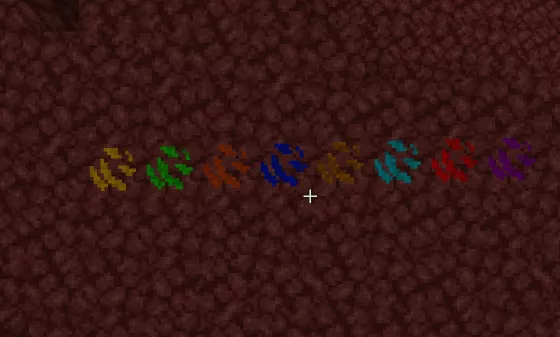
With a luck-enchanted tool, you can acquire up to four fragments at once.
Note: As mentioned earlier, all these minerals can only be found in the Nether of Minecraft.
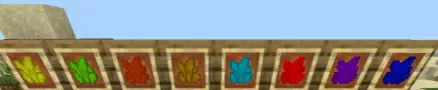
Blue sword.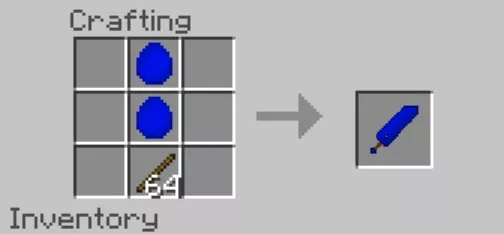
A new diamond sword has also been introduced. To craft it, you need to substitute the material used in the top crafting recipe with a diamond. The new swords do not deal damage.
If you are unable to find diamonds, you can use the command “/give @p km“.