Biomes
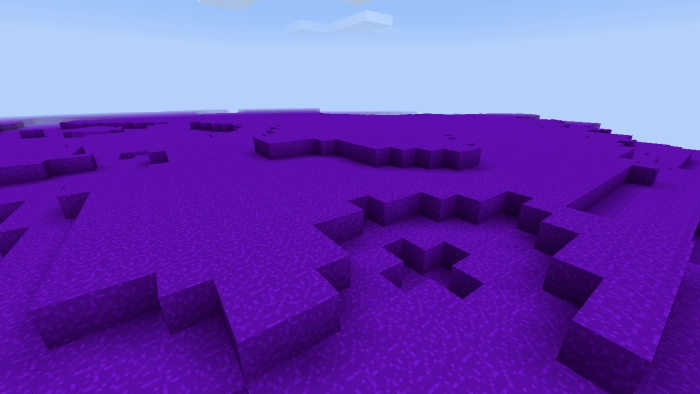
Are you looking for more biomes in Minecraft? The mod “Biomes” introduces 4 new biomes, 7 blocks, and 4 items!
Volcanic Biome. This biome is filled with new blocks — ash. It also features lava and coal.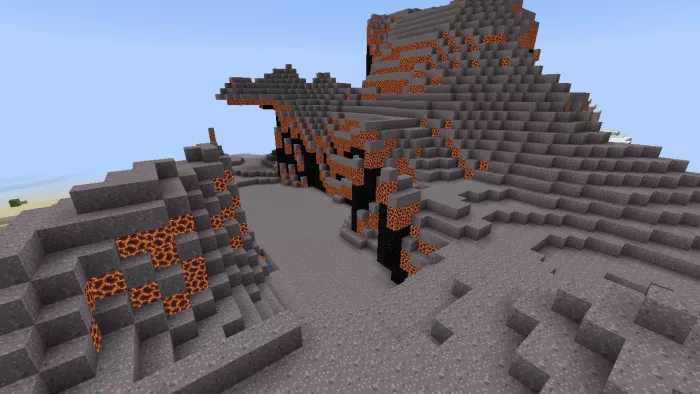 Burnt Desert Biome. A scorched desert containing charred sand (a new block) and lava.
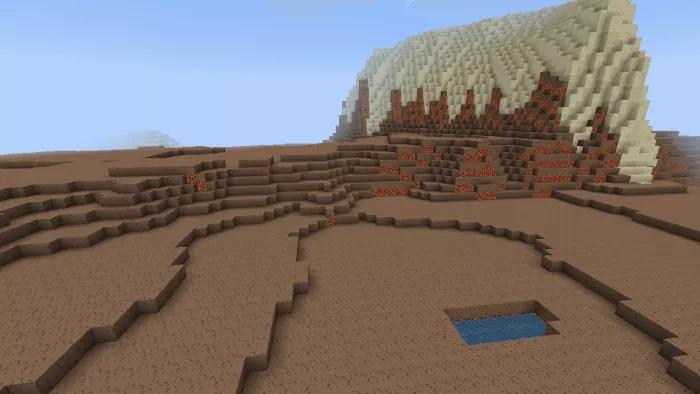 Cosmic Stone Biome. This biome hails from another planet. Here, you can discover new blocks: Blunet and precious gems.
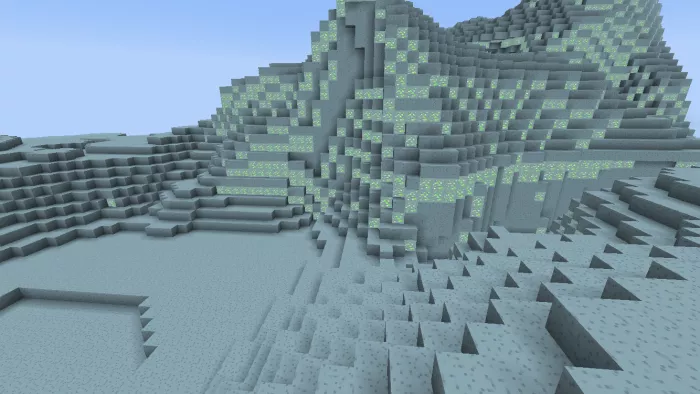 Cosmic Ore Biome. This is also an extraterrestrial biome. It features new blocks called Grium, as well as blocks from the previous biome — Blunet.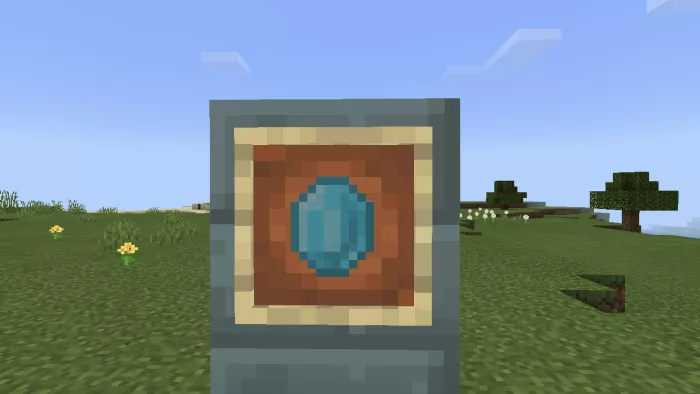
Blue gemstone.This item can be crafted into a block of blue gemstone.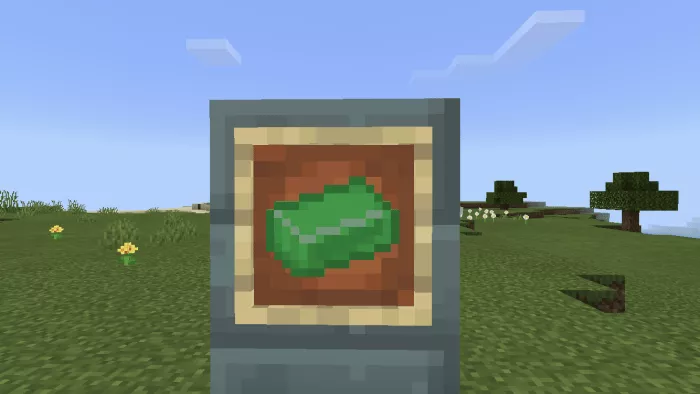 Griium Ingot.To obtain it, smelt Griium ore in a furnace. The ingot can be used to craft swords and pickaxes.
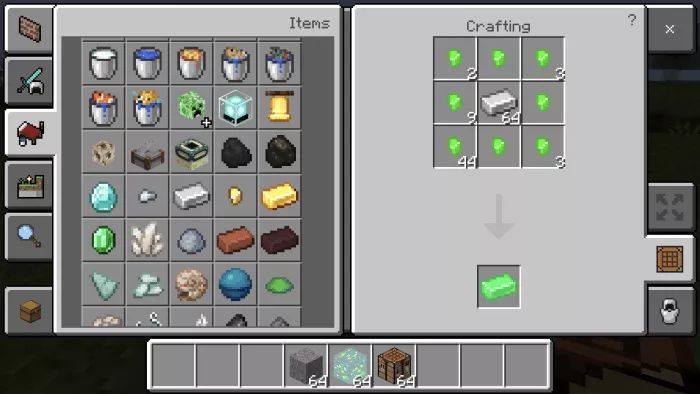 Crafting recipe for a Griium sword:
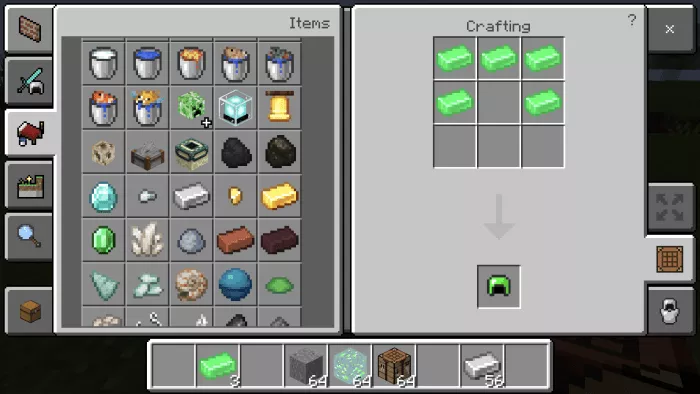 Crafting recipe for a Griium pickaxe:
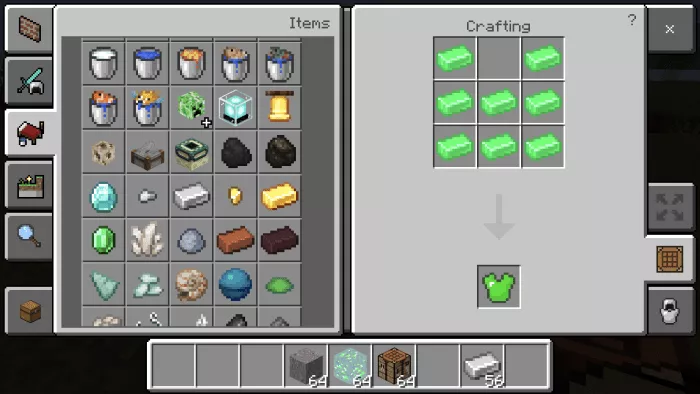 Here is what the sword looks like. It deals 5 points of damage.
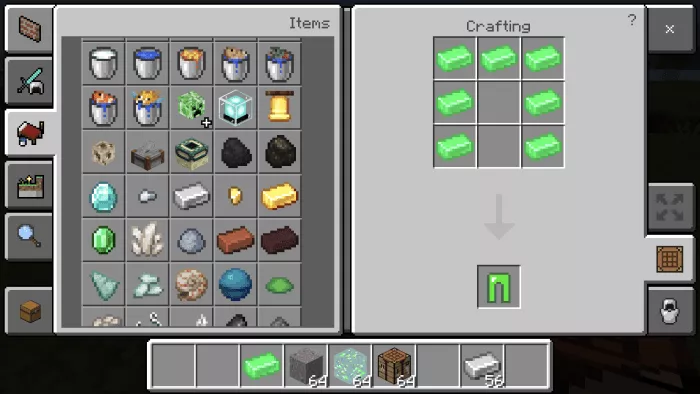 Griium pickaxe. Damage is 4 points.
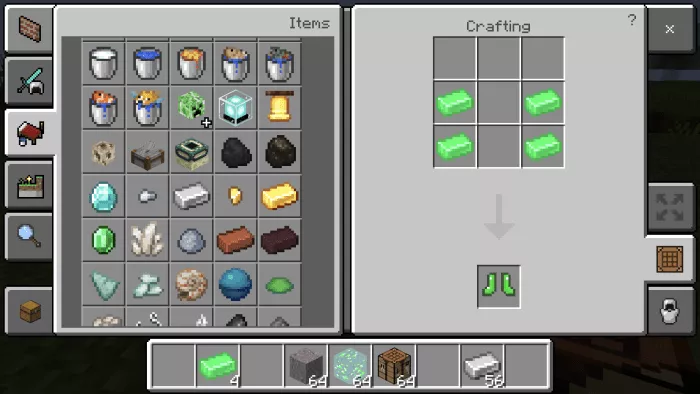 Before installing the mod in Minecraft, make sure to enable experimental gameplay.