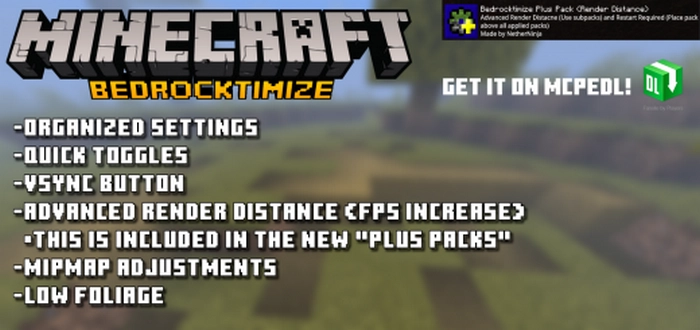
As with any game, Minecraft Bedrock Edition has a variety of settings that are not immediately visible to players. With the Game Configuration mod (Bedrocktimize), you can access these settings and enhance the user interface.
Features of the Bedrocktimize Mod
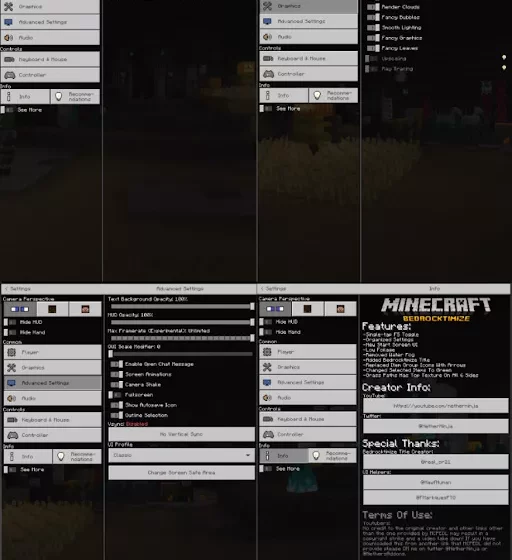
By using the Game Configuration mod (Bedrocktimize), several new tabs will appear in the options menu for configuring Minecraft:
player panel;
graphics settings;
advanced video settings;
information menu.
For Windows 10 users, the F5 key switching has been improved. Additionally, in Minecraft Bedrock, you can unlock the FPS.
Several “unnecessary” graphical effects will be removed from the game:
creepers will no longer lurk in the grass waiting for players;
In the latest version of the modification, the creator has implemented numerous enhancements:
A slider for adjusting the scale in the interface has been added
Invitations
Volume control
Ray tracing settings
Game clock and compass have been introduced
Chat frames have been updated
Change Log
v10.3.1
A new modification file has been added (in a .zip archive)
A more detailed draw distance adjustment feature has been implemented
To increase the frame rate, consider reducing the draw distance slightly. Interestingly, the creator has allowed for rendering as close as a single block.
v10.4
Bug fixes have been made
Graphics and window designs have been slightly altered