📢 Купить рекламу на сайте  — узнать цены и условия размещения!
📢
Купить рекламу на сайте — узнать цены здесь →

BattleTanks

BattleTanks
10.04.2026 Mods admin 0 comments 2 min 338 views

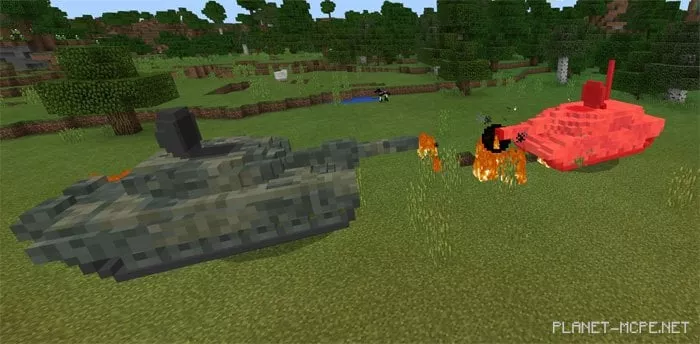
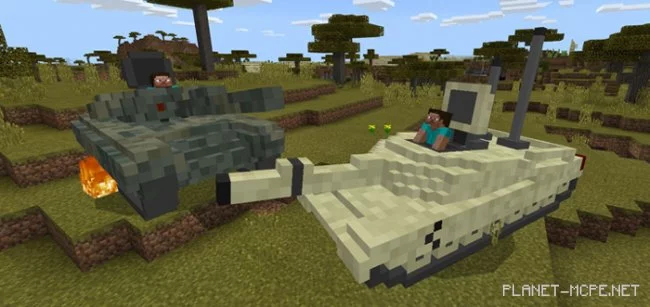
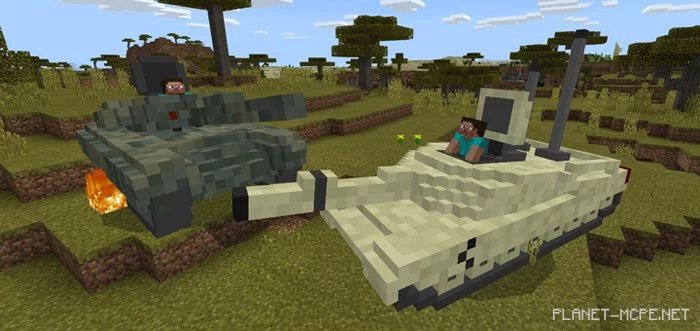
The mod «BattleTanks (Combat Tanks)» features a total of five combat tanks, each designed based on tanks from five different nations. Examples include the German Leopard, the American M1A2, and the Russian T90. By default, each tank will be hostile towards tanks from other countries in Minecraft PE. Players can ride these tanks similarly to how they would ride a horse, but they cannot control the tank’s attack system.

How does it work?

All tanks possess unique attributes in MCPE, which you can find listed below on this page. The mod includes five tanks that will engage in combat with one another and fire explosive projectiles.

Players can maneuver the tanks and control their movement. The tanks will randomly target other enemies in the world of Minecraft PE with explosive projectiles, such as other battle tanks.
Tank Specifications

Leopard (Germany):

  • Health: 50 hearts
  • Fires fireballs
  • Range: 100 blocks
  • Replaces skeletons

M1A2 (USA):

  • Health: 60 hearts
  • Fires fireballs
  • Range: 90 blocks
  • Replaces strays

Merkava MK 4M (Israel):

  • Health: 65 hearts
  • Fires fireballs
  • Range: 109 blocks
  • Replaces wither skeletons

T90 (Russia):

  • Health: 43 hearts
  • Fires fireballs
  • Range: 95 blocks
  • Replaces zombies

Type99 (China):

  • Health: 40-45 hearts
  • Fires fireballs
  • Range: 85 blocks

Installing BattleTanks (.mcpack)

  • Download the mod labeled as «.mcpack» below.
  • Run the downloaded file to import the add-on/texture into MCPE.
  • Open Minecraft Pocket Edition and navigate to world settings.
  • Set the imported:
    Resource Packs.
    Add-ons.
  • Select the imported resource/add-on packs in each section.
  • It is recommended to restart the Minecraft PE client afterward.
  • Launch Minecraft Pocket Edition, enter the previously configured world MCPE, and enjoy the add-on!

Installing BattleTanks (.zip)

  • Download the mod below.
  • Extract the two folders from the archive.
  • Move the folder «BattleTanks Behavior» to the folder /games/com.mojang/behavior_packs/
  • Move the folder «BattleTanks Resources» to the folder /games/com.mojang/resource_packs/
  • Launch Minecraft Pocket Edition.
  • Create a new world or edit an existing one.
  • Set the selected world with the resource pack and add-on that you previously moved to the resource_packs and behavior_packs folders.
  • All set! Restart Minecraft PE and enjoy your game!

Leave a comment