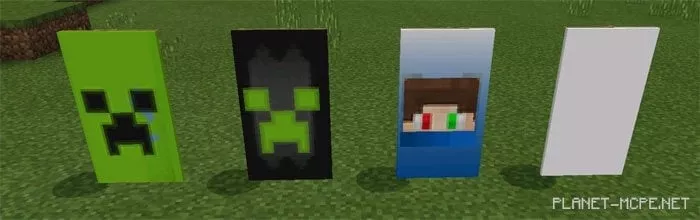
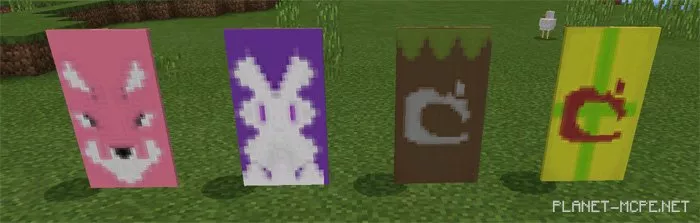
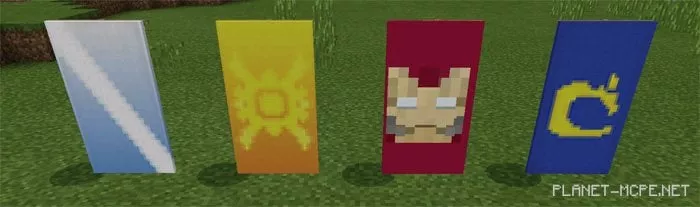
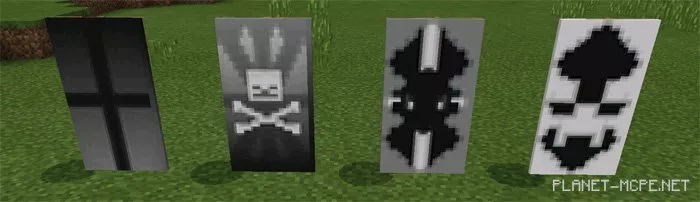
Banner
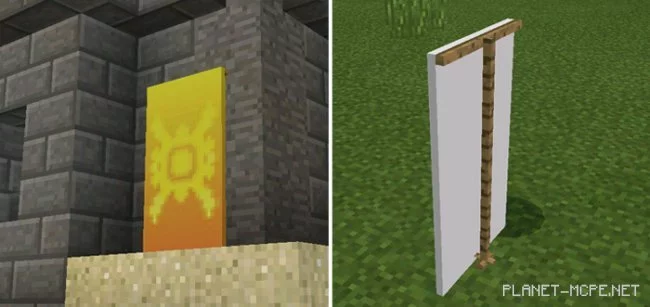
Banners are an official feature for Java Edition and have also been introduced for Minecraft PE 1.2. However, if you haven’t upgraded to the latest version of the game and have no plans to do so, the mod “Banner (Flags)” will be a great alternative for you, as it brings some flag functionalities to the Minecraft PE world, albeit in a limited capacity since it is just a concept. If you have never encountered flags in MCPE, you will surely find it interesting to see what they are all about.
Use shulker spawn eggs to create a blank flag. Hold any dye and long-press on the flag’s shadow to change its design.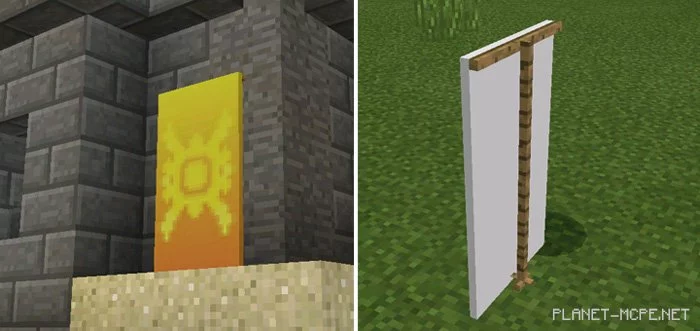
This mod is more restricted in Minecraft Pocket Edition compared to the original features available on PC. For instance, you are limited to pre-made designs here, while on PC, you have the freedom to create whatever you desire!