📢 Купить рекламу на сайте  — узнать цены и условия размещения!
📢
Купить рекламу на сайте — узнать цены здесь →

Automatic Machine Gun
Automatic Machine Gun
10.04.2026 Mods admin 0 comments 2 min 141 views

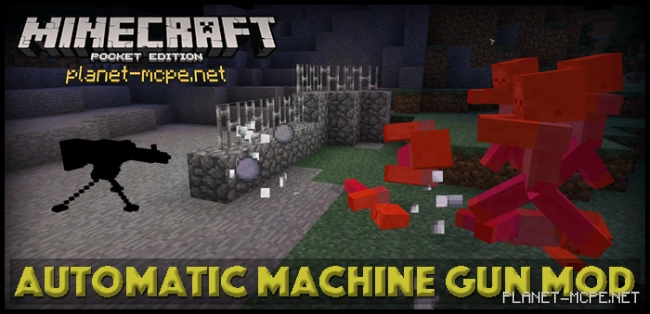
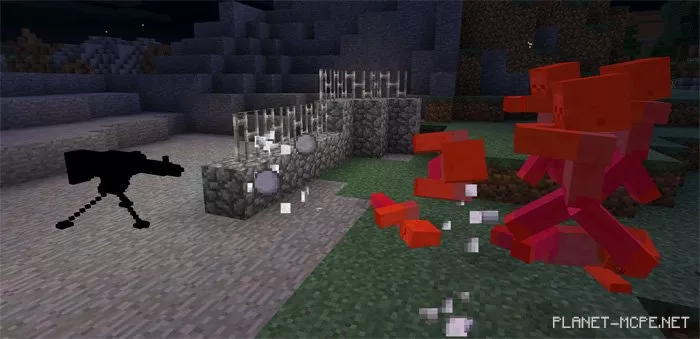
Automatic Machine Gun Mod — this modification introduces a deadly weapon into the world of Minecraft Pocket Edition — the machine gun. The machine gun can be placed on the ground, and once installed, it activates and begins firing as soon as it detects a hostile mob nearby!

With the Automatic Machine Gun mod, you can feel secure. Having machine guns set up around your home will provide you with a greater sense of safety.

Craft the machine gun at the crafting table — the recipe is below.
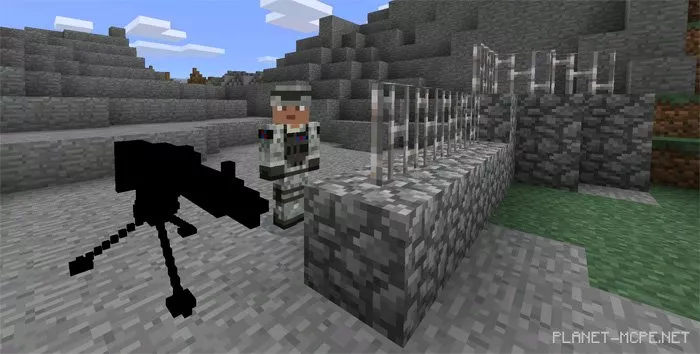
  • Automatic Machine Gun (id 4000) – 2 gunpowder + 5 iron blocks.

Automatic Machine Gun Mod 0.14.3/0.14.2

Once you have placed the machine gun, it will automatically scan the surroundings, and as soon as a hostile mob enters its line of sight, it will be eliminated. This weapon is incredibly convenient as it ensures your safety!Automatic Machine Gun Mod 0.14.3/0.14.2
How to Install the Automatic Machine Gun Mod:

  • Download the mod.
  • Launch BlockLauncher Pro.
  • Click on the wrench icon.
  • Go to “ModPE Script”.
  • Enable mod support and click “Add”.
  • Now locate the downloaded mod in your device’s file system and click on it.
  • The mod is installed; now install the textures!

How to Install the Automatic Machine Gun Texture:

  • Download the texture.
  • Launch BlockLauncher Pro.
  • Click on the wrench icon.
  • Go to BL Settings.
  • Enable texture support.
  • Go to Texture Pack and click Import.
  • Now locate the downloaded texture pack in your device’s file system and click on it.
  • The mod and texture are installed; enjoy your game!

Leave a comment